


| Latest version | v2.0.2 |
|---|---|
| Minimum Core | |
| Compatible Core | |
| File size | 0 B |
| Last updated | 1 year ago |
| Created | 2 years ago |
| Authors | |
| Languages |
English Français 日本語 |
| Systems | All systems |
| Project source | Project URL |
Trinium Chat Buttons is a Foundry VTT module that adds several compact buttons with powerful features below the chat.
Features
- GM Screen: Show a customizable, tabbed, highly configurable, editable GM Screen. Expands as a sidebar or large screen and Supports HTML, Markdown and journal pages.
- Roll Type Buttons: Switch between different roll types (Public Roll, GM Roll, Self Roll, Blind Roll) using buttons instead of a dropdown.
- MIDI QOL Buttons: Toggle MIDI QOL features on and off as if you held down one of its keybindings. Requires Midi QOL.
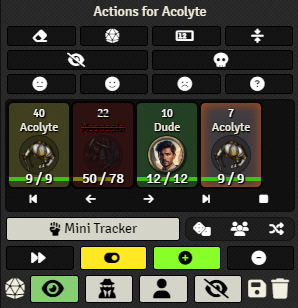
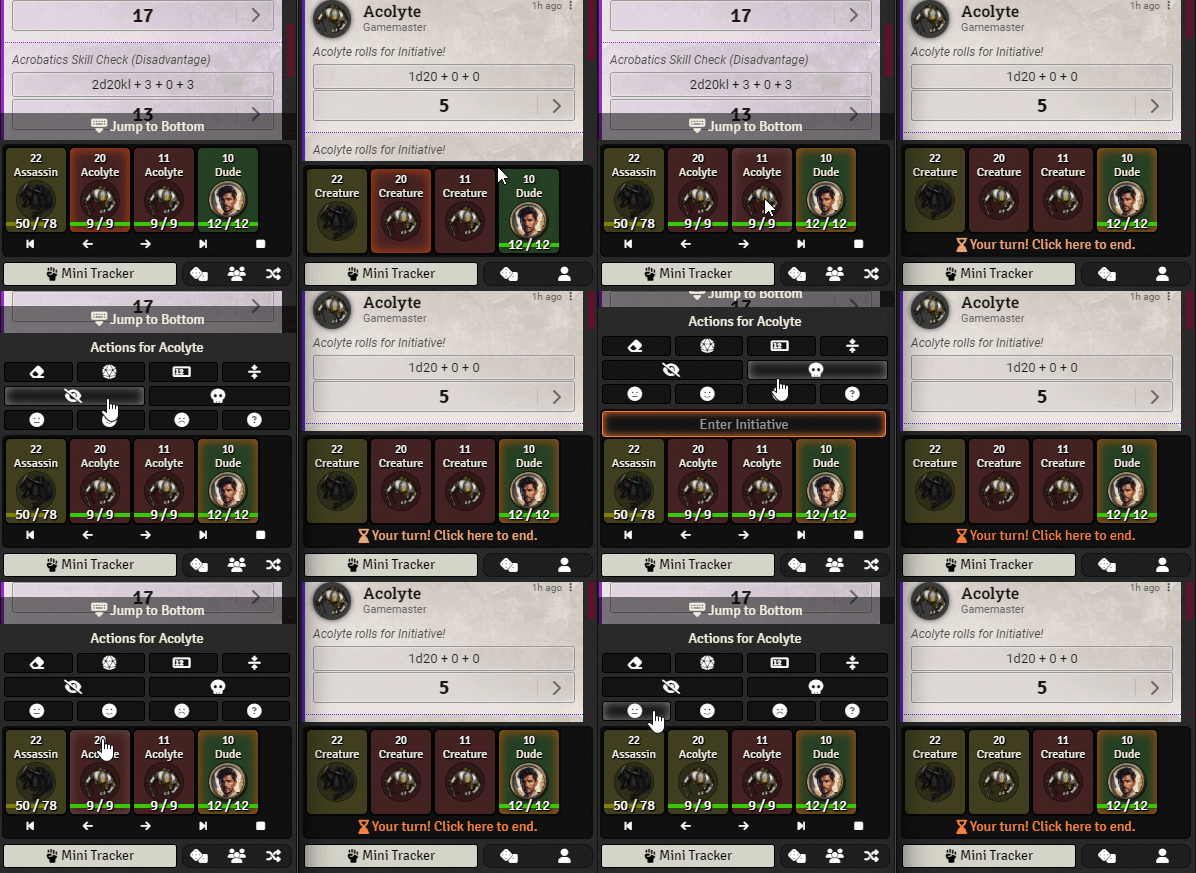
- Combat Tracker: Show a feature-packed mini horizontal combat tracker. Right below the chat for quick and easy combat management.
- Utility Buttons: Player: Roll initiative, Find My Token. GM: Roll NPCs, Select all players/npcs, Select random token
For a more detailed description and more examples, check out the project on github.

Subscribe
Login
Please login to comment
0 Comments

