


| Latest version | 0.5.2 |
|---|---|
| Minimum Core | 13 |
| Compatible Core | 14 |
| Last updated | 4 weeks ago |
| Created | 1 month ago |
| Authors | |
| Languages |
English Español |
| Systems |
Pf2e |
| Project source | Project URL |
| Report bugs | Bug tracker URL |
| Read-me | Readme URL |
| Changelog | Changelog URL |
| License | License URL |
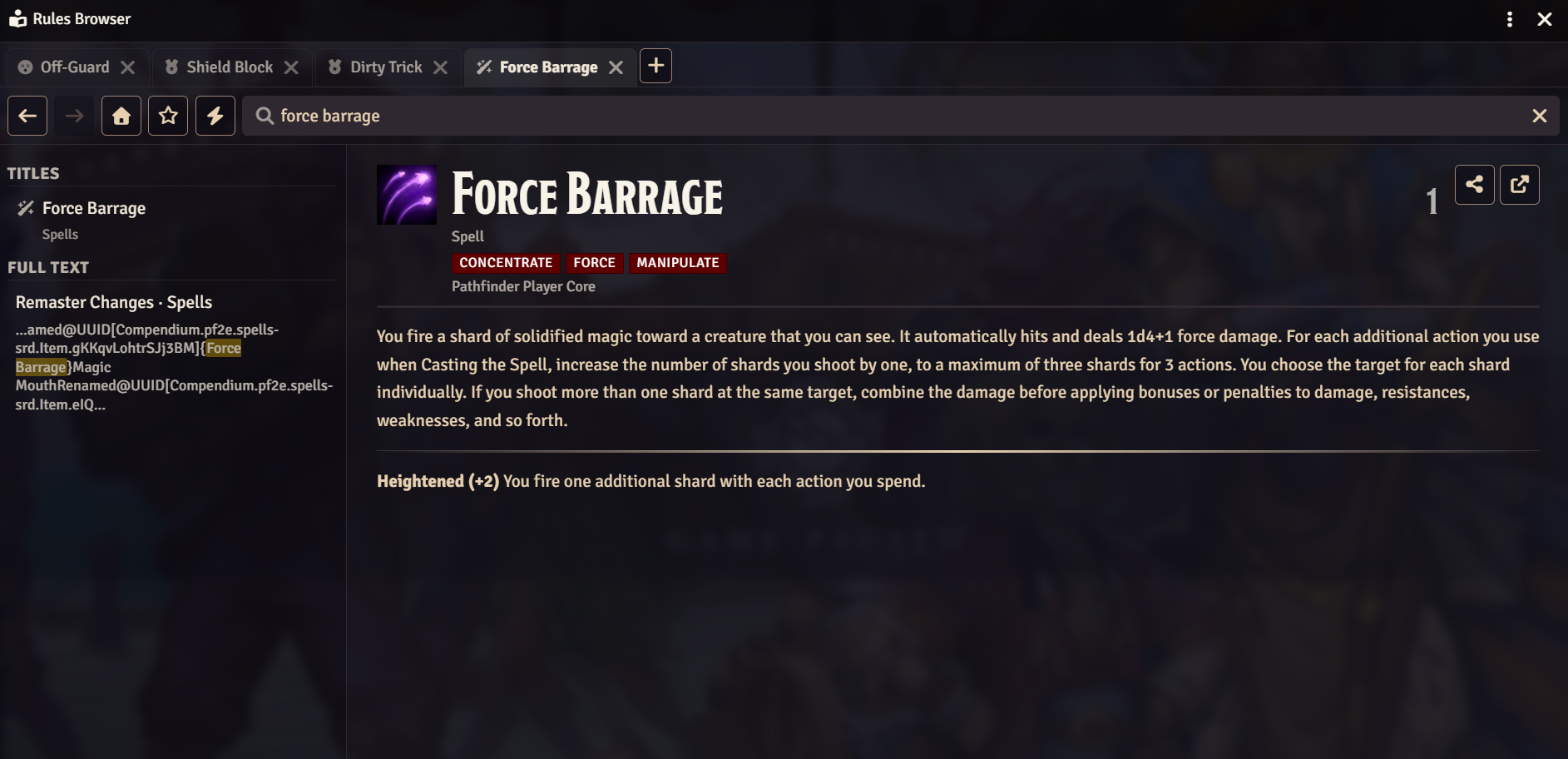
A single-window, browser-like reader for all the rules content in your Foundry world. Instead of opening a new floating window for every feat, spell, or condition link you click, PF2e Rules Browser keeps everything in one tabbed window with real browser-style navigation: back/forward history per tab, pinned tabs, a command palette for quick jumps, bookmarks (with folders), and recently-viewed tracking. It also includes a lightweight two-tier search (instant title search plus a lazy-built full-text index) across your journal compendia, and a "share with table" button that lets other players open the same page in their own Rules Browser window.
How to Use
Opening it
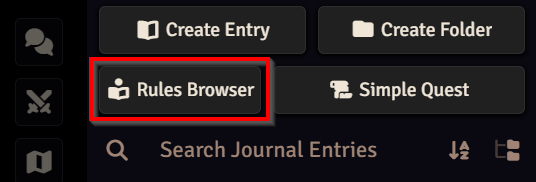
- Click the book icon in the Journal sidebar tab.
- Press
Ctrl+S(remappable in Foundry's Controls settings). - From a macro or another module:
game.modules.get("pf2e-rules-browser").api.open()— or.open(uuid)to jump straight to a document.
Getting around
- Every rule link you click (
@UUIDreferences to feats, spells, conditions…) opens in the same window, never a cascade of new sheets. - Tabs work like a browser:
+for a new one, drag to reorder, middle-click (orCtrl/Cmd+click) a link to open it in a background tab. - Pin a tab (hover it, click the pin) to shrink it to an icon and protect it from accidental closing.
- Back/forward buttons and
Alt+←/Alt+→step through each tab's own history. - Right-click a sidebar item, a content-link, or a tab for a context menu (open in new tab, copy an
@UUIDlink, bookmark, clear history, and more). - A scroll-to-top button fades in once you've scrolled down a page.
Finding things
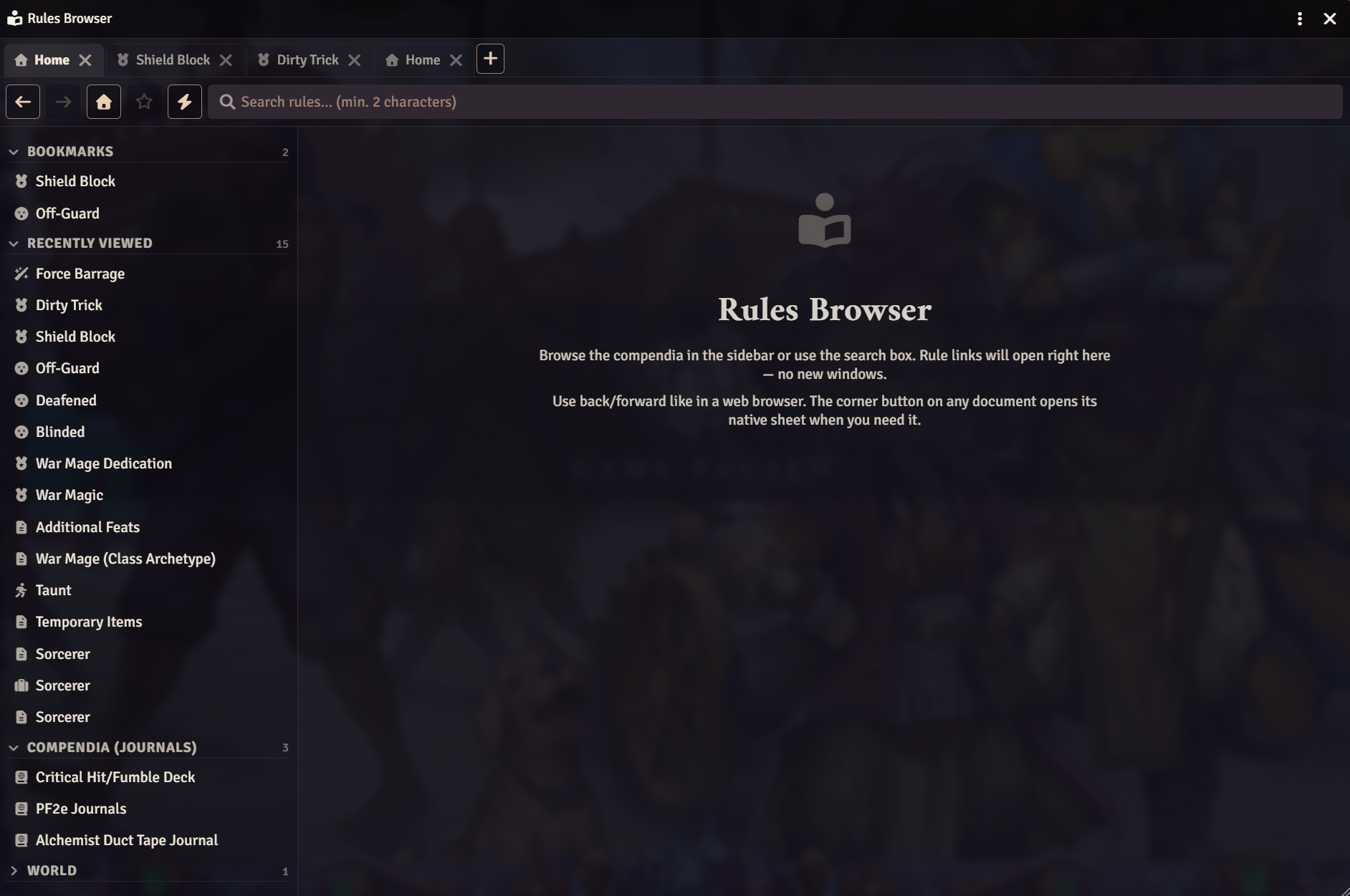
- Type in the sidebar search box for instant title matches, plus a lazily-built full-text search across your journals.
- Press
Ctrl+K(or the lightning-bolt toolbar button) for a command palette: a quick-jump overlay to any document by name. - Browsing a compendium list (e.g. a class's feats)? Click the filter icon next to the section header to filter that list by name, with trait autocomplete and combinable chips.
- The sliders button in the toolbar opens Advanced Search: filter every indexed item at once by trait, type, level range, rarity and source, sorted by name or level. (Items only — journal pages like class descriptions have no traits/level to filter by.)
Keeping track of things
- The star button bookmarks the current page; bookmarks show at the top of the sidebar on every screen, with optional folders (right-click a bookmark → assign a folder, e.g. to group everything for one adventure).
- Recently viewed tracks your last 15 documents, also pinned to the top of the sidebar.
- Sidebar sections (bookmarks, folders, compendium listings…) are collapsible — click a header to fold it away; the state is remembered per section.
- Enable "Remember tab session" in settings (on by default) to have your tabs and their histories restored the next time you open the browser, even after reloading Foundry.
At the table
- The share button on any document posts a chat card with a button that opens that same page in each player's own Rules Browser (they still need permission to view world content, e.g. Observer on a shared journal).
- Inline damage rolls in descriptions (e.g. persistent damage) roll and post to chat directly, even for compendium-only content Foundry's own dialog can't otherwise handle.
All keyboard shortcuts
| Shortcut | Action |
|---|---|
Ctrl+S |
Open the Rules Browser |
Ctrl+K |
Command palette |
Alt+T |
New tab |
Alt+W |
Close the active tab (skips pinned tabs) |
Alt+← / Alt+→ |
Back / forward |
Alt+F |
Focus the search box |
All of the above are remappable in Foundry's Controls settings.


Subscribe
Login
Please login to comment
0 Comments

