



| Latest version | 6.2.1 |
|---|---|
| Minimum Core | 10 |
| Compatible Core | 10 |
| Last updated | 1 month ago |
| Created | 5 years ago |
| Authors | |
| Languages |
English Español German Polski 日本語 |
| Systems | All systems |
| Project source | Project URL |
| Report bugs | Bug tracker URL |
| Read-me | Readme URL |
| Changelog | Changelog URL |
| License | License URL |
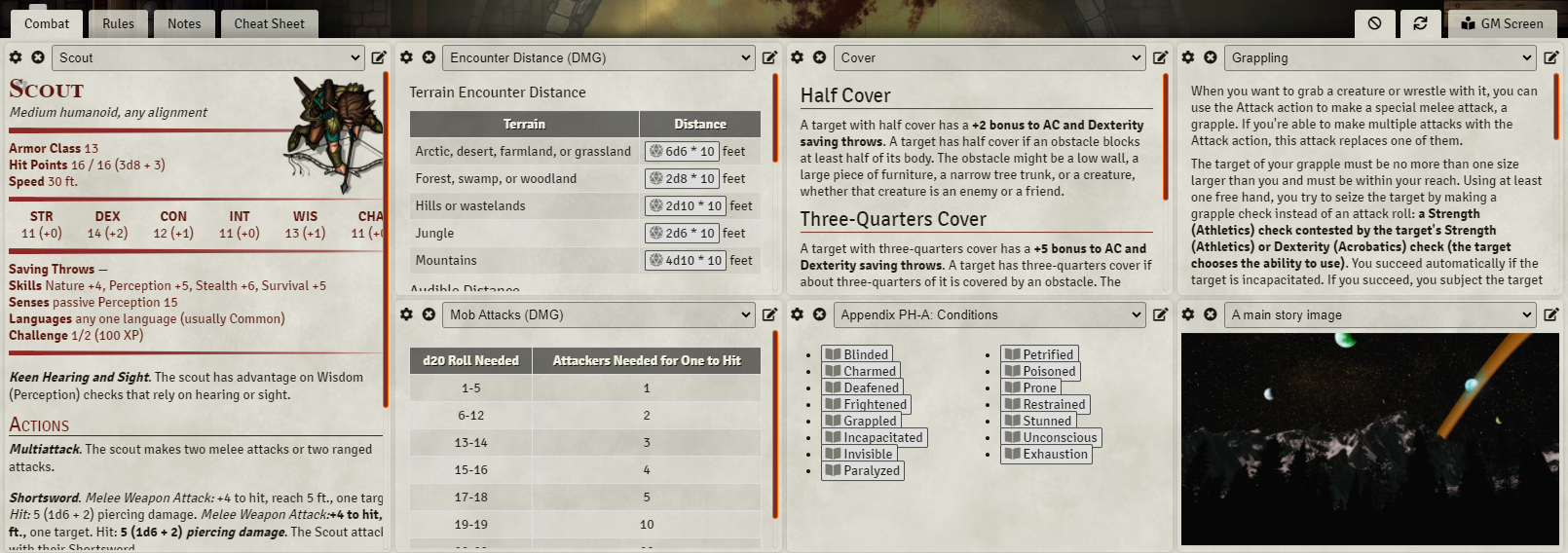
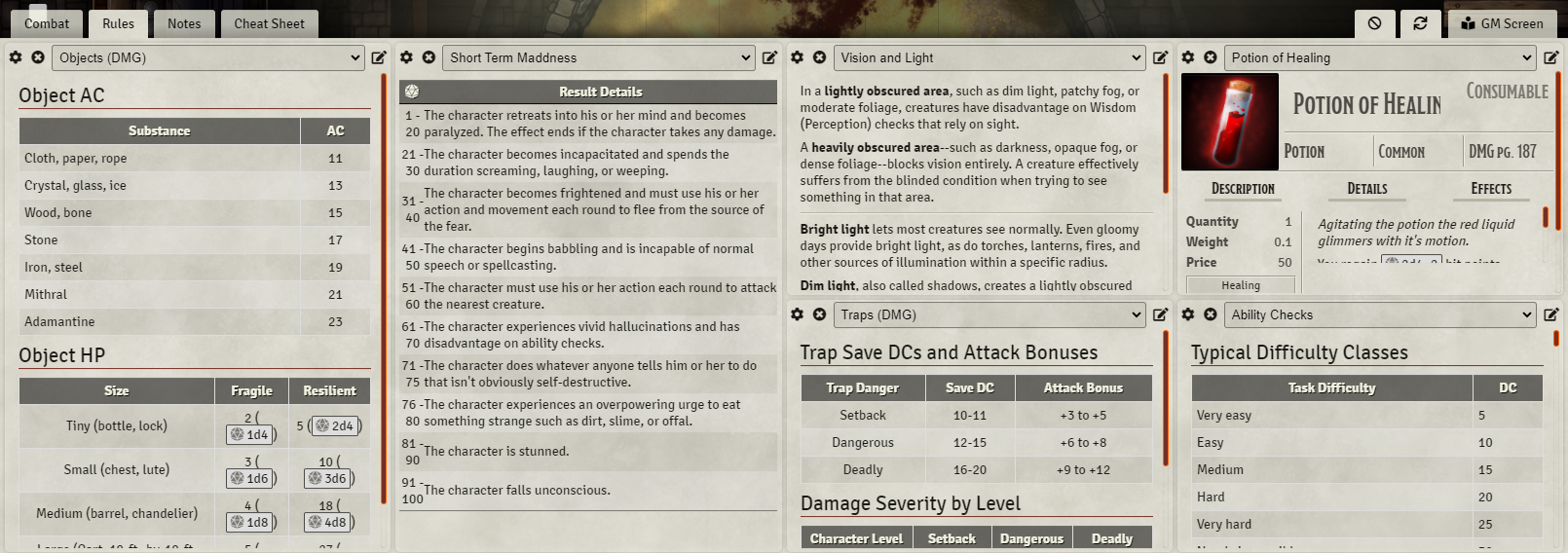
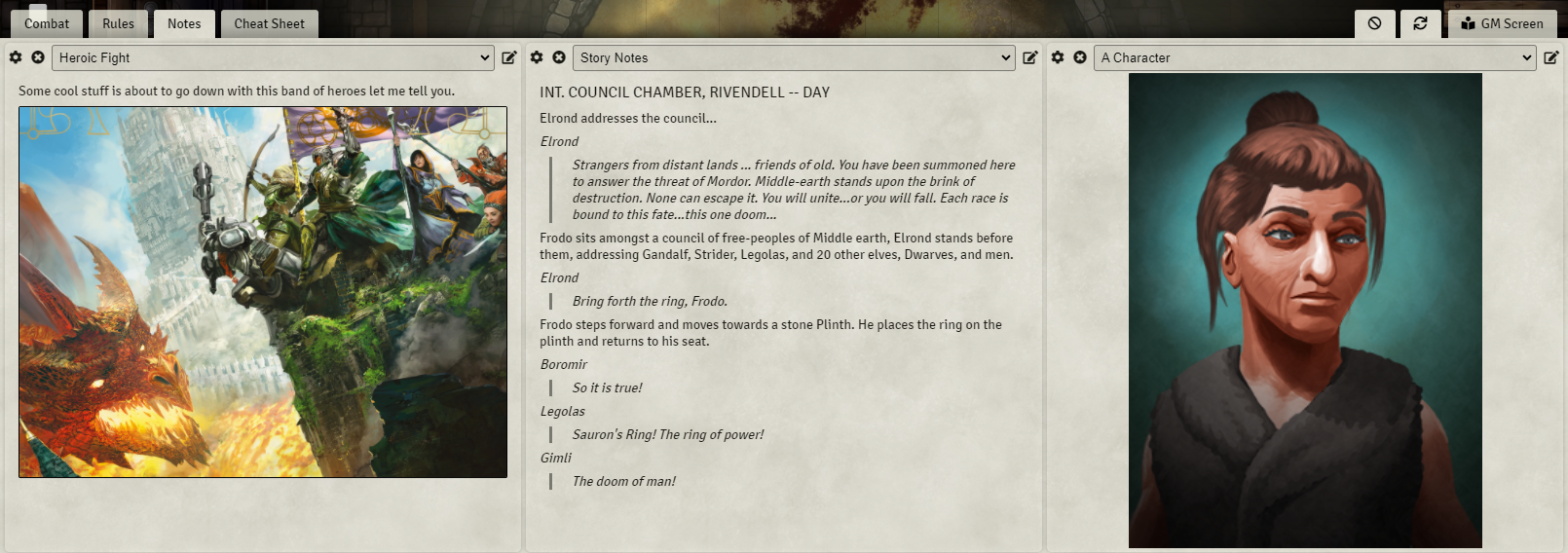
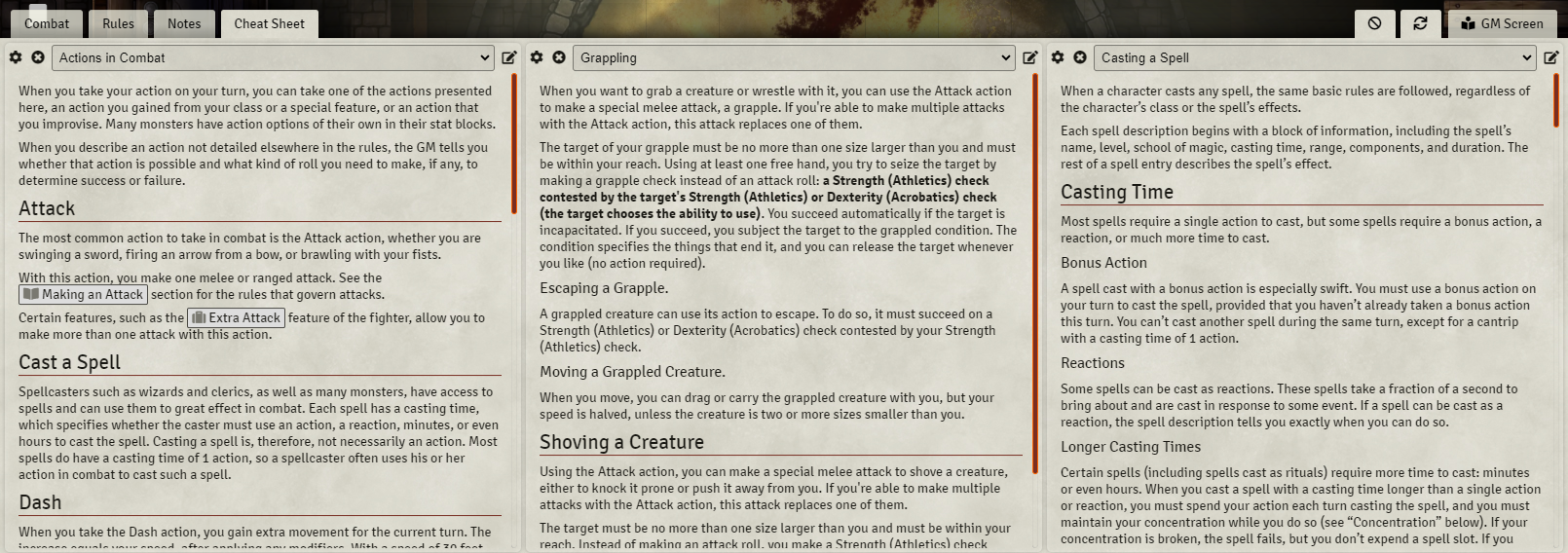
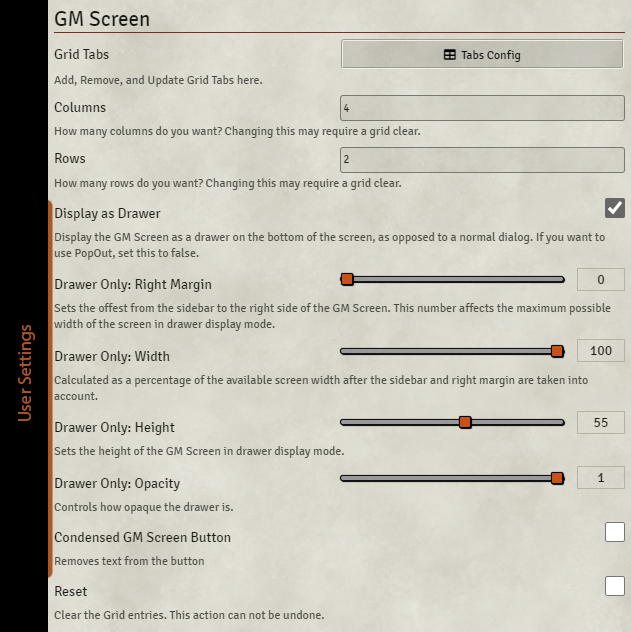
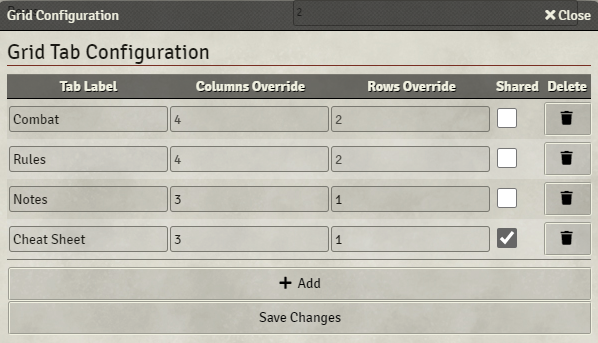
Creates a tabbed modular grid that GMs can populate with journal entries, rollable tables, actors, and items. Customize your "GM Screen" by dragging and dropping items into cells and have its information available at any time from a button located at the bottom right of the UI, near the sidebar. Roll rollable tables, open linked entities, and even place actor sheets into these cells. The space constraints mean some sheets will work better than others.
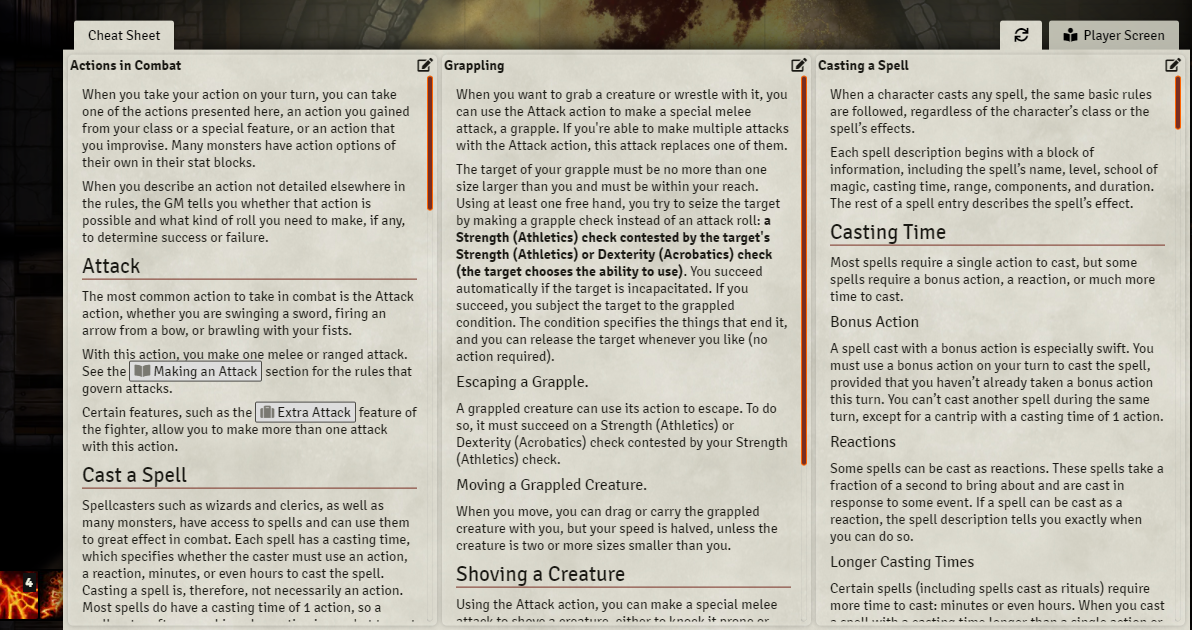
Additionally, any screen you create as GM can be set to be shared with players, so you can provide them with a cheat sheet that is always readily available to them. Be sure you set the permissions correctly on the entities themselves before trying to share them with players on a screen!
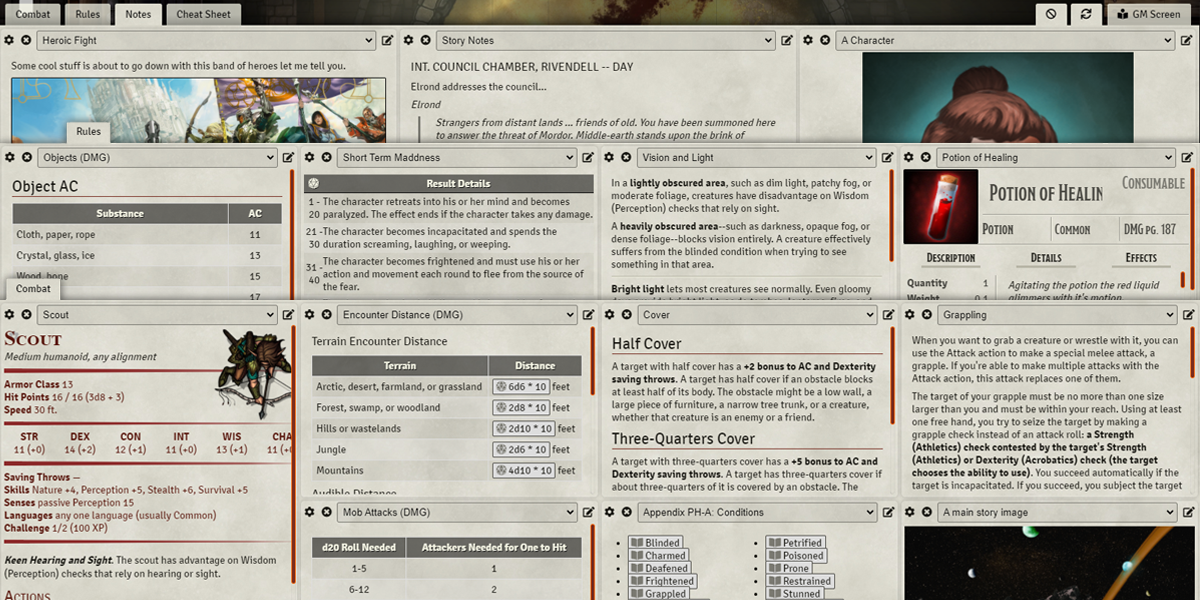


This to me, is a must-have module. I have two tabs on it, one for cheatsheets and combat rules, and another with notes and other GM Prep stuff. I know I can find those notes anywhere anytime whatever I am doing.
I TOTALLY recommend GM Screen
Works super well with https://www.foundryvtt-hub.com/package/fa-dm-screen/
Huh, interesting. I hadn’t thought of that! 😀
GM Screen is one of my favourite and must-have modules for Foundry. Any chance of updating it for Foundry v10?