


| Latest version | 0.4.1 |
|---|---|
| Minimum Core | 9 |
| Compatible Core | 9 |
| File size | 0 B |
| Last updated | 4 years ago |
| Created | 6 years ago |
| Authors | |
| Languages |
English 日本語 |
| Systems | All systems |
| Dependencies |
Multilevel Tokens |
| Project source | Project URL |
Adds a way to control multiple scene elements (tokens, tiles, walls, and so on) as a single unit, so that they all move and rotate at once. This grouping of elements is referred to as a vehicle, but the concept is flexible and can be used for general automation, traps, or other mechanisms with moving parts.
Vehicles can be controlled directly, or remotely, using a special token assigned as a controller.
Vehicles are defined using Foundry's built in drawing tools. A new tab in the Drawing Configuration window for any rectangle, ellipse or polygon drawing is used to configure vehicle behaviour.
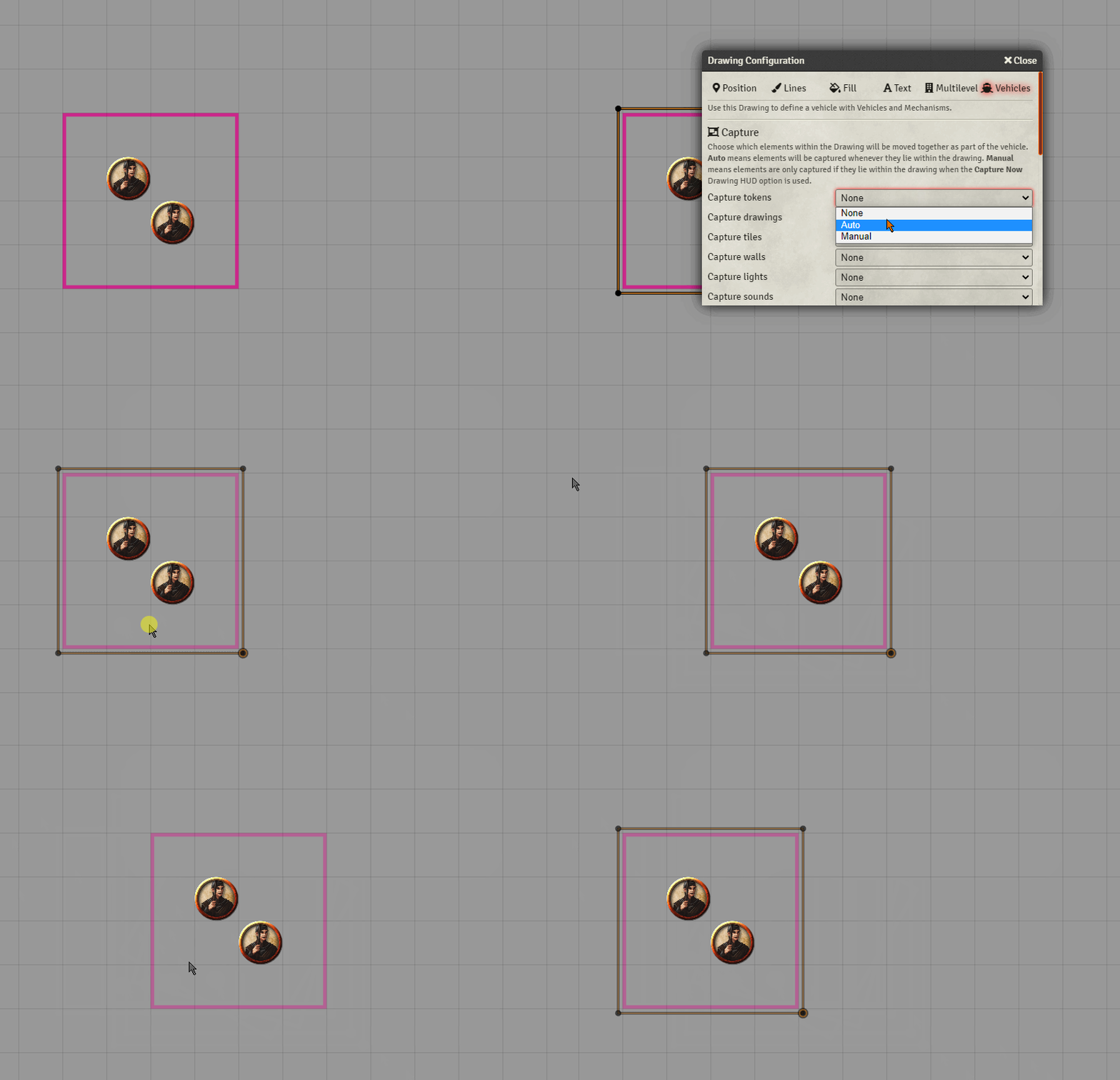
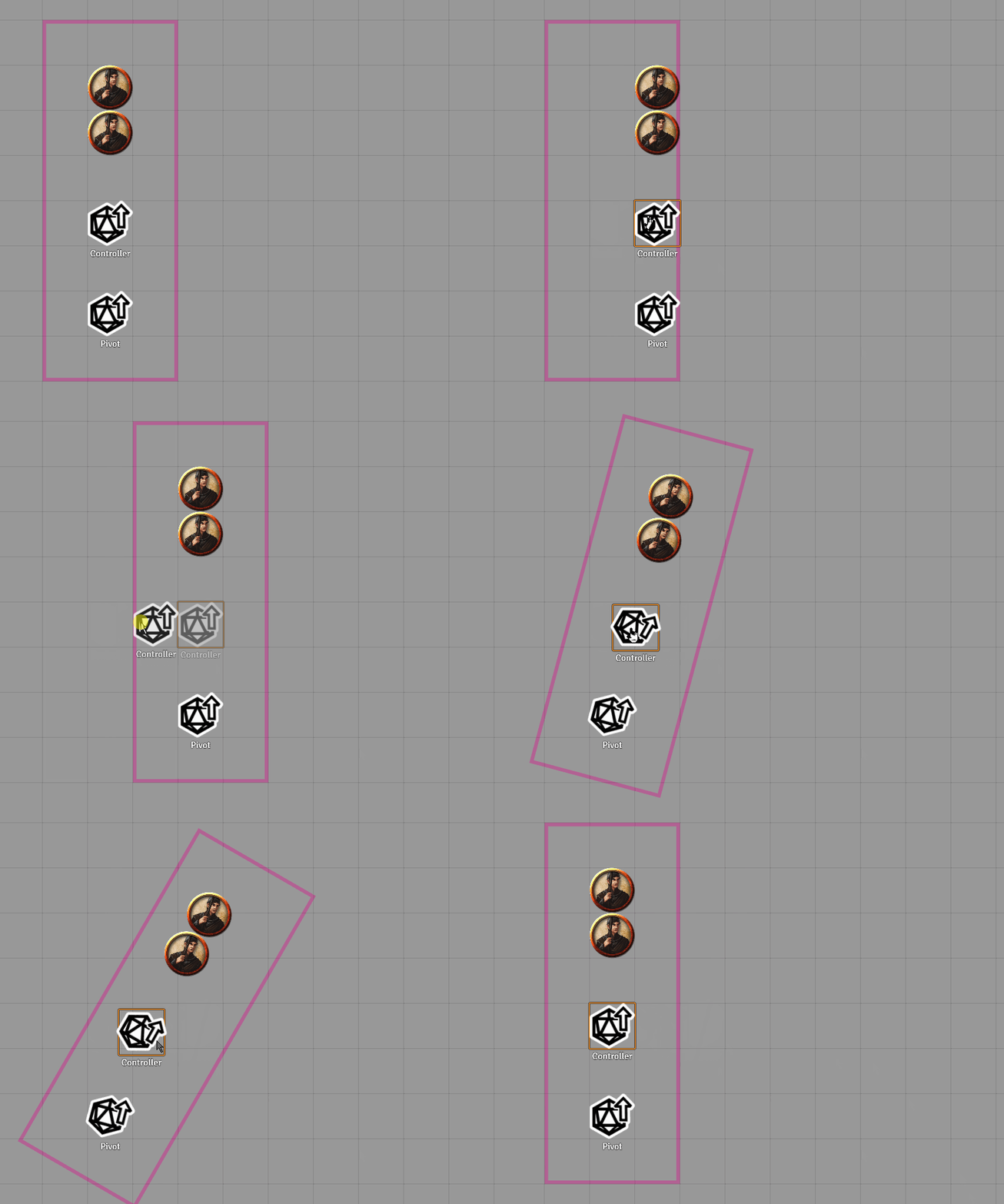
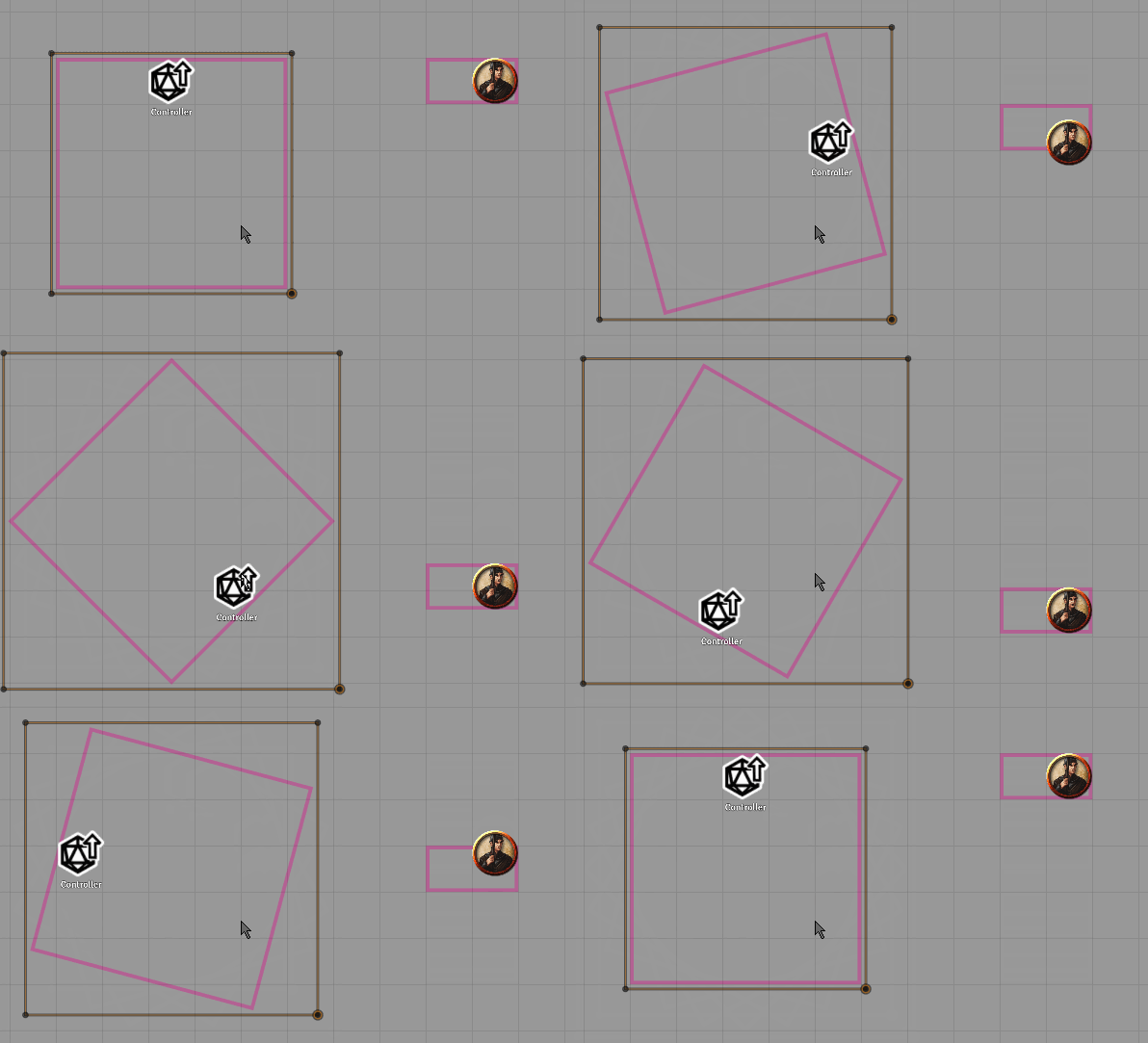

Follow the Project URL link for full usage instructions.


Used this for moving bridges, door-puzzles, laser-traps, chariots and more. Easy to setup and one of my favorite modules.