


| Latest version | 14.0.0.0 |
|---|---|
| Minimum Core | 13 |
| Compatible Core | 14 |
| Last updated | 6 months ago |
| Created | 9 months ago |
| Authors | |
| Languages |
|
| Systems | All systems |
| Project source | Project URL |
| Report bugs | Bug tracker URL |
OverEngineeredVTT Suite Monitor
A suite monitor for OverEngineeredVTT module updates and reminders. This module is a dependancy of all other OverEngineeredVTT modules and will be installed automatically when installing any OEV module.
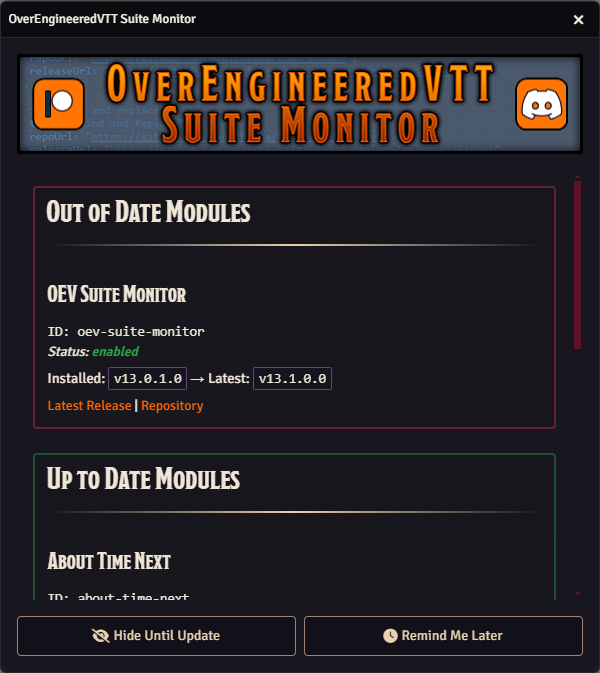
The OverEngineeredVTT Suite Monitor can be dismissed or hidden until the next OEV module update, when there is an updated OEV module the hidden status will be reset to false and the monitor will be visible.
At any time the GM can check for updates by clicking the button in the OverEngineered Suite Monitor settings:

Foundry VTT
- Requires Foundry VTT v13+
Watch List
The module checks for updates to all installed OEV modules (enabled or disabled) and shows available modules that aren't installed yet.
Subscribe
Login
Please login to comment
0 Comments

