


| Latest version | 1.0.6 |
|---|---|
| Minimum Core | 10 |
| Compatible Core | 11 |
| Last updated | 2 years ago |
| Created | 2 years ago |
| Authors | |
| Languages |
English |
| Systems | All systems |
| Project source | Project URL |
Often times players have microphones muted or are using "push-to-talk", and when something entertaining or funny happens, all of their laughter is silent to the other table members.
Laugh track seeks to resolve this problem by giving players a new option under the scene control options which allows the player to "send a laugh" to all other players at the table. There are a few options for style of laugh to send. And an option to set a new default sound which can be sent with a hotkey press of the "L" key on the keyboard.
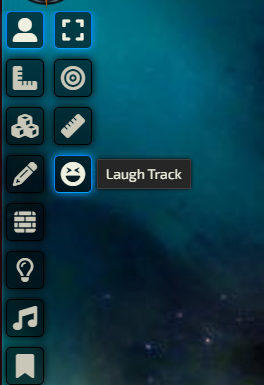
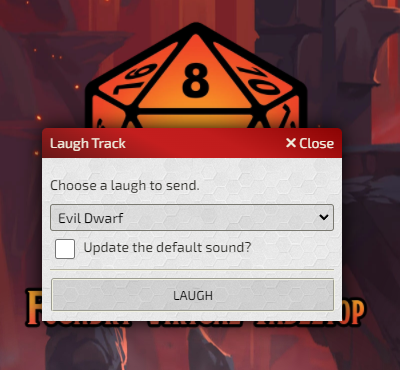
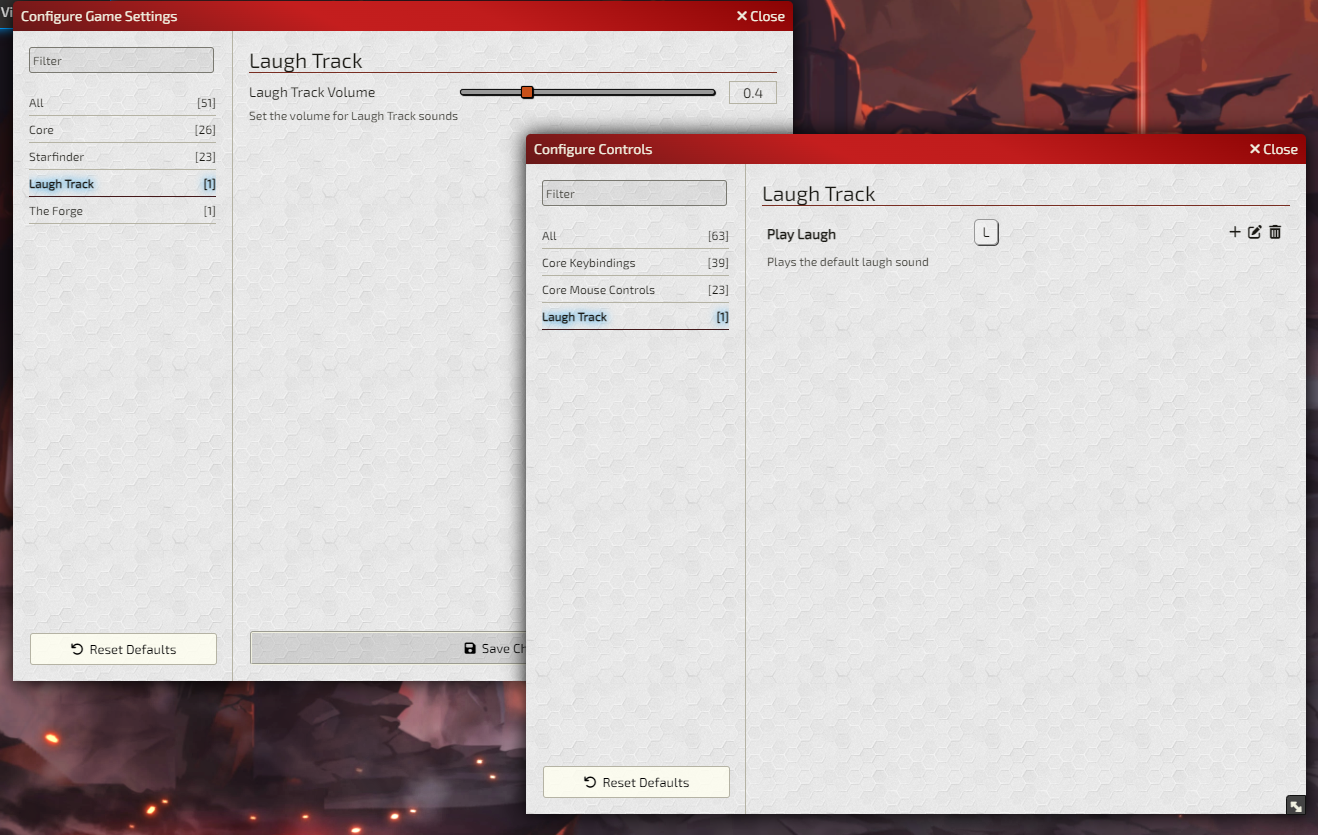
There are client configuration options for laugh volume and keybinding for the laugh hotkey!
Subscribe
Login
Please login to comment
0 Comments

