


| Latest version | 0.3.7 |
|---|---|
| Minimum Core | 14 |
| Compatible Core | 14.368 |
| Last updated | 2 weeks ago |
| Created | 2 months ago |
| Authors | |
| Languages |
|
| Systems |
Dnd5e |
| Project source | Project URL |
| Read-me | Readme URL |
| Changelog | Changelog URL |
| License | License URL |
Your character lives in Foundry. Now it can live on the web, too.
One click to export. One link to share.
Get Started Free!

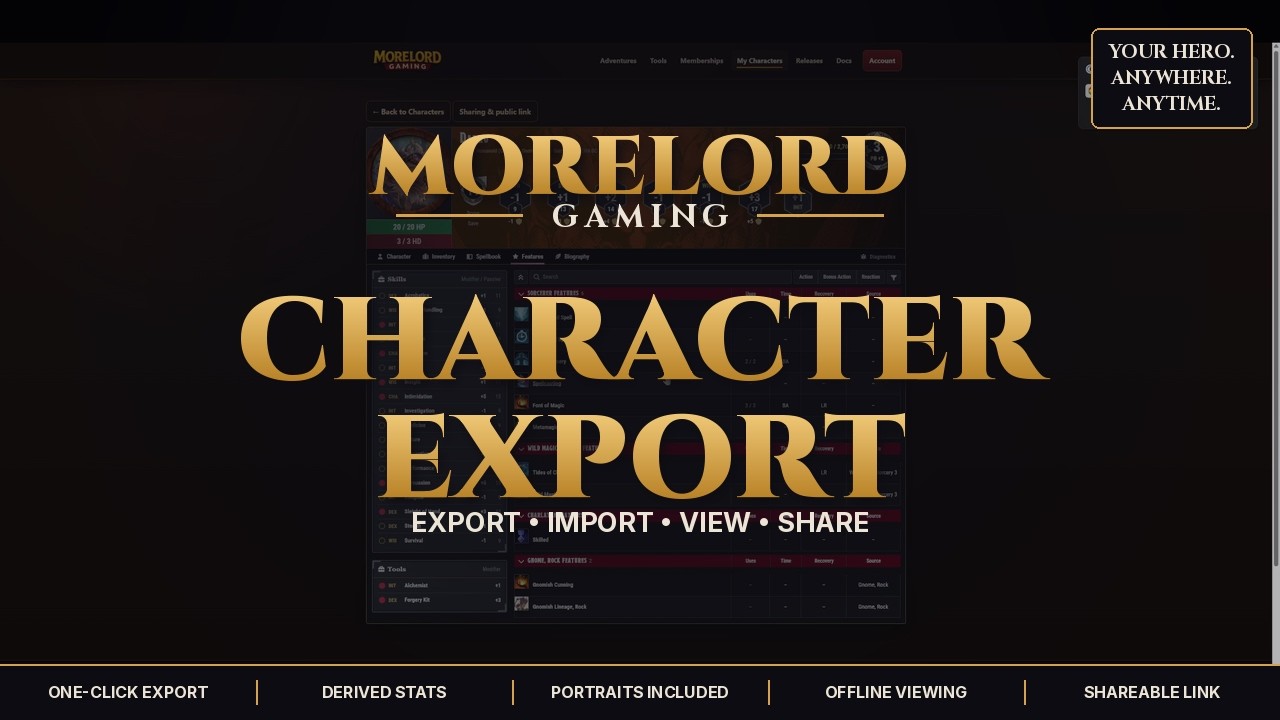
Morelord Character Export exports your D&D 5e character from Foundry VTT so you can view or share it on the web. It's free.
Choose Morelord Export in the character sheet title bar, import the file at My Characters, and share it by link. Anyone can view a shared character, no account needed.
This Module Includes
- One click: choose Morelord Export in the character sheet title bar.
- Full detail: Actor data, Items, activities and Active Effects, plus Foundry-calculated values.
- Artwork included, stored without duplicates.
- Share by link: anyone can view a shared character, no account needed.
- Version records: Foundry and system versions are saved with each export.
Free. Exporting needs no account; importing into My Characters needs a free Morelord Gaming account. Exports are snapshots, not live sync.
Requires: Foundry VTT v14 and a D&D 5e ApplicationV2 character sheet (verified 5.3.3). Does not require Morelord Core. Install the module from Foundry's Add-on Modules browser, open a character sheet and click Morelord Export, then import the file at My Characters. The setup guide walks through the rest.
Video Previews

Screenshots


More from Morelord Gaming
Morelord Character Export is one part of the Morelord suite. Each module stands on its own, and they work even better together.
- Morelord Core: the free foundation and GM quality-of-life tools
- Morelord Journeys: overland travel, roles, supplies and camp
- Morelord Encounters: your next encounter in one click
- Morelord Craftworks: gather, harvest, plan and craft
- Morelord Marketplace: shop, sell and trade at the table
- Morelord Downtime: projects between adventures
- Morelord Game Master: your in-game Dungeon Master Screen
Contact Us
Morelord Character Export is built by Morelord Gaming. We'd love to hear your feedback. Whether you have questions, found a bug, want to request a feature, or just want to chat about your table, come find us on the Morelord Gaming Discord. That is the best place for bug reports and feature requests. You can find setup guides and docs at morelordgaming.com.

