


| Latest version | 2.0.5 |
|---|---|
| Minimum Core | 13 |
| Compatible Core | 14 |
| Last updated | 1 month ago |
| Created | 3 years ago |
| Authors | |
| Languages |
English |
| Systems | All systems |
| Project source | Project URL |
| Report bugs | Bug tracker URL |
| Read-me | Readme URL |
| Changelog | Changelog URL |
| License | License URL |
This module adds a toggleable mode for GMs that ...
- increases the brightness of the scene,
- reveals the fog of war, and
- shows all tokens even if they wouldn't be visible normally from the perspective of the controlled token(s).
Tokens that wouldn't be visible normally are highlighted by a hatched overlay.
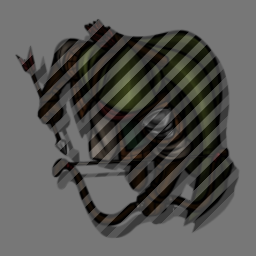
The mode is toggled by a keybinding (default: CTRL+G), by right-clicking the lighting controls button, or with a script macro. The light bulb icon of the lighting controls button indicates whether it's active ( : inactive;
  : active).
game.settings.set("gm-vision", "active", !game.settings.get("gm-vision", "active"));
Subscribe
Login
Please login to comment
0 Comments

