


| Latest version | 1.3.0 |
|---|---|
| Minimum Core | 13 |
| Compatible Core | 14 |
| Last updated | 10 hours ago |
| Created | 10 hours ago |
| Authors | |
| Languages |
English Türkçe |
| Systems | All systems |
| Project source | Project URL |
| Read-me | Readme URL |
| Changelog | Changelog URL |
| License | License URL |
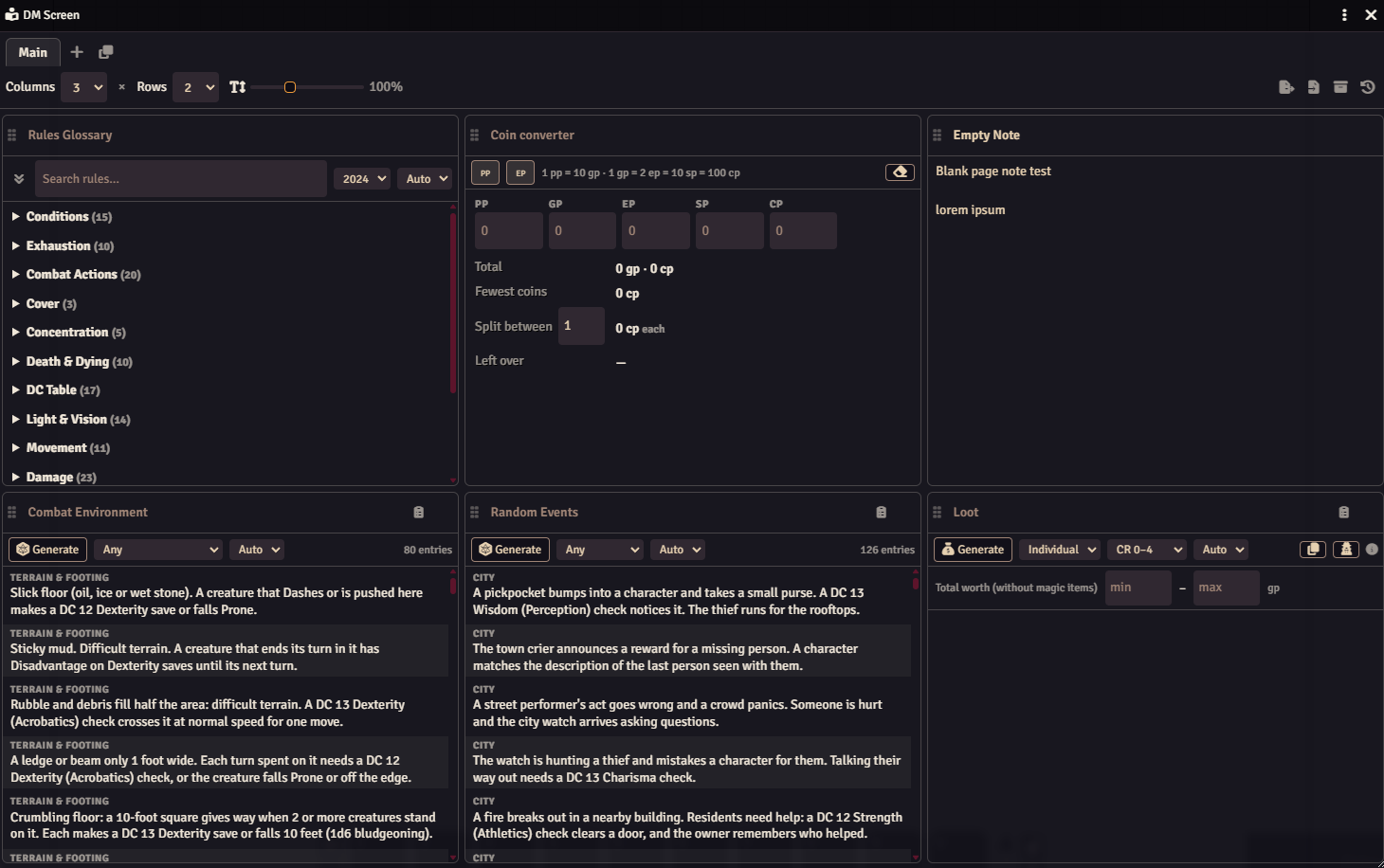
Roll101 DM Screen is a configurable, Gamemaster-only screen for Foundry VTT. Keep notes, rollable tables, journals, rules references and generators in one grid window, without leaving Foundry.
Features
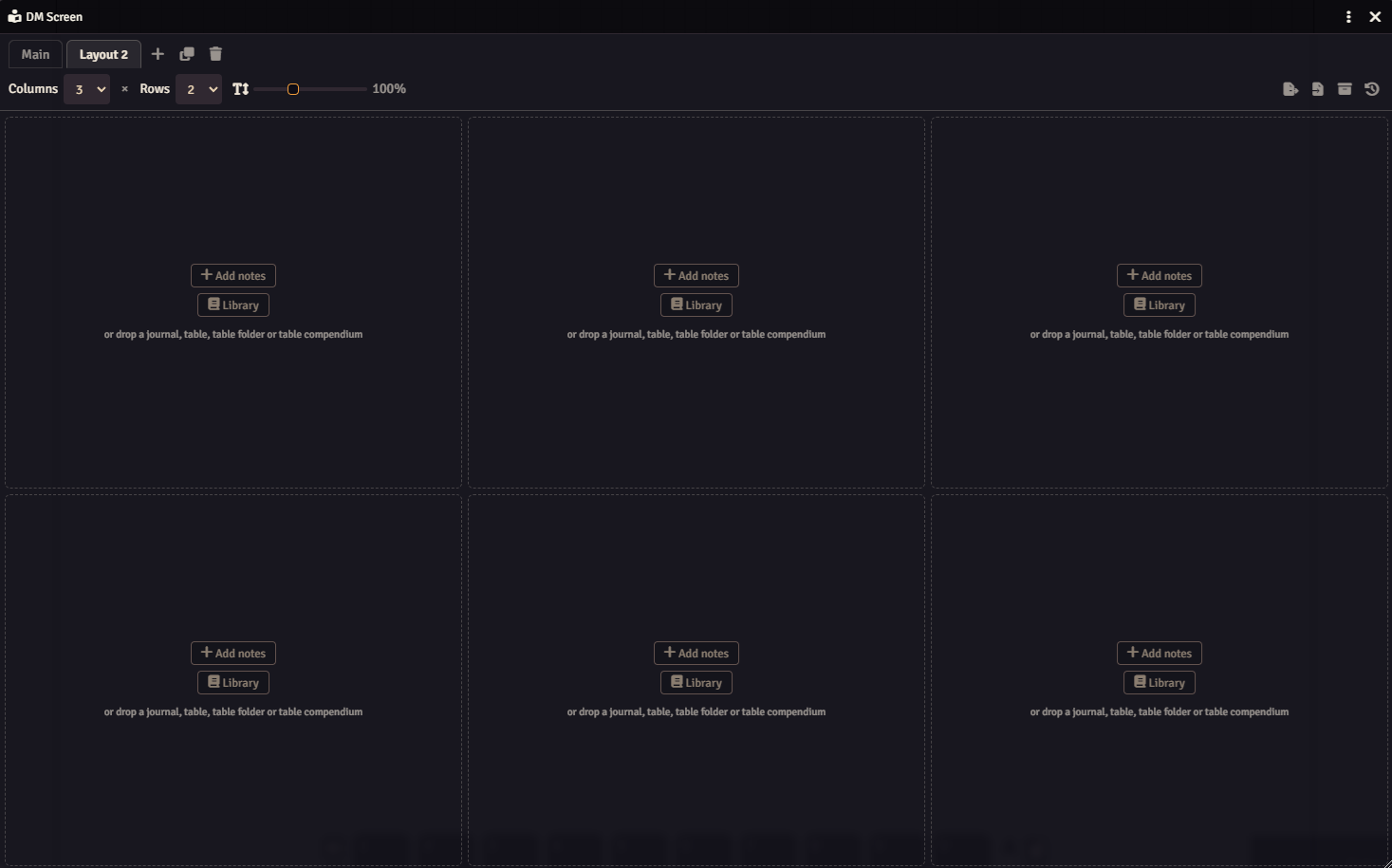
- Grid layout you choose (up to 8 × 6). Boxes can be moved, swapped and resized over several cells.
- Multiple layouts as tabs. Drag tabs to reorder them. Export and import layouts as JSON, with automatic local backups.
- Notes, journals and rollable tables. Drop a journal, table, table folder or compendium into a cell. Roll a table, or a whole folder, in a result window with Reroll, Copy and Whisper to GM.
- Rules references summarized from the SRD 5.1 and 5.2.1, with a searchable glossary: conditions, exhaustion, combat actions, cover, concentration, death and dying, DCs, light and vision, movement, damage, traps and more.
- Generators: Combat Environment (80 entries), Random Events (126 entries) and a Loot Generator for individual treasure and hoards. Ctrl+Reroll gives several different results at once.
- Coin converter and party summary (D&D 5e): AC, HP, initiative, speed, passive scores and conditions, updated live.
- English and Turkish.
Notes
- Only the Gamemaster sees the screen. Players get no extra load.
- Deleted or missing journals, tables and actors never cause errors: the box shows a "not found" message.
- System-agnostic. The party summary and group actors need the dnd5e system.
- Tested on Foundry v14. v13 is the declared minimum but is not tested yet. Reports are welcome.
- Foundry sends world settings to every client, so do not store secrets in boxes.
Open source (MIT). Source, issues and changelog: GitHub. Rules content is based on the System Reference Document 5.1 and 5.2.1 by Wizards of the Coast LLC, licensed under CC-BY-4.0. This package is not affiliated with Wizards of the Coast or Foundry Gaming LLC.
Subscribe
Login
Please login to comment
0 Comments

