


| Latest version | 1.0.5 |
|---|---|
| Minimum Core | 14 |
| Compatible Core | 14 |
| Last updated | 1 day ago |
| Created | 3 weeks ago |
| Authors | |
| Languages |
|
| Systems | All systems |
| Project source | Project URL |
| Report bugs | Bug tracker URL |
| Read-me | Readme URL |
| Changelog | Changelog URL |
| License | License URL |
Roll Call
Keep your eyes on the fight.
Wiki · Discord · Patreon · Ko-fi
At a Glance
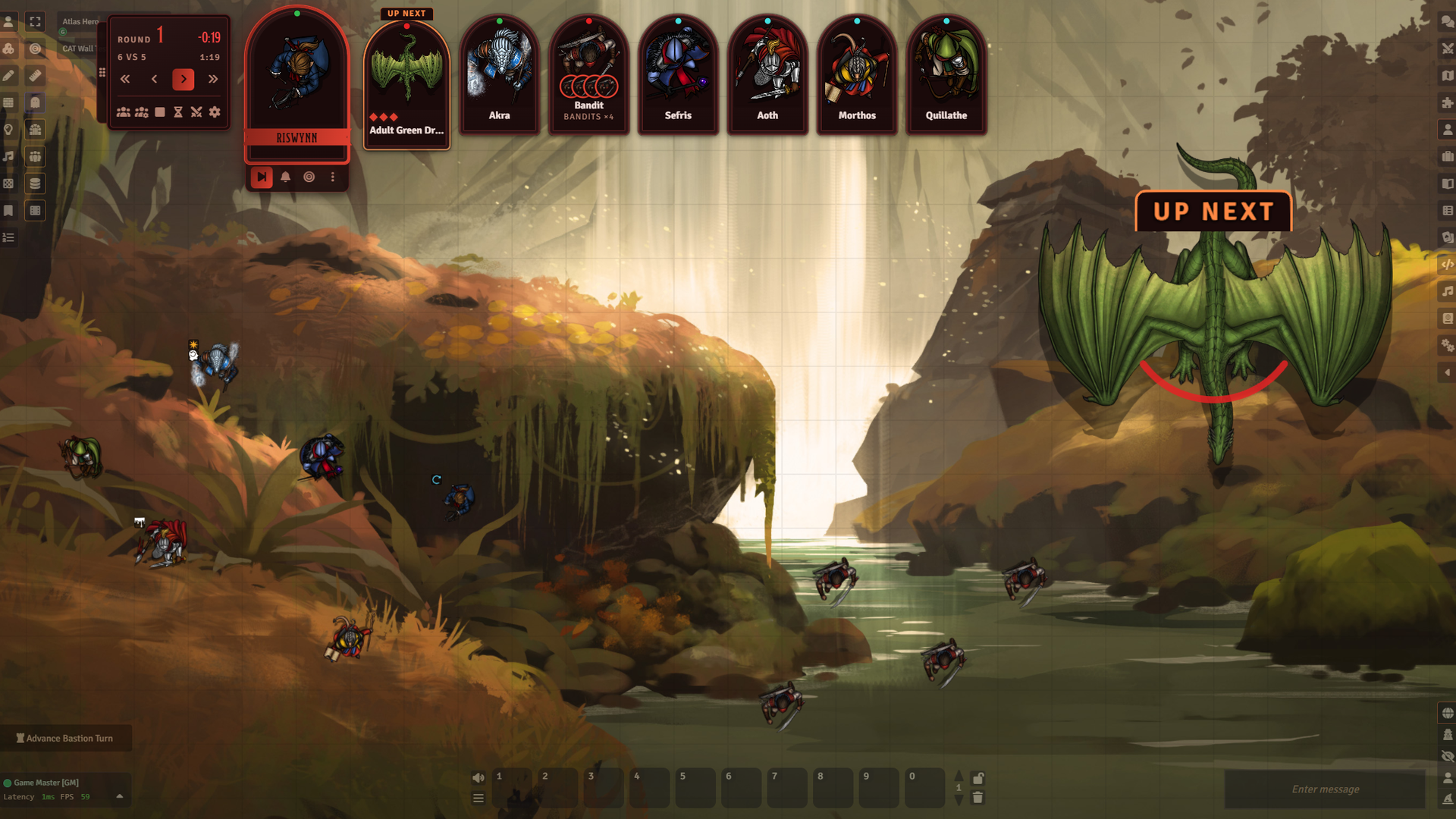
Combat DockTurn order on the canvas, Codex or Blade style. |
StacksGroup combatants together on one card. |
Turn RemindersBanners, screen glows and an Up Next marker. |
PrivacyMask names and show health as labels. |
Round EventsReminders and extra turns on chosen rounds. |
VS ScreenBoth sides lined up in turn order. |
See It in Action

The combat dock in the Blade style.
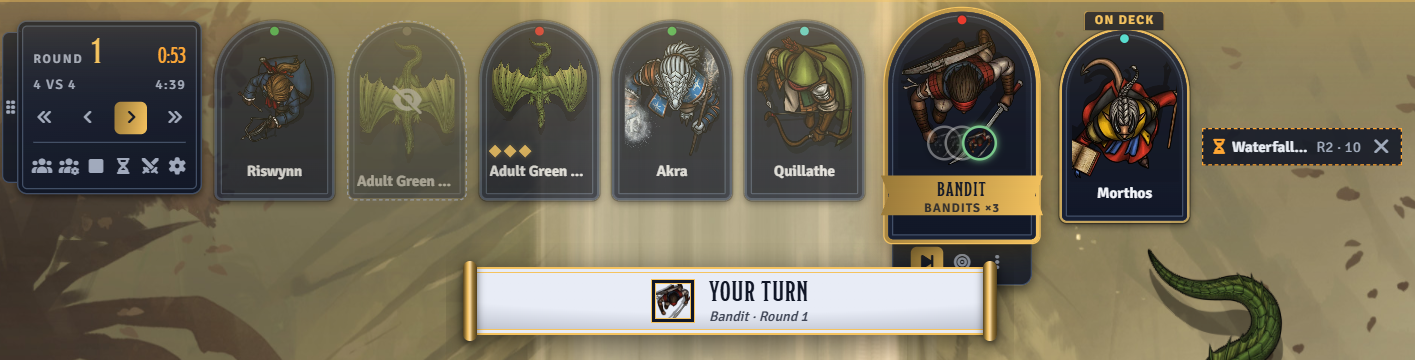
The turn banner at the start of a turn.
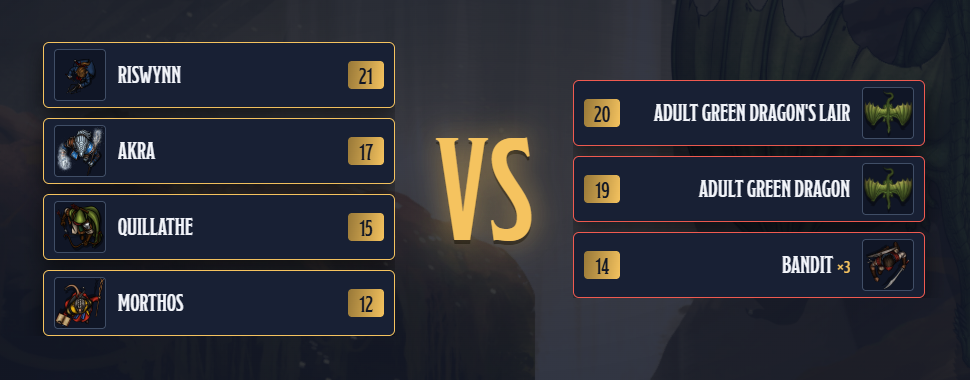
The VS screen at the start of combat.
Subscribe
Login
Please login to comment
0 Comments

