


| Latest version | 1.0.1 |
|---|---|
| Minimum Core | 0.6.0 |
| Compatible Core | 0.6.2 |
| File size | 0 B |
| Last updated | 6 years ago |
| Created | 6 years ago |
| Authors | |
| Languages |
|
| Systems | All systems |
| Project source | Project URL |
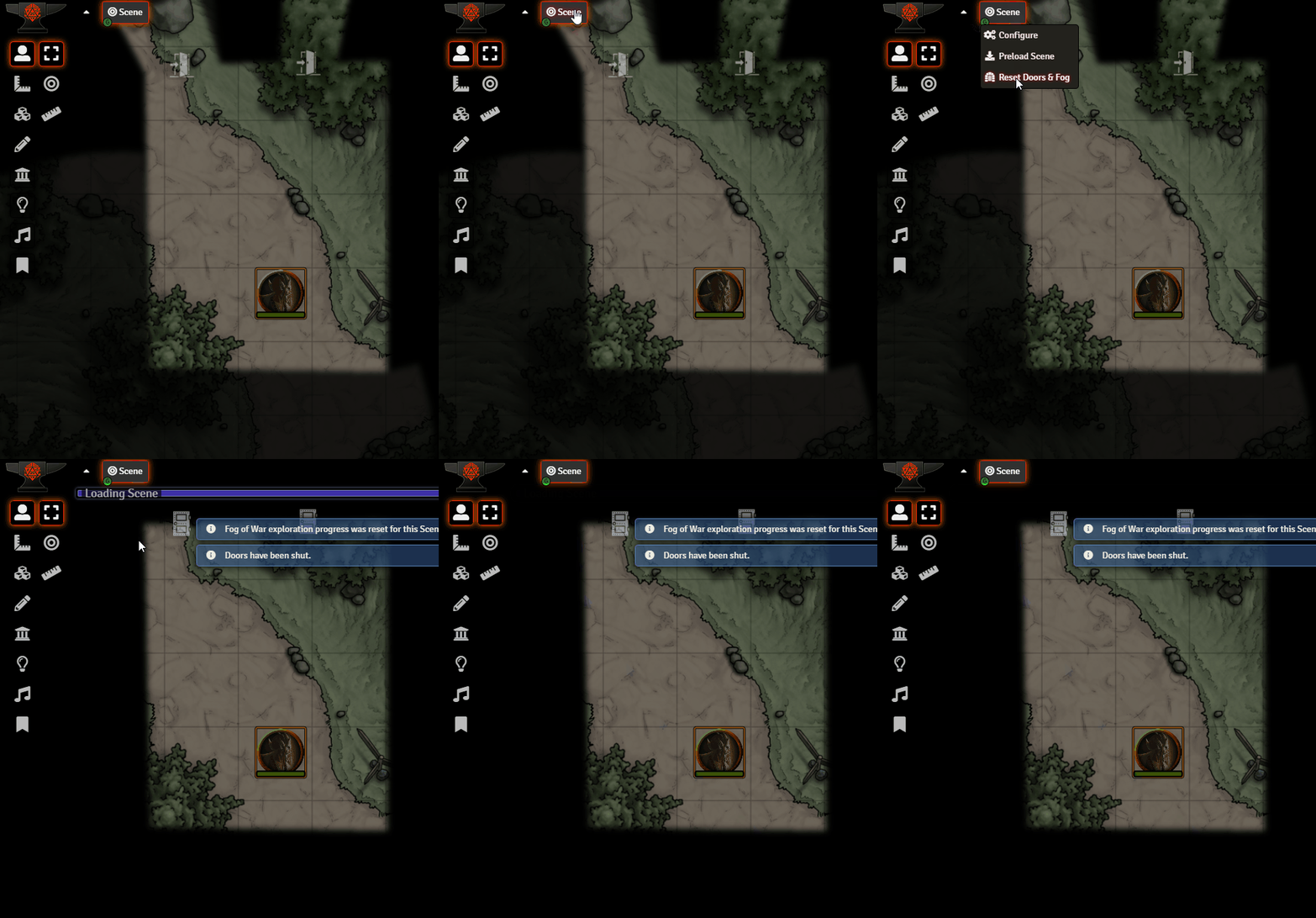
A simple module that adds a Reset Fog and Doors button to the Scene Navigator and Scene Director context menus. Clicking it will reset the fog of the war for the selected scene and shut all the doors. Useful if you like to go through your scene like a player would to look for cracks in the walls and to see visibilty of monsters, etc.
Also adds a Shut All Doors button to the Walls Layer.
Note: Due to a current bug in 0.6.2, you must hit the Reset Fog and Doors button twice for the fog of war to take effect, same as hitting the normal Fog Reset button.
Subscribe
Login
Please login to comment
0 Comments

