


| Latest version | 2.1.0 |
|---|---|
| Minimum Core | 11 |
| Compatible Core | 11 |
| Last updated | 3 years ago |
| Created | 4 years ago |
| Authors | |
| Languages |
English |
| Systems | All systems |
| Project source | Project URL |
| Read-me | Readme URL |
| Changelog | Changelog URL |
| License | License URL |
Political Map Overlay
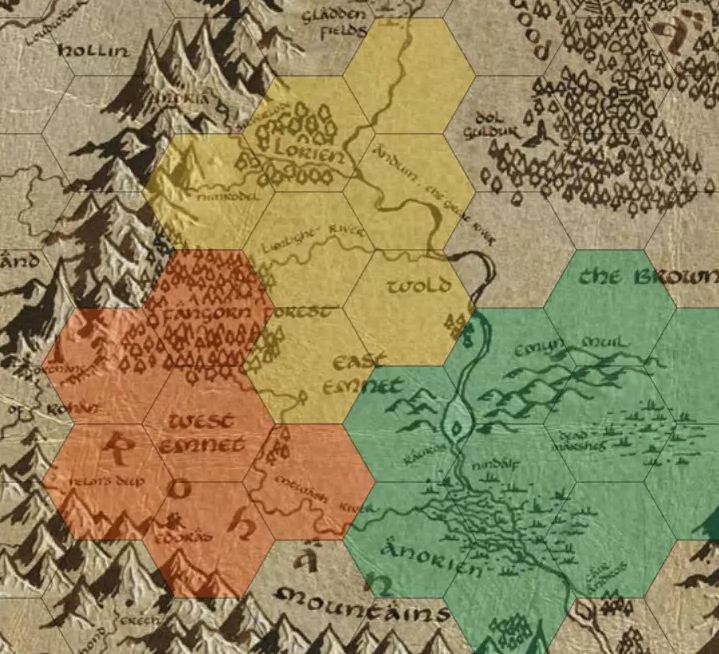
A module which allows the GM to color hexes/squares according to who owns the territory.
Usage
Click on the "Political Map Overlay" (hand-shake) scene controls, select a color, and draw.
Right-click can be used to erase single tiles without switching to the Eraser tool.
Acknowledgements
Inspired by, and based on, Simplefog. The two can be used in tandem!
Subscribe
Login
Please login to comment
0 Comments

