


| Latest version | 1.0.2 |
|---|---|
| Minimum Core | 13 |
| Compatible Core | 14 |
| File size | 410.43 KB |
| Last updated | 2 weeks ago |
| Created | 1 month ago |
| Authors | |
| Languages |
English |
| Systems | All systems |
| Project source | Project URL |
| Report bugs | Bug tracker URL |
| Changelog | Changelog URL |
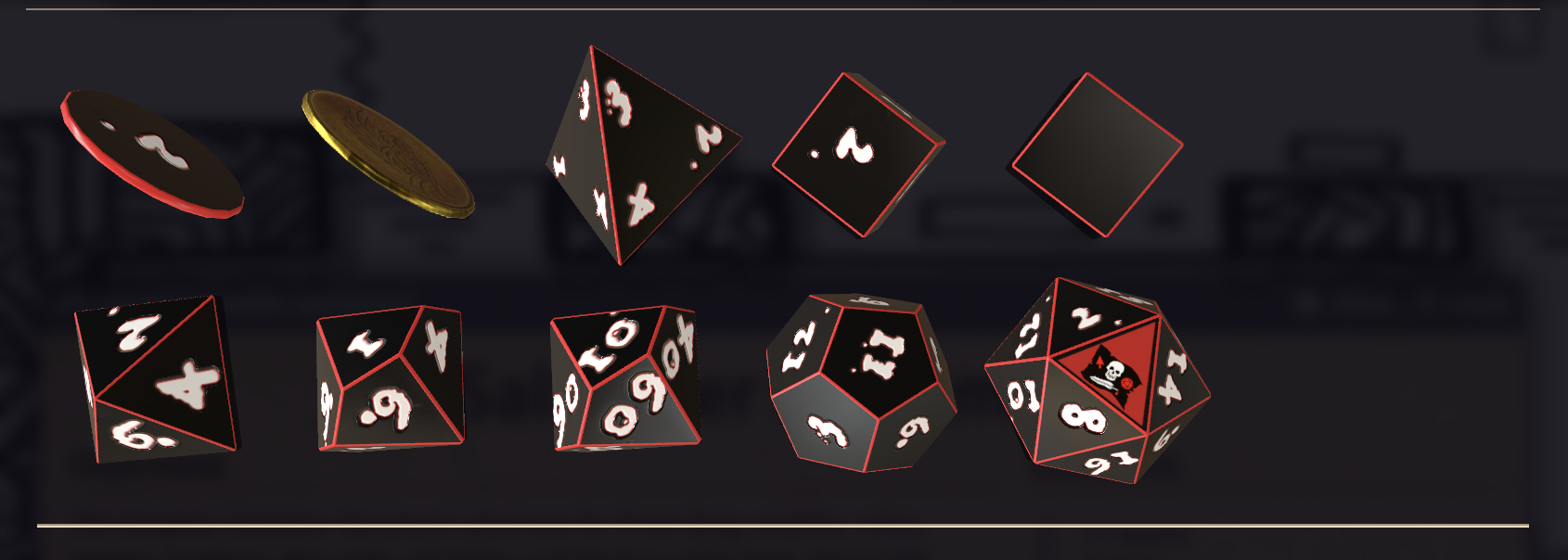
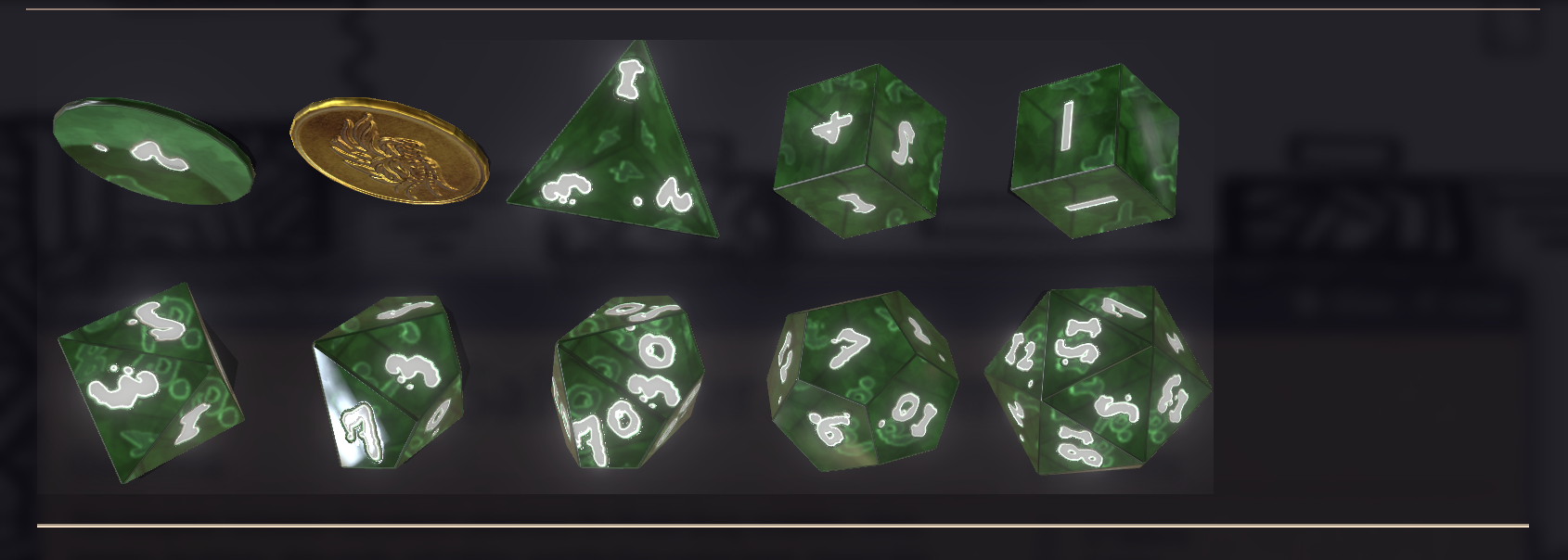
Jolly Rogenerator Dice Themes
Dice So Nice colorsets and swirl textures inspired by Limithron's Pirate Borg resin dice, branded for Jolly Rogenerator.
Features
- Four inspired colorsets under category Jolly Rogenerator: Jolly Roger, Dark Caribbean, No Quarter, Ship of the Dead
- Custom Jolly Rogenerator plastic colorset (black body, cream labels, red edge)
- Soft resin-swirl textures for the homage themes
- DSN resin material for translucent bodies when Advanced Glass is on
- Optional Dice Faces Jolly Rogenerator: skull on the d20 1 and flag on the 20 (solid red faces)
- Soft glow effect on Ship of the Dead
Compatibility
- Foundry VTT v13–v14
- Requires Dice So Nice!
- Works with any game system (Pirate Borg flavored, not system-locked)
PIRATE BORG is an independent production by Limithron LLC.
More Pirate Borg tools at jolly-rogenerator.app. Support development on Patreon.
Subscribe
Login
Please login to comment
0 Comments

