


| Latest version | 1.3.0 |
|---|---|
| Minimum Core | 11 |
| Compatible Core | 11 |
| Last updated | 1 hour ago |
| Created | 1 hour ago |
| Authors | |
| Languages |
|
| Systems | All systems |
| Project source | Project URL |
| Report bugs | Bug tracker URL |
| Read-me | Readme URL |
| Changelog | Changelog URL |
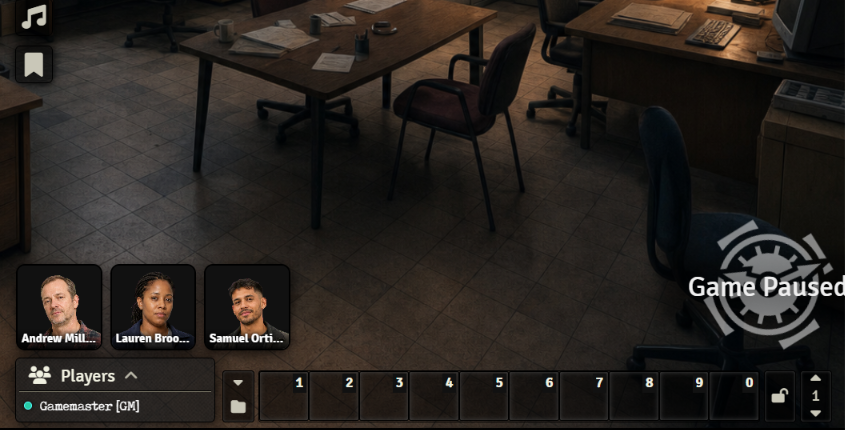
Party Corner Portraits is a Foundry VTT module that displays your party’s character portraits in a corner of the interface. It lets you customize their size, position, framing, orientation, names, and border color, while also allowing quick access to each character sheet by clicking their portrait.
Subscribe
Login
Please login to comment
0 Comments

