


| Latest version | 1.4.1 |
|---|---|
| Minimum Core | 13 |
| Compatible Core | 14.359 |
| Last updated | 1 week ago |
| Created | 1 year ago |
| Authors | |
| Languages |
English Italiano |
| Systems | All systems |
| Project source | Project URL |
| Report bugs | Bug tracker URL |
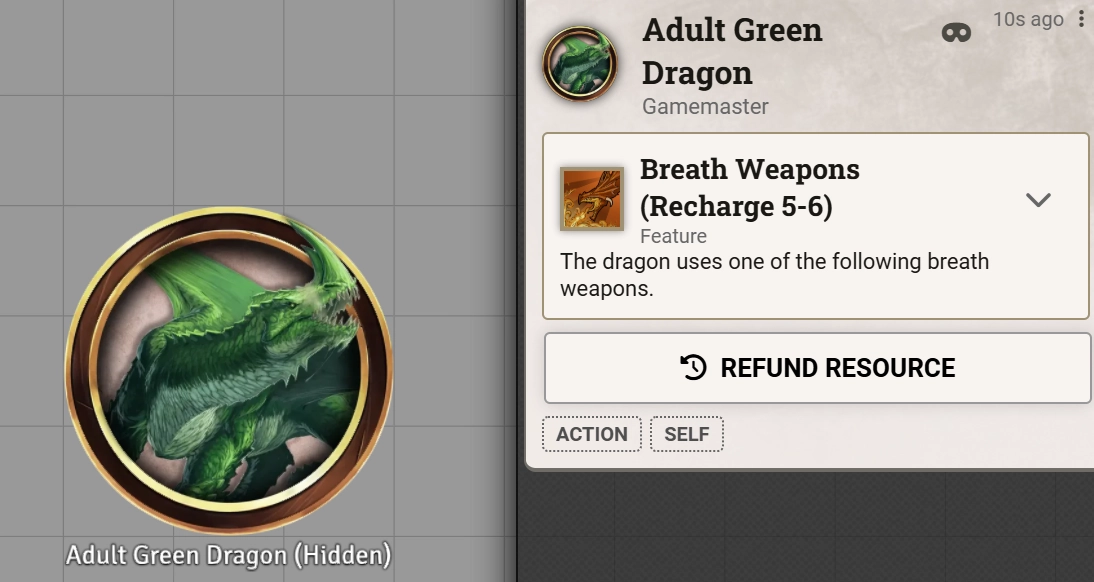
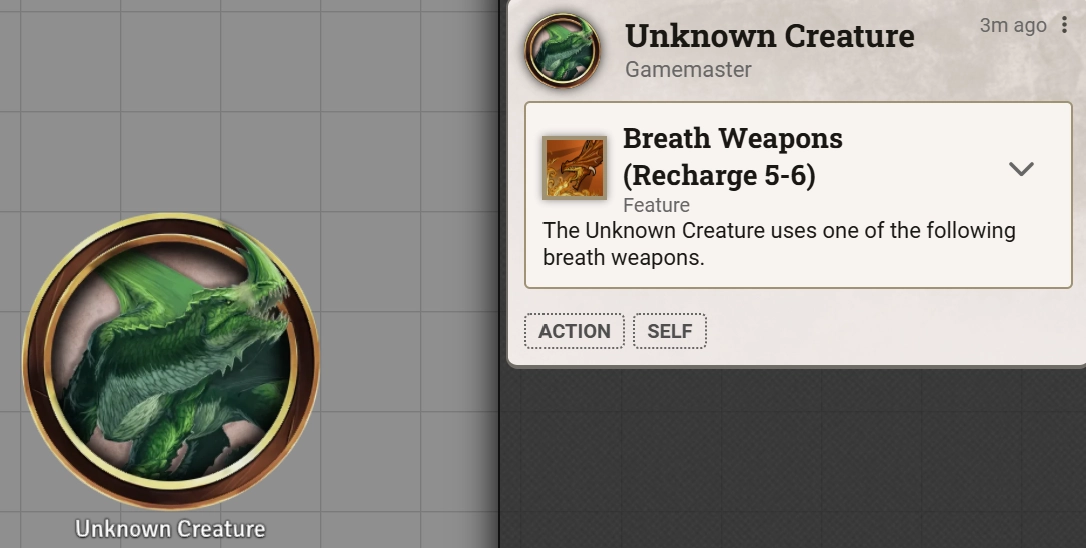
This module allows you to replace NPC names with an alternative of your choice. You can choose to hide names for friendly, neutral, hostile and secret dispositions independently. You can toggle the name of a specific NPC manually by clicking the reveal button next to their name and can customize their behaviour through a menu on the actor sheet.
GM View:
Player View:
Subscribe
Login
Please login to comment
0 Comments

