


| Latest version | 1.0.1 |
|---|---|
| Minimum Core | 10 |
| Compatible Core | 11 |
| File size | 0 B |
| Last updated | 3 years ago |
| Created | 4 years ago |
| Authors | |
| Languages |
English 日本語 |
| Systems | All systems |
| Dependencies |
lib - ColorSettings |
| Project source | Project URL |
Easy Notes is a simple module that adds an area for fast note taking.
How does it works?
Easy Notes adds a button in the player list, next to the user's name. This button opens a form containing a text area that updates its content every time it is closed or deselected.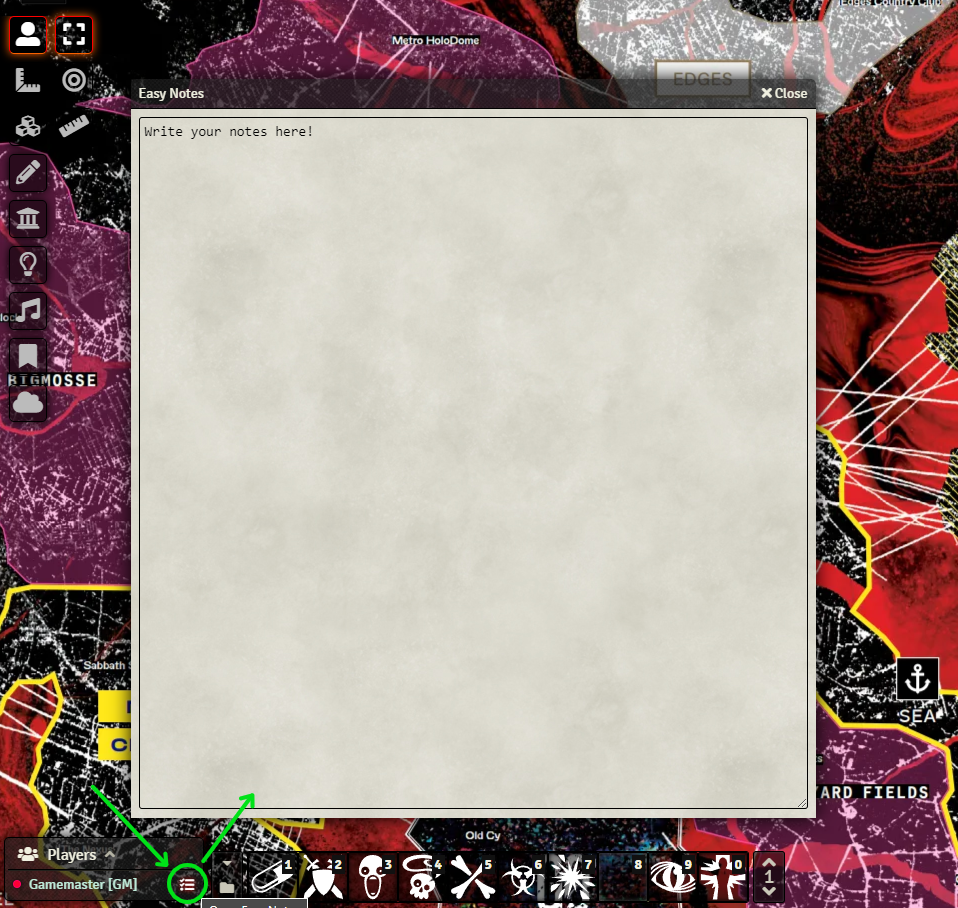
The content of the note is saved in the user data, to avoid losing your notes if you clear the cache or change your browser.
Customization
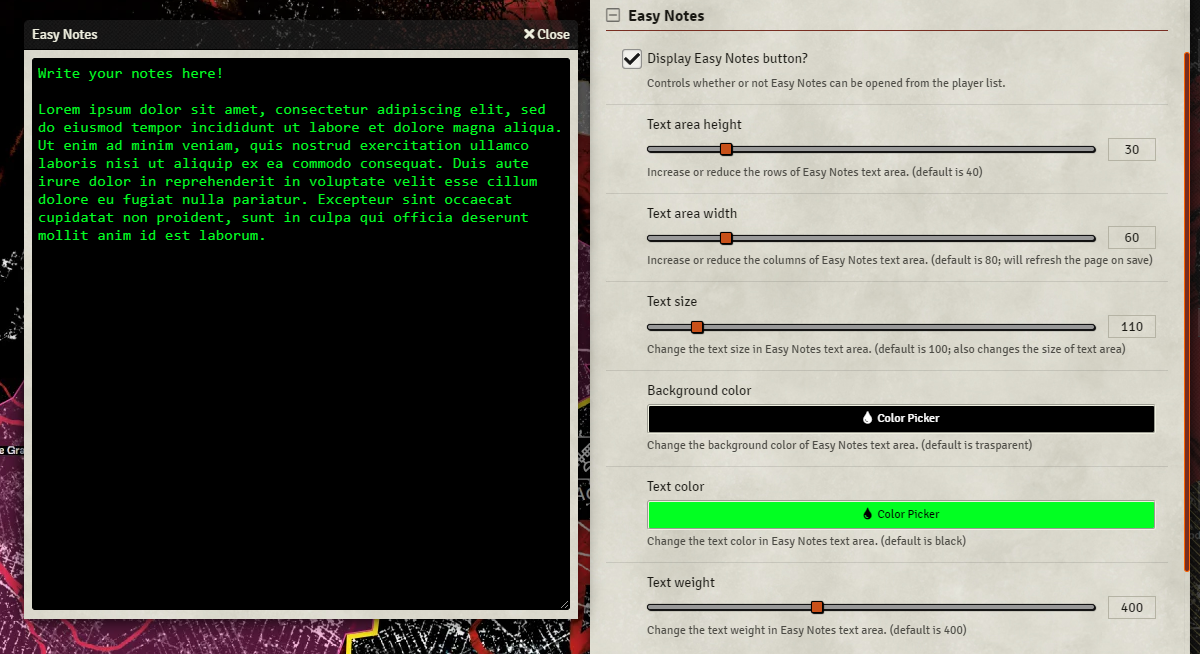
From the module settings you can enable/disable the button in the player list, and customize the appearance of the text area. You can change its dimension, background color, font color, font size and font weight.
Dependencies
lib - ColorSettings - Without it you won't be able to edit the background and font color.
Subscribe
Login
Please login to comment
0 Comments

