


| Latest version | 13.0.0 |
|---|---|
| Minimum Core | 13 |
| Compatible Core | 13.351 |
| Last updated | 6 months ago |
| Created | 4 years ago |
| Authors | |
| Languages |
English |
| Systems | All systems |
| Project source | Project URL |
| Report bugs | Bug tracker URL |
| Read-me | Readme URL |
| Changelog | Changelog URL |
| License | License URL |
DragonFlagon Flag Editor



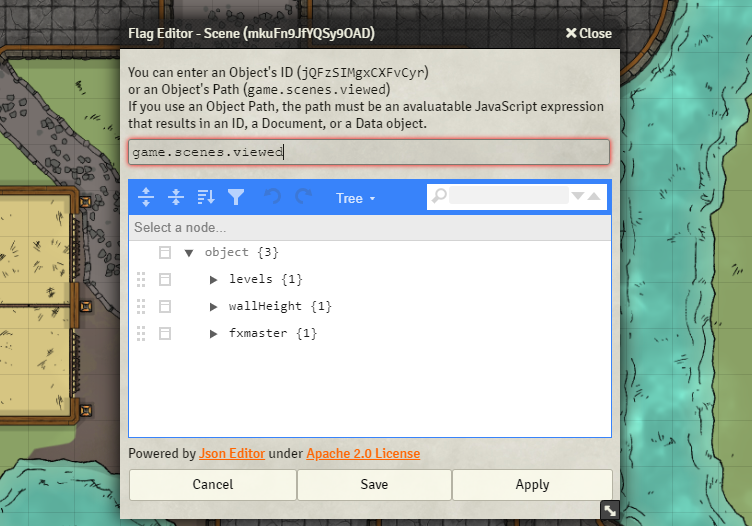
Provides a useful way for module and macro developers to view and edit the flags of an object. Simply provide the object’s ID or a JavaScript Expression that results in an ID, Document, or Data Object.
 If you want to support me or just help me buy doggy treats! Also, you can keep up to date on what I’m working on. I will be announcing any new modules or pre-releases there for anyone wanting to help me test things out!
Changelog
You can find all the latest updates in the CHANGELOG
Subscribe
Login
Please login to comment
0 Comments

