


| Latest version | 1.1.0 |
|---|---|
| Minimum Core | 10 |
| Compatible Core | 10 |
| Last updated | 4 years ago |
| Created | 4 years ago |
| Authors | |
| Languages |
|
| Systems |
Dnd5e |
| Project source | Project URL |
For dnd5e.
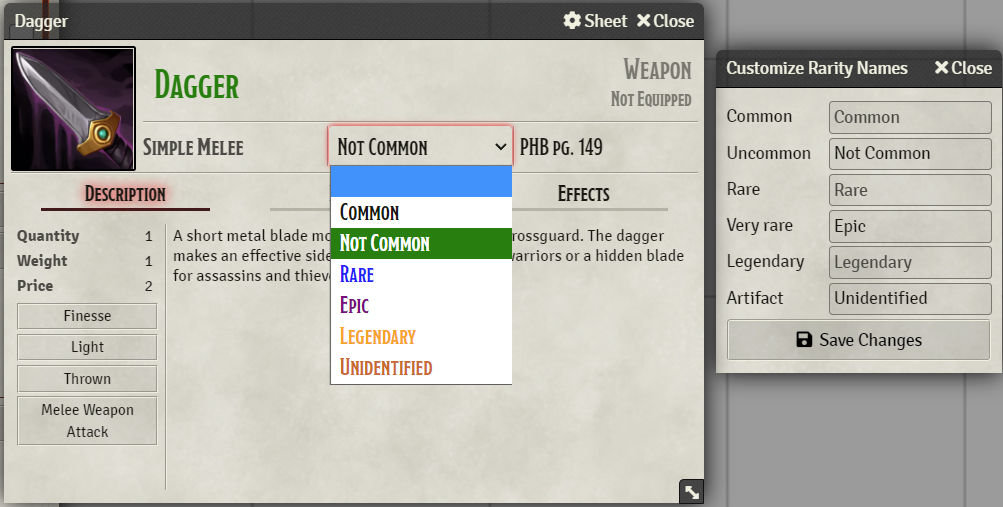
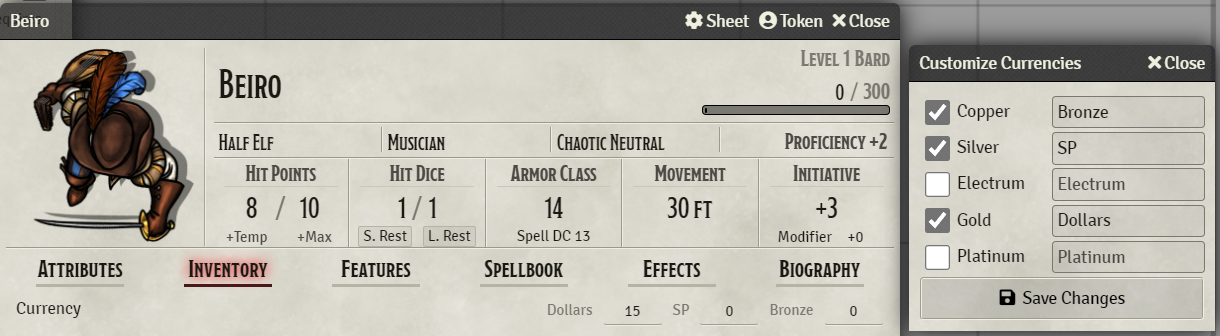
Rarity and Currency names (e.g. Uncommon and Gold) can be customized.
If the Rarity Colors module is active, on the item sheet the item name and rarity select will be colored accordingly.
Subscribe
Login
Please login to comment
0 Comments

