


| Latest version | 0.12.2 |
|---|---|
| Minimum Core | 14 |
| Compatible Core | 14.369 |
| Last updated | 2 weeks ago |
| Created | 2 months ago |
| Authors | |
| Languages |
English |
| Systems | All systems |
| Project source | Project URL |
| Changelog | Changelog URL |
Coin on the counter. A wishlist a mile long. A shopkeeper who won't haggle.
Let the party shop without stopping the game.
Get Started Free!

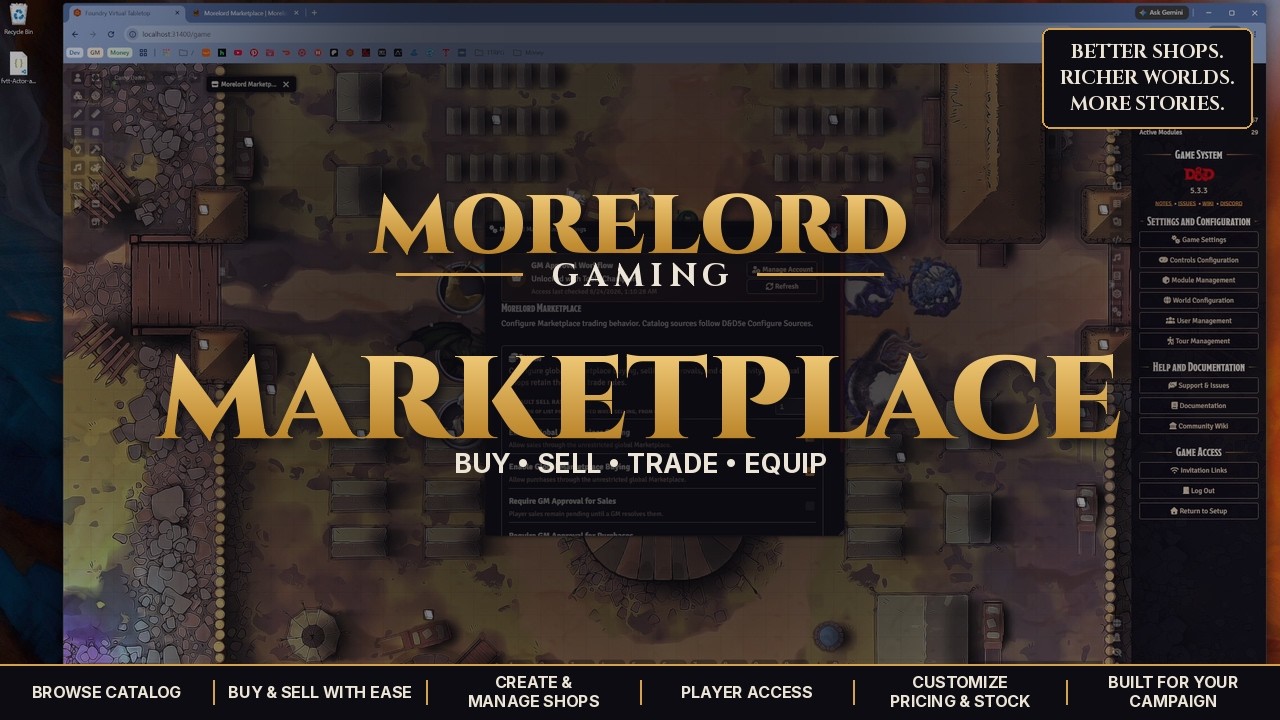
Morelord Marketplace lets the party shop, sell, and trade during the session without stopping play to do the math.
The GM picks which item compendiums are for sale and sets the rates; coin goes straight to the character sheet.
This Module Includes
- Buy from your compendiums: the GM picks which item compendiums are for sale and sets the buy rate.
- Sidebar filters: type, rarity, source book, weapon class and properties, attunement, price range, and "only show what I can afford," plus a cart and wishlist.
- Sell from inventory: sell one or all at the sale rate you set; coin goes straight to the character sheet.
- Shopping As / Paying From: one character receives the item while another character or the party Group actor pays.
- Hand items over to another character or the party; a connected GM applies the transfer.
- Premium scene vendors: Shop Manager builds shops with their own stock, pricing, restocking and templates, with import and export.
Free: the global Marketplace for buying, selling and transfers. Premium: GM approval for purchases and sales, and scene vendors through Shop Manager. See plans →
Requires: Foundry VTT v14, D&D 5e, Morelord Core 0.4.2+. To get started, install Morelord Core and Morelord Marketplace from Foundry's Add-on Modules browser, enable both, then open Game Settings → Configure Settings → Morelord Core → Connect or Manage Account to connect your free Morelord Gaming account. The setup guide walks through the rest.
Video Previews

Screenshots


More from Morelord Gaming
Morelord Marketplace is one part of the Morelord suite. Each module stands on its own, and they work even better together.
- Morelord Core: the free foundation and GM quality-of-life tools
- Morelord Journeys: overland travel, roles, supplies and camp
- Morelord Encounters: your next encounter in one click
- Morelord Character Export: export, view and share your character
- Morelord Craftworks: gather, harvest, plan and craft
- Morelord Downtime: projects between adventures
- Morelord Game Master: your in-game Dungeon Master Screen
Contact Us
Morelord Marketplace is built by Morelord Gaming. We'd love to hear your feedback. Whether you have questions, found a bug, want to request a feature, or just want to chat about your table, come find us on the Morelord Gaming Discord. That is the best place for bug reports and feature requests. You can find setup guides and docs at morelordgaming.com.

