


| Latest version | 1.0.0 |
|---|---|
| Minimum Core | 14 |
| Compatible Core | 14 |
| Last updated | 1 month ago |
| Created | 2 months ago |
| Authors | |
| Languages |
English |
| Systems | All systems |
| Project source | Project URL |
| Read-me | Readme URL |
| Changelog | Changelog URL |
| License | License URL |
AutoGrid detects square grids in scene background images and applies the chosen grid size, offset, and scene scale.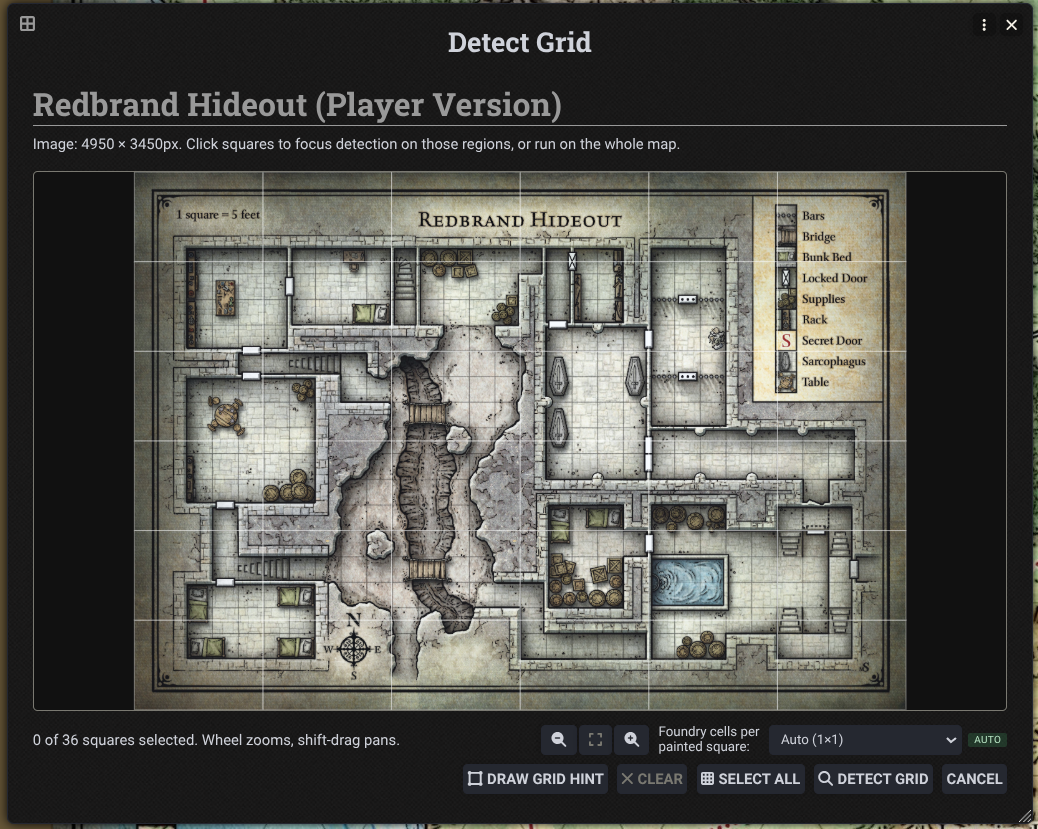
Subscribe
Login
Please login to comment
0 Comments

