


| Latest version | 1.0.0 |
|---|---|
| Minimum Core | 13 |
| Compatible Core | 13.348 |
| Last updated | 5 months ago |
| Created | 5 months ago |
| Authors | |
| Languages |
English Français |
| Systems | All systems |
| Project source | Project URL |
| Read-me | Readme URL |
| License | License URL |
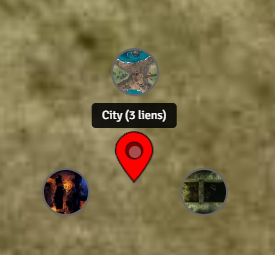
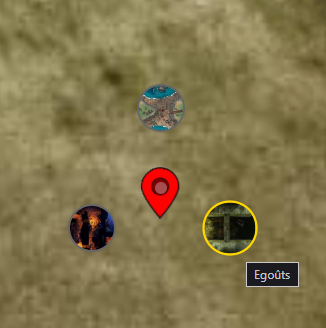
Scene Pins allows Game Masters to place interactive pins directly on scenes to create immersive navigation and contextual interactions.
Pins can link to Actors, Items, Journals or other Scenes, enabling quick access to important content and enhancing visual storytelling on the canvas.
Usage
1. Open a scene.
2. Activate Scene Pins mode using the "Shift + P" default shortcut.
3. Click on the canvas to create a new pin.
4. Configure the linked document (Actor, Item, Journal Entry, or Scene).
5. Players can interact with pins to open the linked content. If a pin is linked to a Scene, zooming in on it will navigate to that Scene.
6. You can edit or delete pins by right-clicking on them.
7. In the configuration menu, you can define the default icon and default size for new pins.
8. You can also define a default "world map" Scene that will be used when zooming out.
Subscribe
Login
Please login to comment
0 Comments

