


| Latest version | 3.3.1 |
|---|---|
| Minimum Core | 14 |
| Compatible Core | 14 |
| Last updated | 2 weeks ago |
| Created | 1 year ago |
| Authors | |
| Languages |
|
| Systems |
Dnd5e |
| Project source | Project URL |
| Report bugs | Bug tracker URL |
| Read-me | Readme URL |
| Changelog | Changelog URL |
| License | License URL |
Hero Mancer 2
Because rolling up a character shouldn't eat the whole first session.




Supporting The Module


Read the Wiki for the full walkthrough, settings reference, and API docs.
What You Get
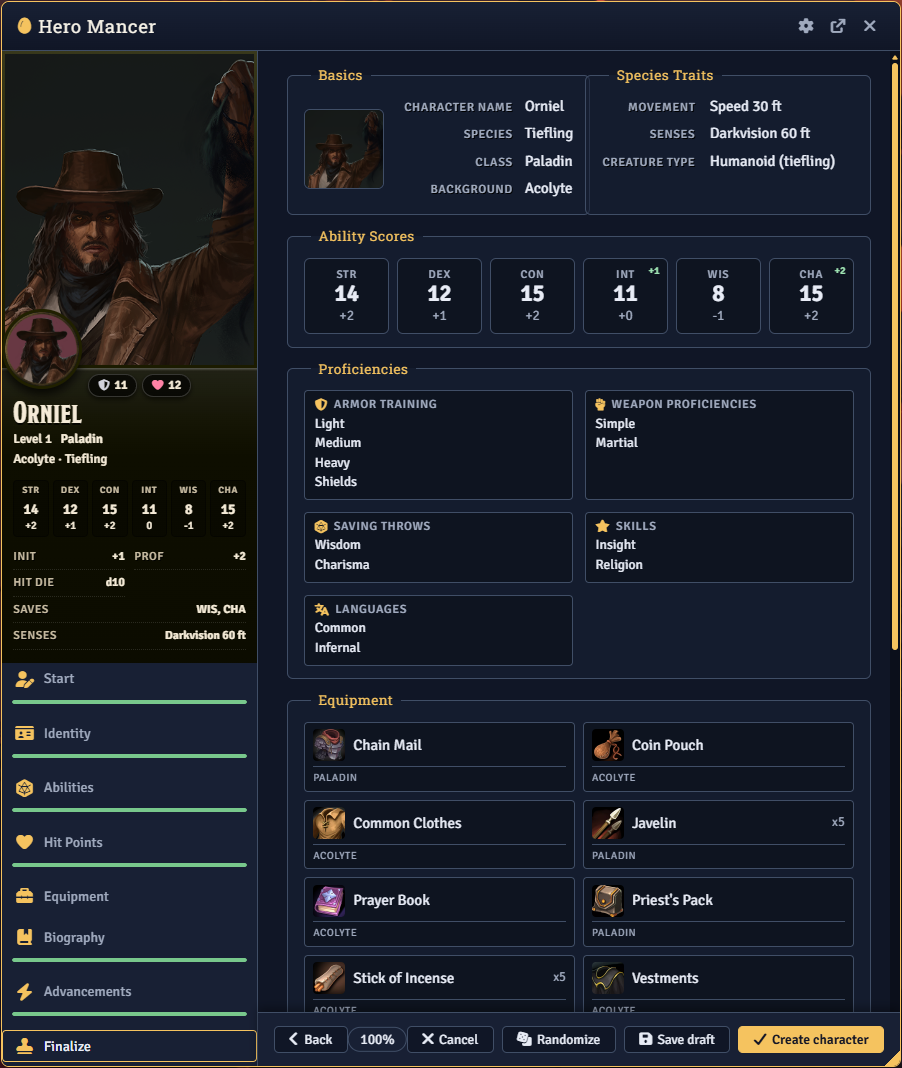
Guided creation wizard
One window walks Start, Identity (Species / Class / Background), Ability Scores, Hit Points, Equipment, Advancements, Biography, and Finalize, top to bottom. A live preview tracks hit points, proficiencies, movement, and saves as you go, and every tab carries a badge for the choices still left. Progress auto-saves as a draft, so closing mid-build picks up right where you left off.
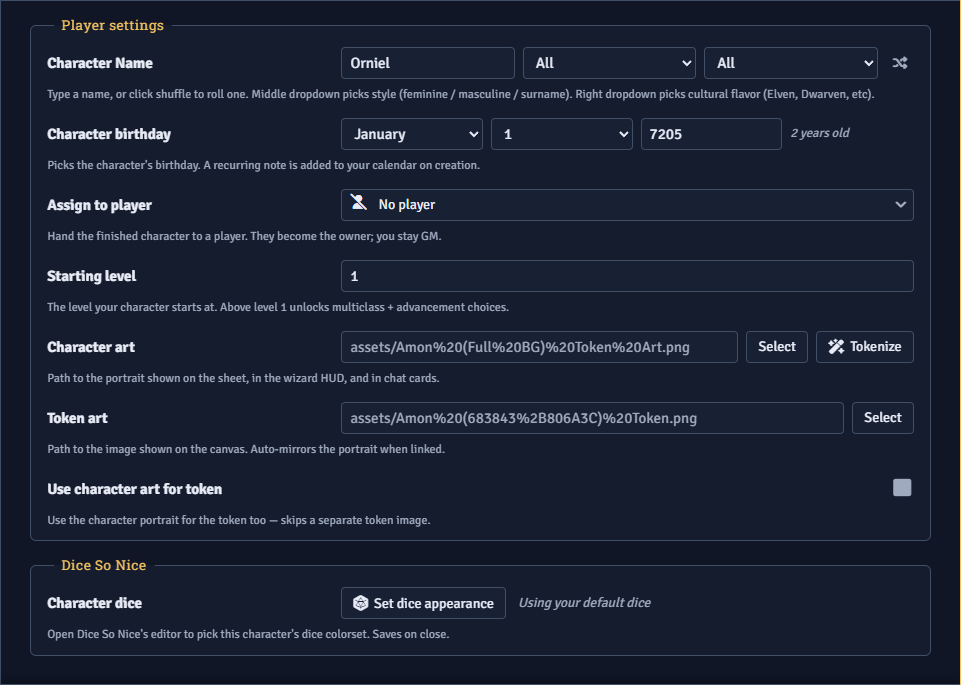
Ability scores your way
Standard Array, Point Buy, or Manual rolls. The GM decides which methods are on the table and sets the limits for each. Every ability shows what it governs and which skills it covers, and your class's primary stats are flagged so you know where to put the good numbers.
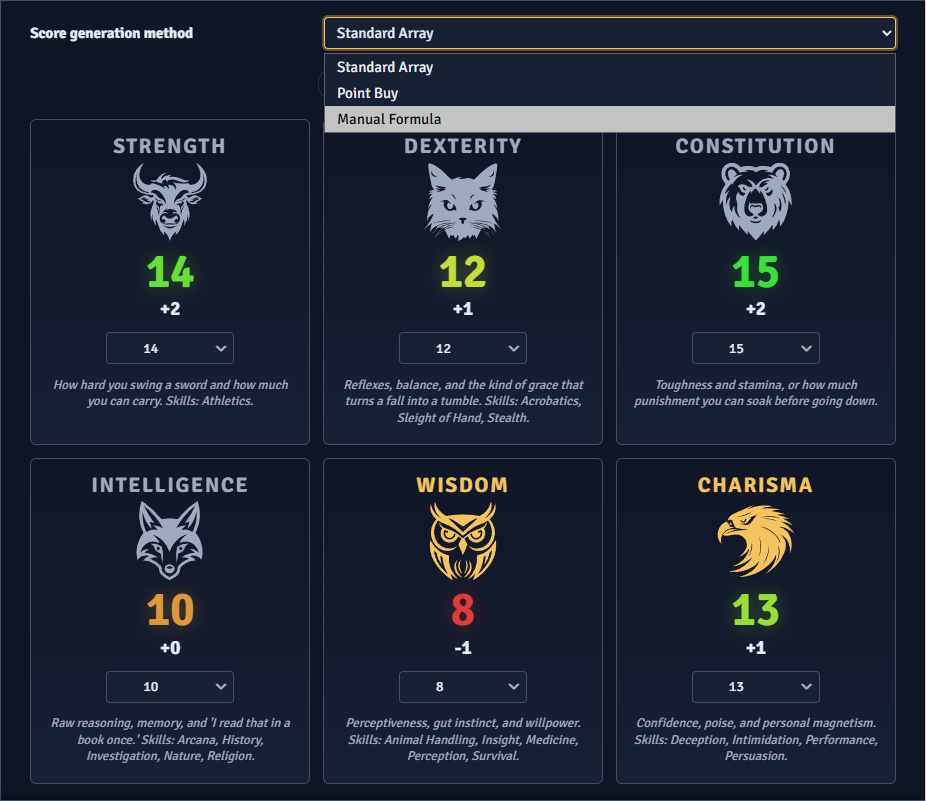
Equipment or cold hard gold
Take the gear your class and background grant as accordion tiles and resolve any either-or choices, or take starting wealth instead and spend it in a real shop. Search, sort, and cart items against a wealth pool, with refunds for gear you skip and optional bonus starting gold.
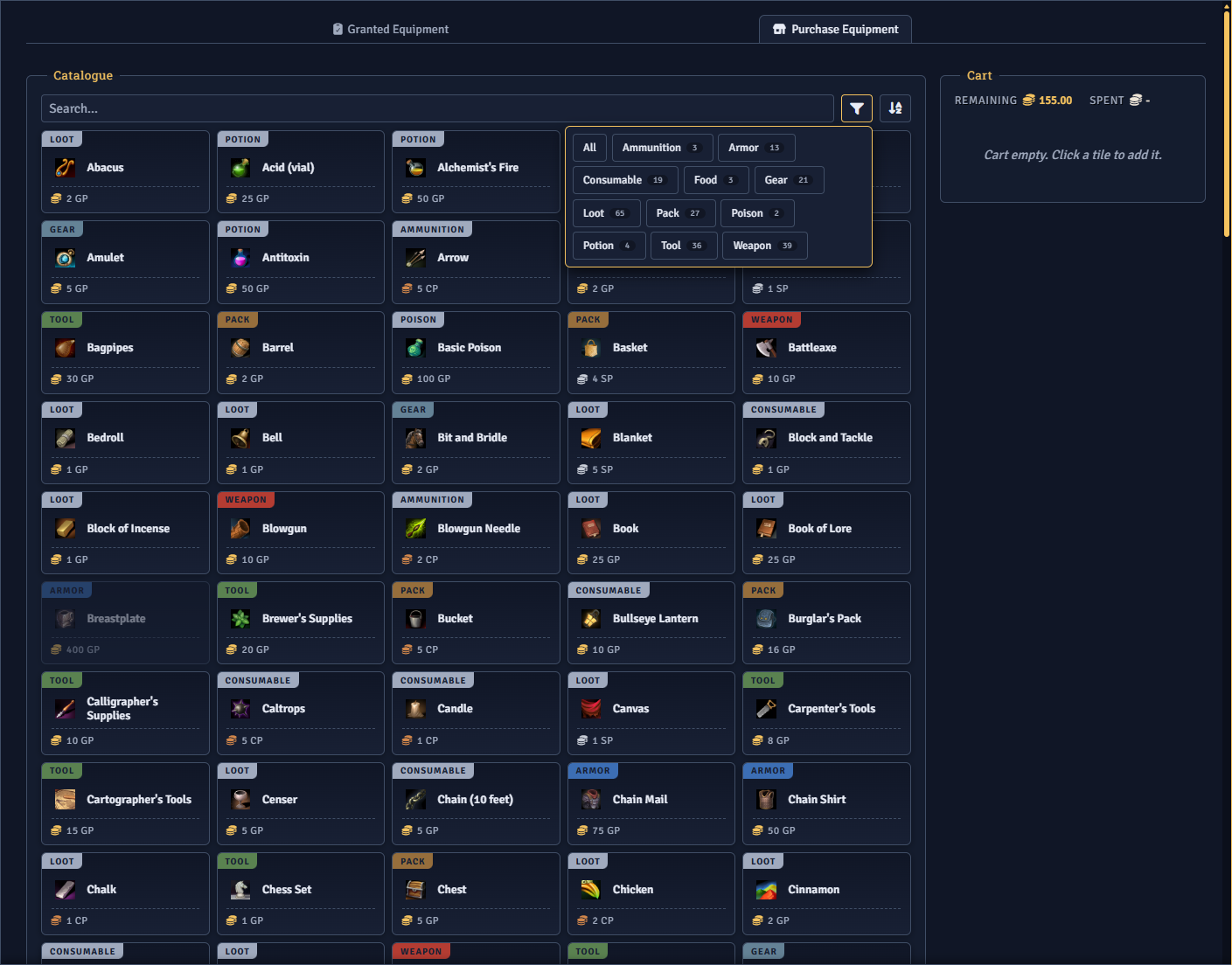
Advancements and feats
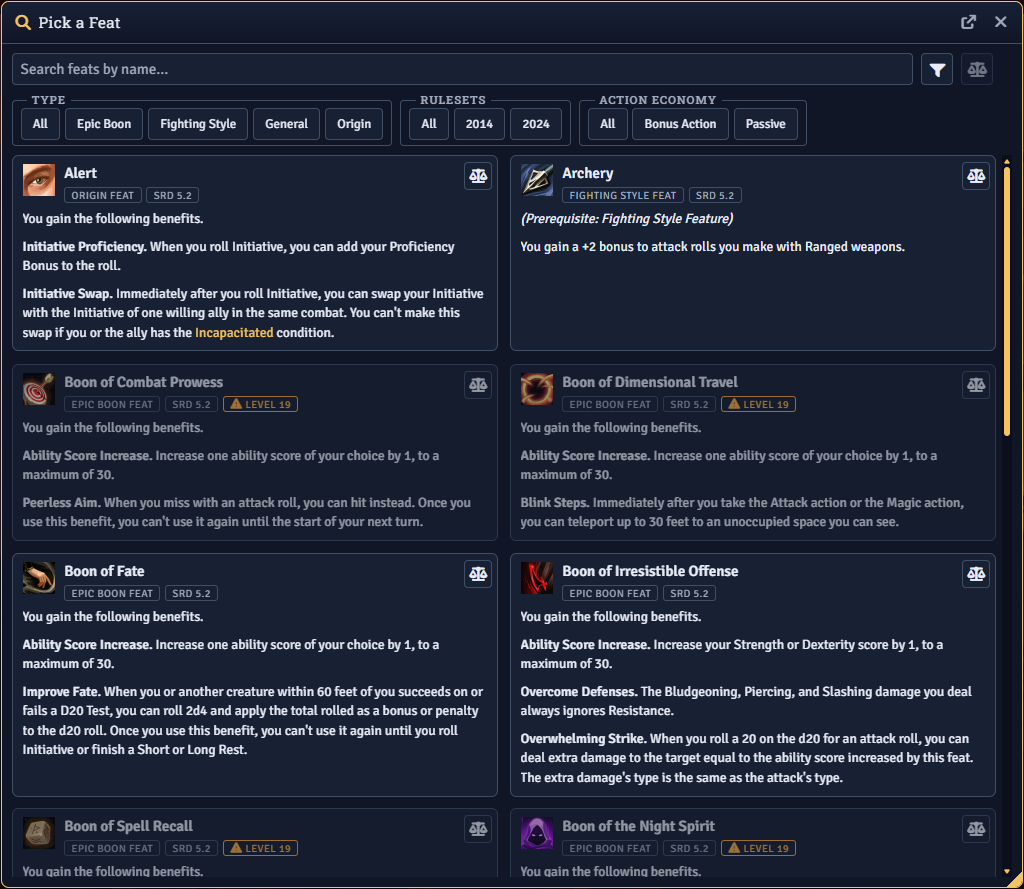
Class, species, and background advancements resolve in one place as chips that mark what's granted versus what you choose. At the right levels, take an Ability Score Improvement or pick a feat from a searchable browser that only shows feats you actually qualify for.
Level up and multiclass
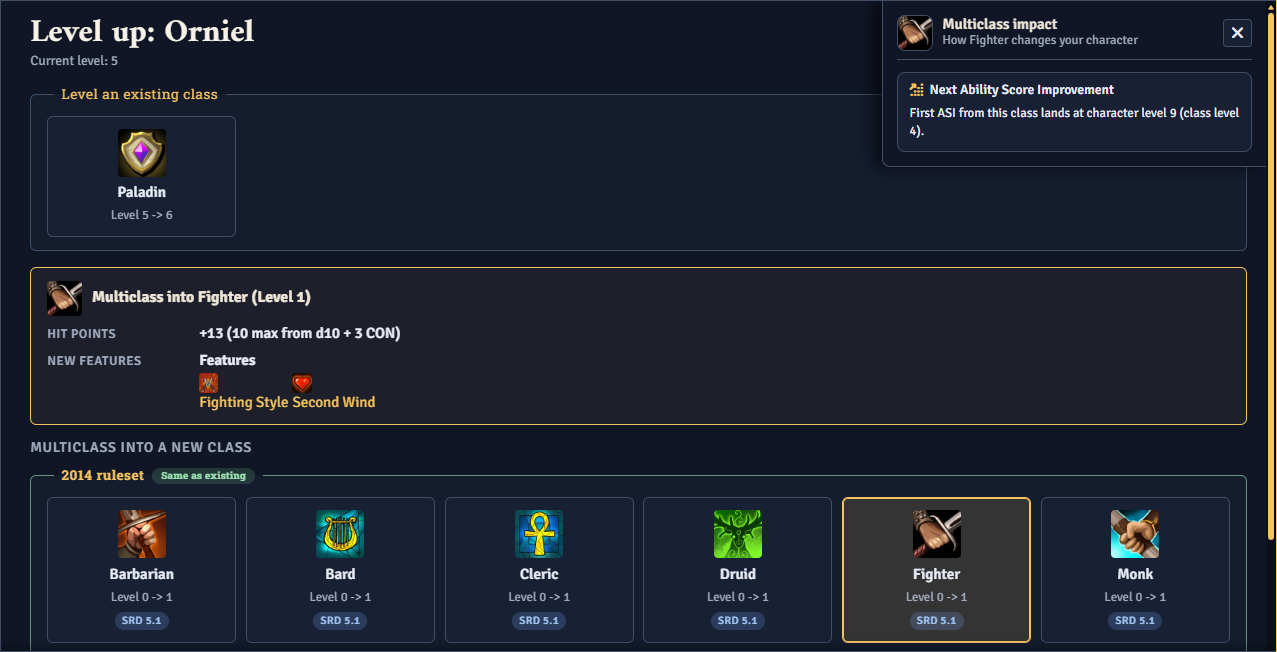
Once a character exists, a glowing Level Up button appears on the sheet near the rest buttons. Level an existing class or multiclass into a new one, with a preview of new hit points, features, and spell-slot changes before you commit.
GM approval queue
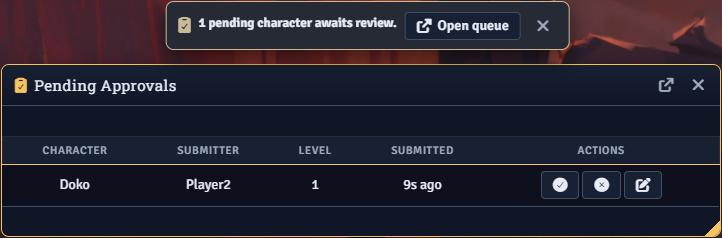
Optionally require review before player characters are created. Submissions land in a queue with character, submitter, and timestamp, where the GM can review, approve as-is, reject with a reason, or edit before approving. Players see a clear status banner while they wait and can restore-and-resubmit if sent back.
A settings dashboard, not a wall of toggles
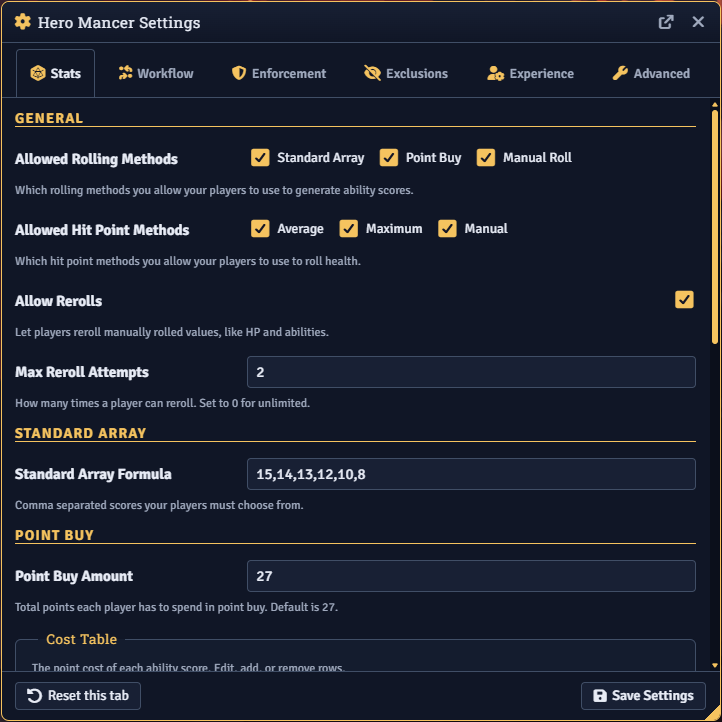
Everything the GM controls lives in one tabbed panel: allowed roll methods and limits, starting level and gold, required fields, content exclusions, player customization, chat publishing, and diagnostics.
Also Included
- Compare & pin — Pin any species, class, or background to compare options side by side in a separate window.
- Random names — Shuffle a character name by style and culture, plus an optional randomizer for other creation aspects.
- Content control — Hide specific species, backgrounds, classes, subclasses, or items from the wizard and shop; trim sourcebook suffixes; lock picks to a single ruleset.
- Enforcement — Require every Biography field, character art, or token art before a character can be submitted.
- Chat summaries — Optional creation and level-up summary cards, plus starting-wealth roll posts, scoped public / whisper / off.
- Troubleshooter — One-click diagnostic report to paste into a GitHub issue or Discord.
- Integrations — Spell Book handoff for casters, Tokenizer 2 portrait editor, Dice So Nice for ability rolls, and Calendaria birthday + age. Each activates only when its module is active.
For the Tinkerers
Public API at HEROMANCER.api (also at game.modules.get('hero-mancer').api ):
// Open the creation wizard, optionally seeded with a name
HEROMANCER.api.openWizard({ initialName: 'Tyrla' });

// GM: open the wizard pre-assigned to a player
await HEROMANCER.api.openWizardForPlayer(userId);

// Start a level-up for an existing actor
HEROMANCER.api.openLevelUp(actor);

// GM approval queue
HEROMANCER.api.openPendingApprovals();
const pending = HEROMANCER.api.getPendingSubmissions();
See Hooks and the API Reference for the full surface.
Installation
Get Hero Mancer 2 through Foundry's Module Manager or The Forge's Bazaar for instant setup.
Manual Installation
- Open Foundry's Configuration and Setup screen
- Click Install Module in the Add-on Modules section
- Paste this URL in the Manifest URL field:
https://github.com/Sayshal/hero-mancer/releases/latest/download/module.json - Click Install
- Enable Hero Mancer 2 in the Manage Modules section

