


| Latest version | 2.4.0 |
|---|---|
| Minimum Core | 13 |
| Compatible Core | 13.351 |
| File size | 0 B |
| Last updated | 5 months ago |
| Created | 2 years ago |
| Authors | |
| Languages |
English Spanish |
| Systems | All systems |
| Project source | Project URL |
| Report bugs | Bug tracker URL |
Loaded Dice Roll
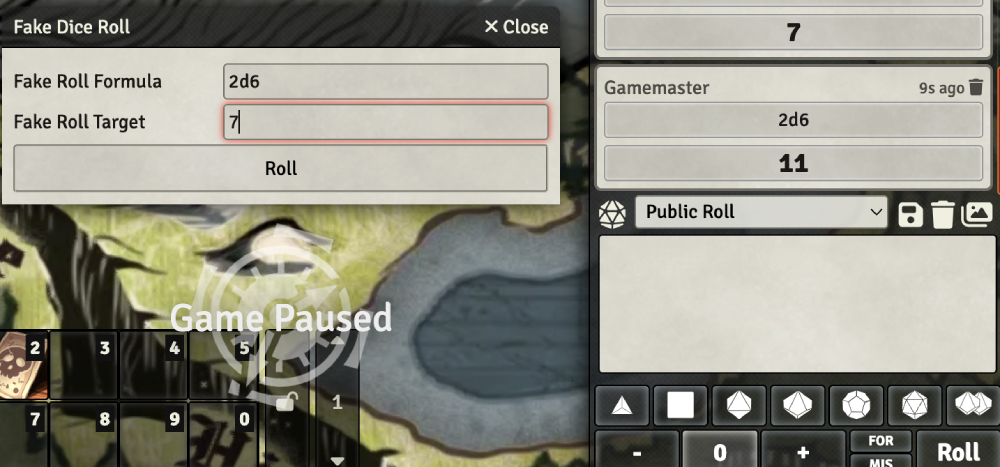
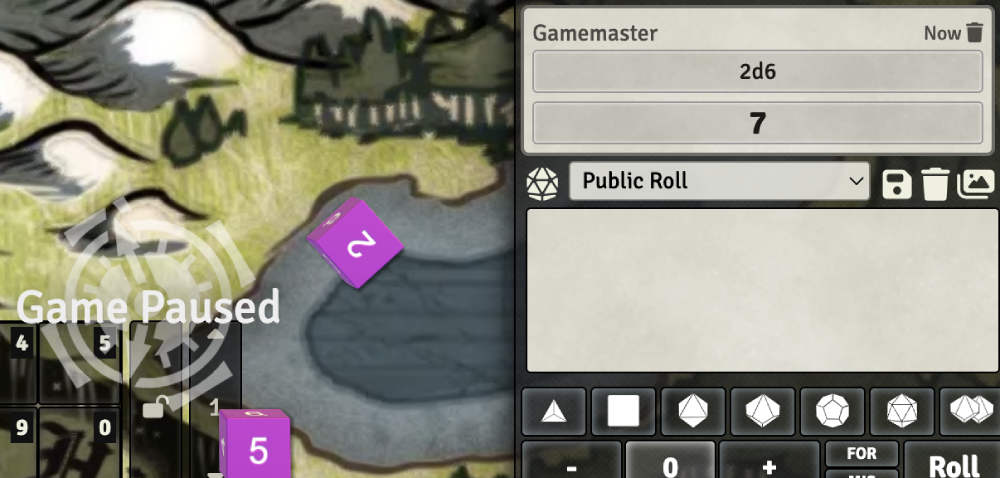
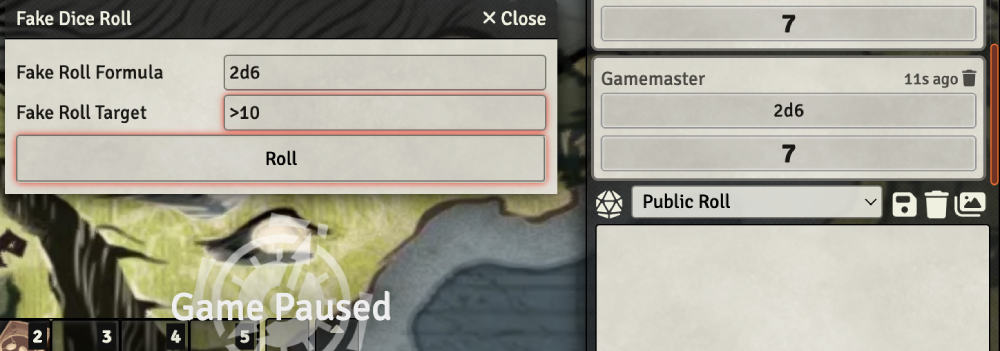
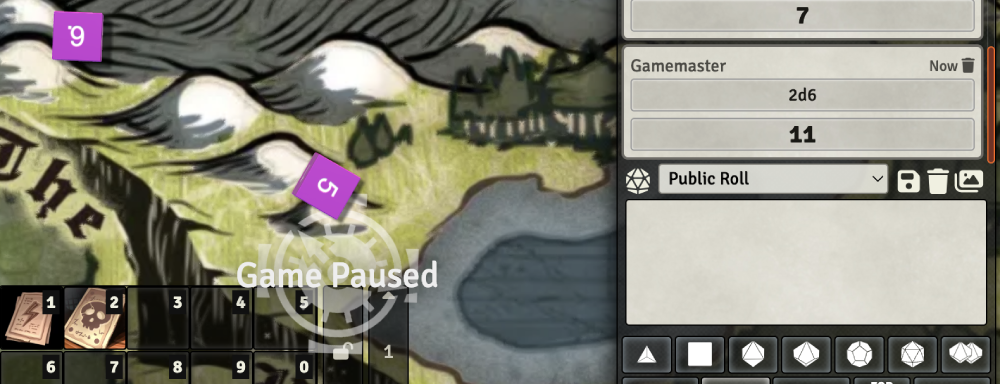
You can load dice rolls! This module adds a new dice roll tool to the tokens toolbar. Click the 🎲 (dice) button, enter in a dice roll formula (like 2d6), enter in your desired result, either a specific number or great/less than, (like 7 or >10), and the result will be printed to chat messages!
Our new method of rolling dice has a much lower chance of failure. It should almost always roll your formula. Max attempt settings are no longer needed.
Demo
Example of a formula targetting the number 7:
Example of a formula targetting a range of numbers greater than 10:
Operators
Below are the options you can use for your dice loading.
The Formula Operators are used for making the dice formula that you want to have rolled (like 2d10+10).
The Target Operators are used for making the desired end result of your loaded dice (like >14).
Target Operators have letter variants as well. For example > and gt are both for greater than.
Formula Operators:
+
-
*
/

Target Operators:
=, ==, ===, eq
>, gt
>=, gte
<, lt
<=, lte
Macros
The loaded dice can now be used in FoundryVTT Macros.
You can open the dialog via macro using the following code
game.loadedDiceRoll.showDialog();
You can also set macros to roll specified loaded dice like in the following examples.
game.loadedDiceRoll.rollDice("2d6", "7");
game.loadedDiceRoll.rollDice("1d20+5", ">=15");

