


| Latest version | 3.0.1 |
|---|---|
| Minimum Core | 14 |
| Compatible Core | 14 |
| Last updated | 1 month ago |
| Created | 3 years ago |
| Authors | |
| Languages |
Deutsch English |
| Systems | All systems |
| Project source | Project URL |
| Report bugs | Bug tracker URL |
| Changelog | Changelog URL |
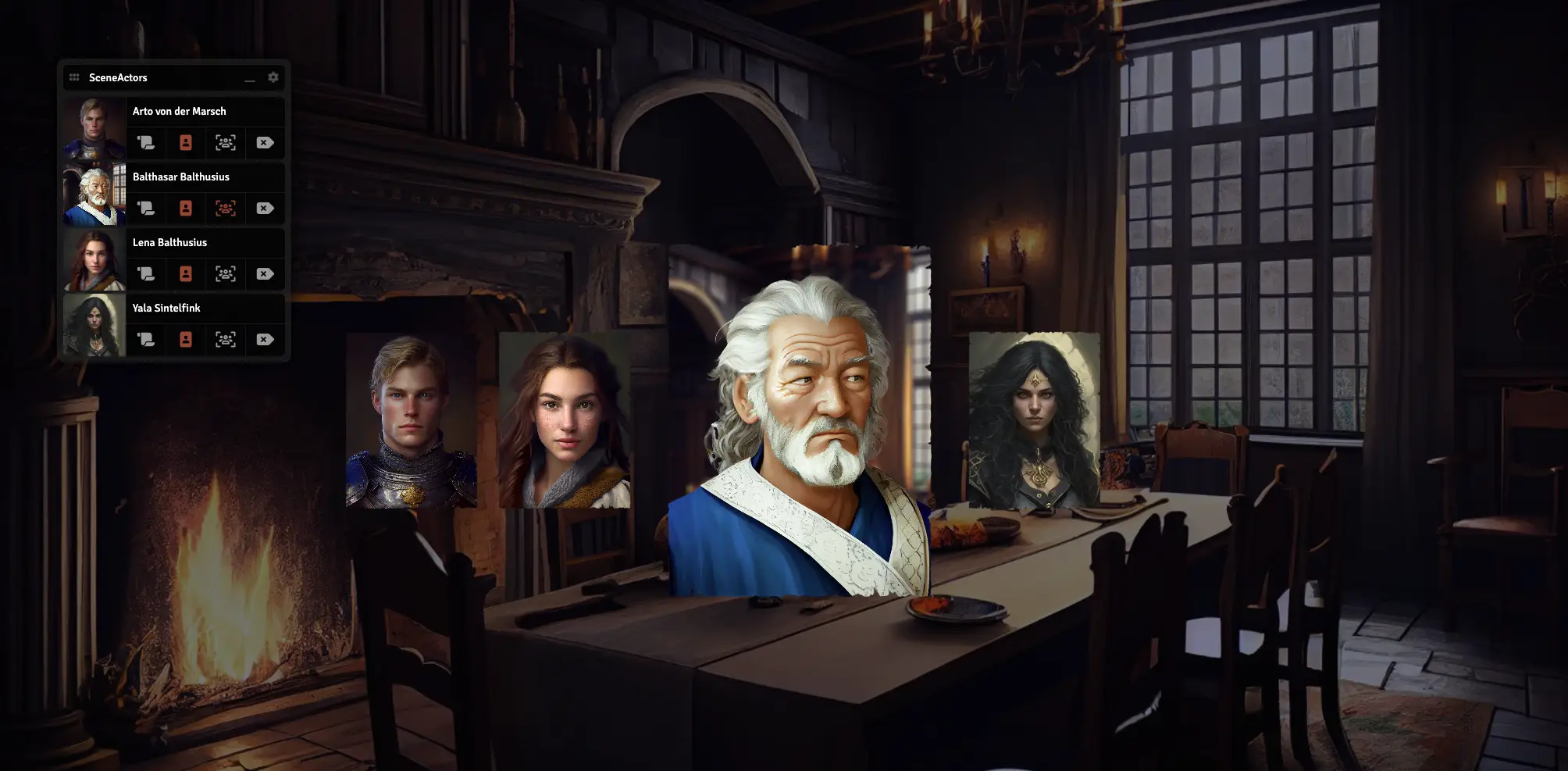
With this module, you can select actors for each scene, to have an overview, showing their actor sheets or show the avatar image of one or more of them in the middle of the screen. This ensures more immersion for your players, while they act with NPCs. You can also set one of the NPCs in focus, for example when this one ist talking to your players.
All current features in overview:
- Adding actors for every scene individually
- open the actors' sheets
- show the actors in the middle of the screen
- Set a shown actor in focus
Subscribe
Login
Please login to comment
0 Comments

