


| Latest version | 12.01 |
|---|---|
| Minimum Core | 12 |
| Compatible Core | 12 |
| Last updated | 2 years ago |
| Created | 3 years ago |
| Authors | |
| Languages |
Deutsch English Español French Italiano Português (Brasil) polski 日本語 简体中文 |
| Systems | All systems |
| Project source | Project URL |
| Report bugs | Bug tracker URL |
Monk's Combat Marker
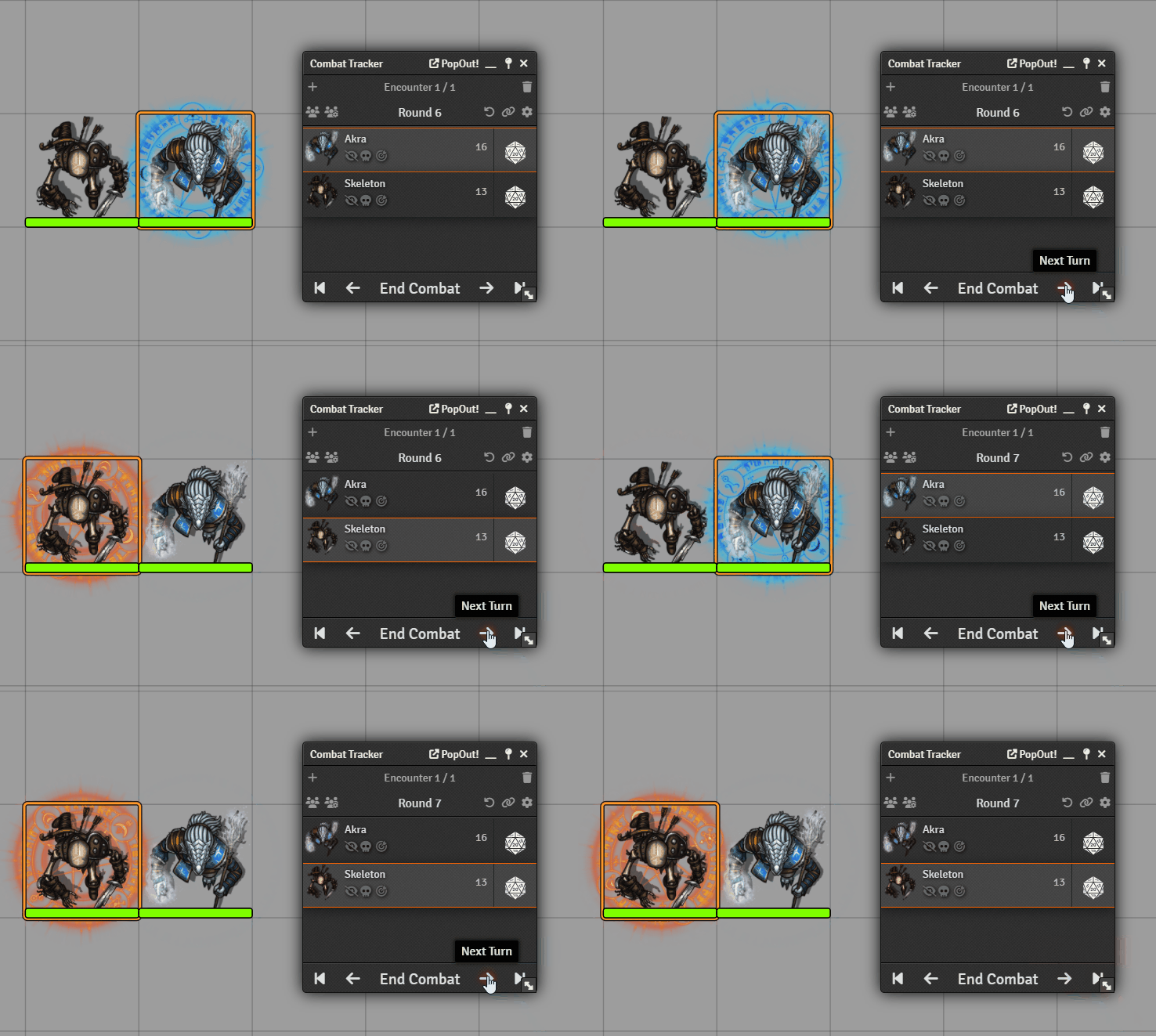
Display an animated disc behind the token to indicate the current combatant's turn. You can customise the animation, image that is display, size of the graphic, and speed of the animation.
Custom images
You can add a custom image for either friendly, or hostile combatants. And individually set an image for each token. So if your players want their own design when it's their turn you can easily configure this.
Animations
You can have a different animation for friendly, or hostile combatants. With six different animation options. Including no animation, in case you want to use a custom image that already includes an animation.
Clear after movement
If you feel like the indicator gets in the way and only serves a purpose to indicate the start of a turn, you can set it so that it disappears after a token has made a move. That way the player has an indication that they have a turn, but aren't distracted by the indicator once they begin to take their turn.
Monk's Little Details
This feature was previously part of the Monk's Little Details module, but was split out so that the modules were easier to maintain and could concentrate on the function they did best.

