| Latest version | 0.4.2 |
|---|---|
| Minimum Core | 10 |
| Compatible Core | 11 |
| Last updated | 2 years ago |
| Created | 4 years ago |
| Authors | |
| Languages |
English |
| Systems | All systems |
| Project source | Project URL |
| Read-me | Readme URL |
| Changelog | Changelog URL |
Dice roller for FreeForm Universal(FU) RPG Classic & v2(beta), Action Tales! RPG(Neon City Overdrive RPG, Hard City RPG, Star Scoundrels RPG), Earthdawn - Age Of Legend
Builtin support for
-
Game system Sandbox chat result style
-
Dice So Nice
Recommended Foundry Game systems
Variants
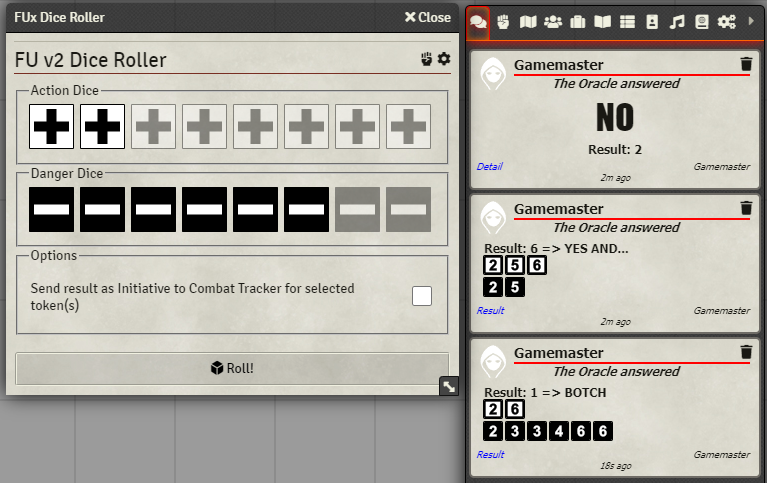
FU v2
As taken from FU v2 beta
For game system Sandbox
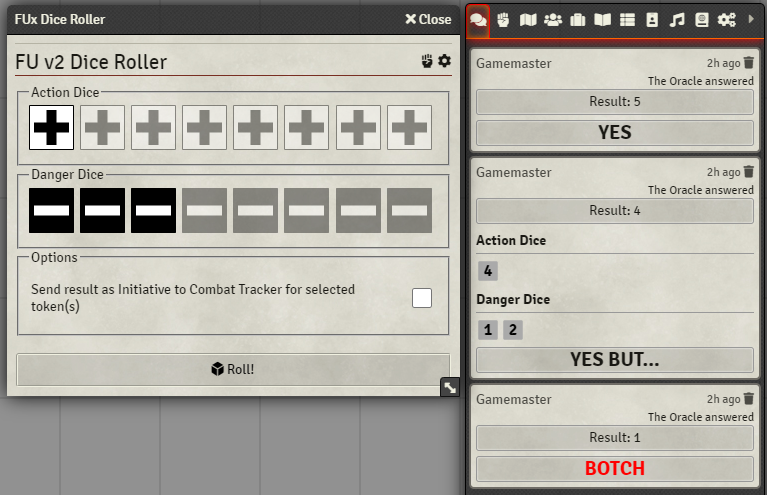
Other Foundry game systems than Sandbox
Action! Tales
Action Tales! RPG(Neon City Overdrive RPG, Hard City RPG, Star Scoundrels RPG)
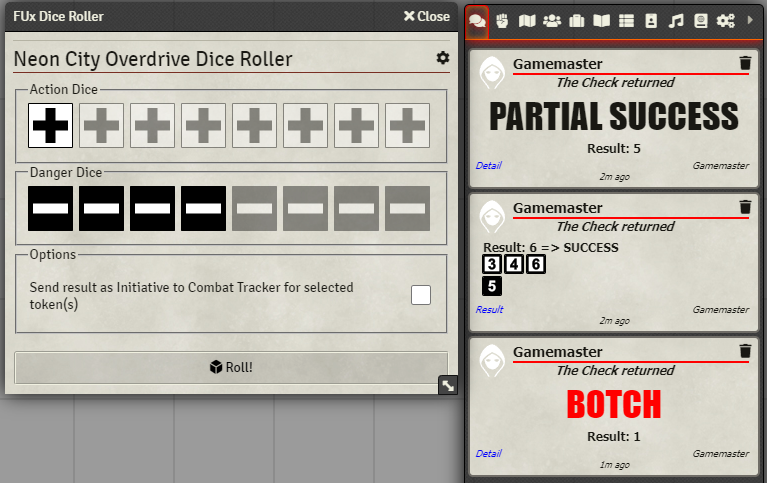
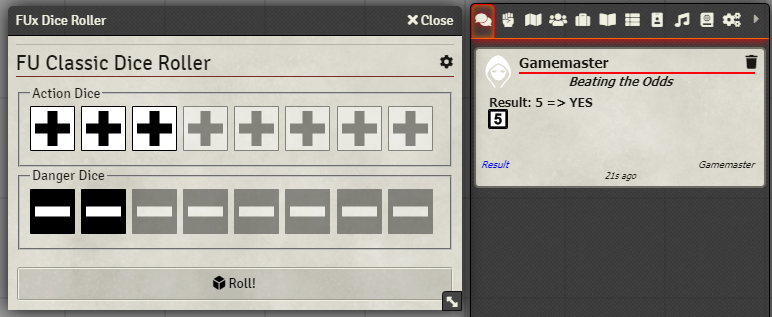
FU Classic
In Classic, the roller will reduce selected Action(Start + Bonus)/Danger(Penalty)dice before the roll
The oracle used for Classic is the alternative numbering(1-3 Bad, 4-6 Good result) and not the default Even/Odd due to programming reasons.
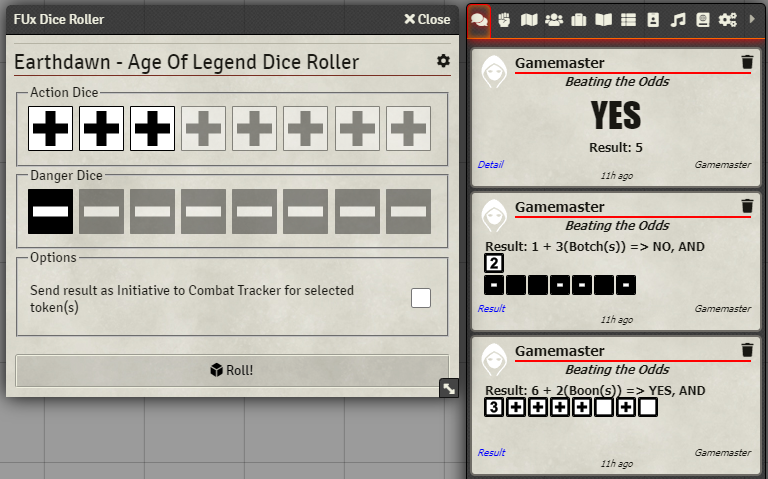
Earthdawn - Age Of Legend
In Earthdawn - Age Of Legend, the roller will reduce selected Action(Start + Bonus)/Danger(Penalty)dice before the roll
The oracle used for Earthdawn - Age Of Legend is the alternative numbering(1-3 Bad, 4-6 Good result) and not the default Even/Odd due to programming reasons.
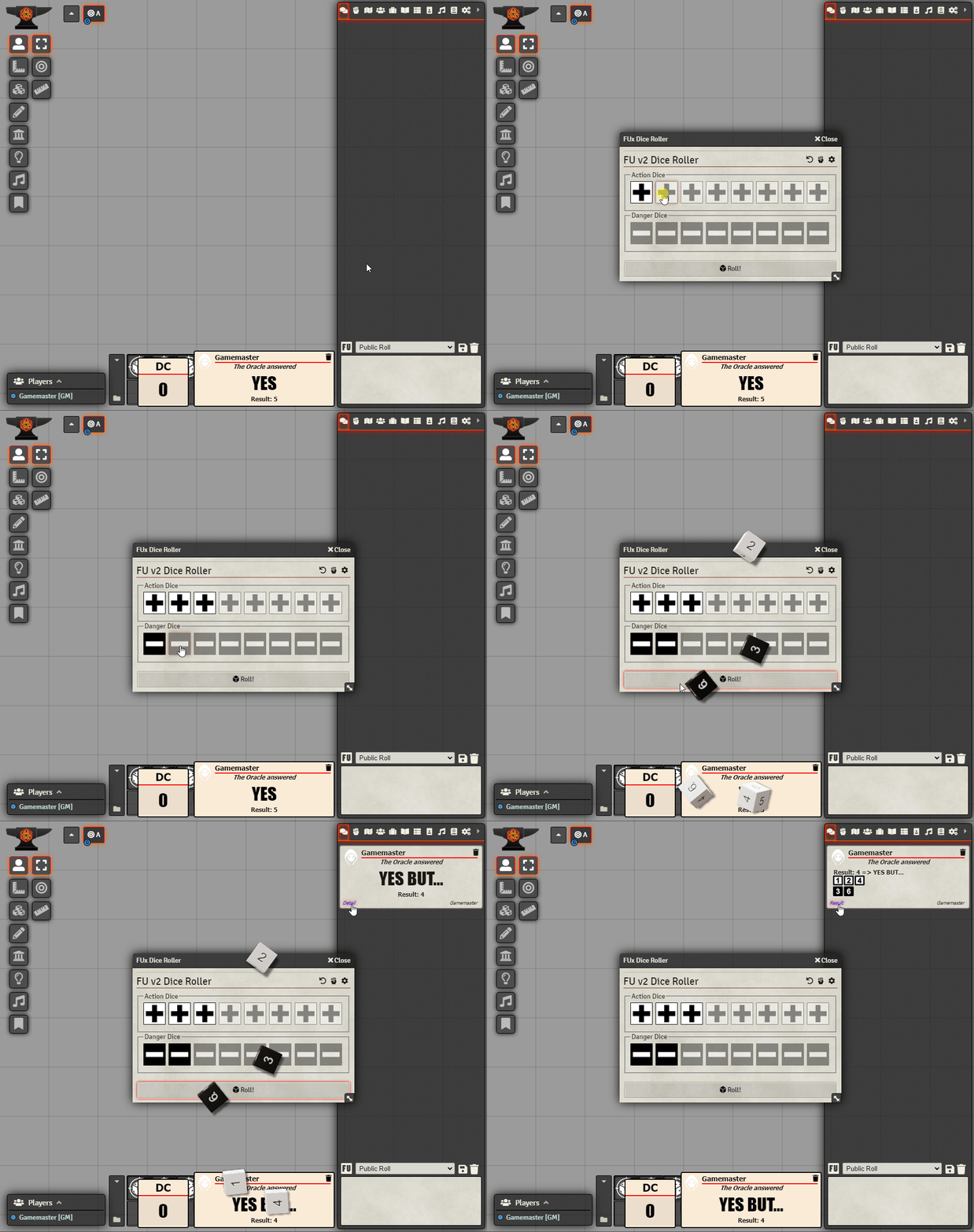
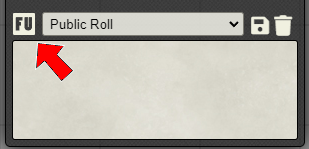
Launching FUx Dice Roller
The dice roller can be launched by clicking the FU icon on the Chat tab of the sidebar
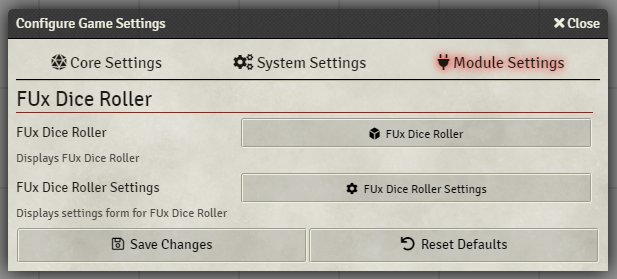
The dice roller can also be launched from the Module Settings window
Roll commands from chat
FUx Dice roller support chat commands to roll
Command format
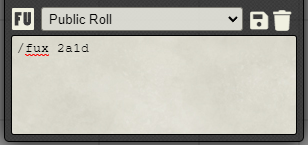
/fux xayd
where x is the number of Action Dice and y is the number of Danger Dice
Example.
This will roll 2 Action Dice and 1 Danger Dice
/fux 2a1d
Settings
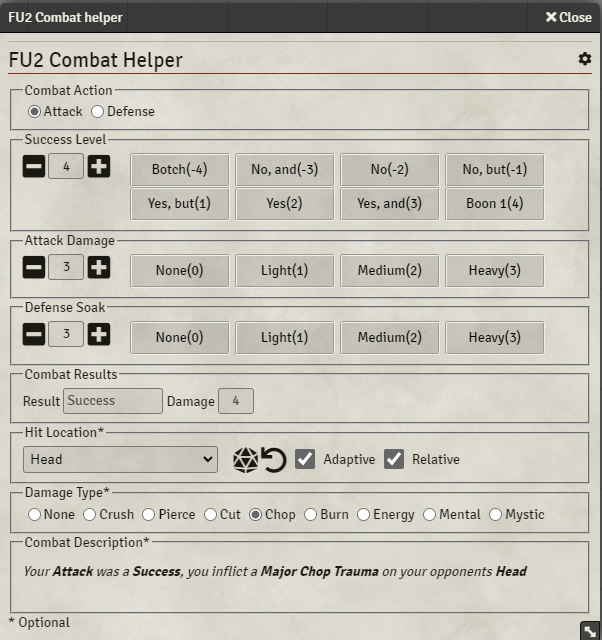
FU v2 Combat Helper
If the current system variant is FU v2, a Combat Helper is available on the dice roller
The Combat Helper makes it easy to quickly determine attacks and defend effects.