


| Latest version | 1.3.0 |
|---|---|
| Minimum Core | 0.8.0 |
| Compatible Core | 0.8.8 |
| Last updated | 1 month ago |
| Created | 5 years ago |
| Authors | |
| Languages |
English |
| Systems | All systems |
| Project source | Project URL |
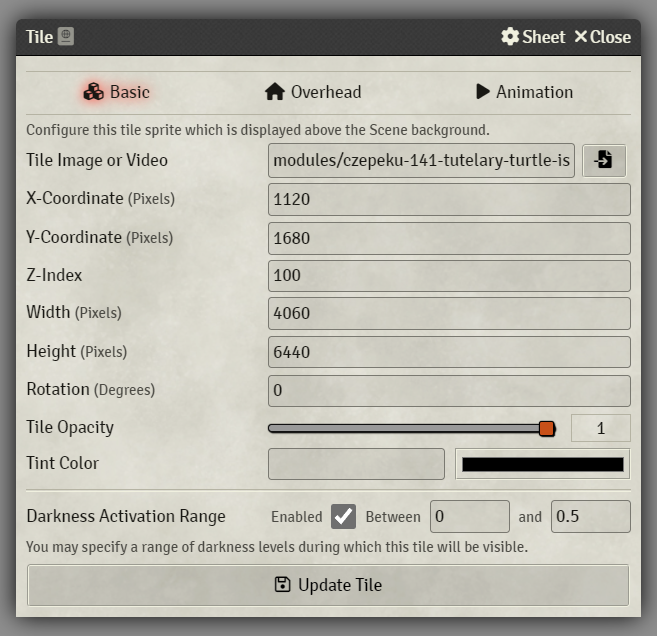
Darkness Activated Tiles allows tiles to be hidden when the darkness level in a scene goes outside a customizable range. It works the same as the darkness activation range works with ambient lights and sounds. The setting to configure the range is under the "Basic" tab of the tile config menu.

Subscribe
Login
Please login to comment
0 Comments

