


| Latest version | 1.3.1 |
|---|---|
| Minimum Core | 10 |
| Compatible Core | 11 |
| Last updated | 4 years ago |
| Created | 5 years ago |
| Authors | |
| Languages |
Deutsch English 日本語 |
| Systems | All systems |
| Project source | Project URL |
| Report bugs | Bug tracker URL |
| Read-me | Readme URL |
| Changelog | Changelog URL |
| License | License URL |
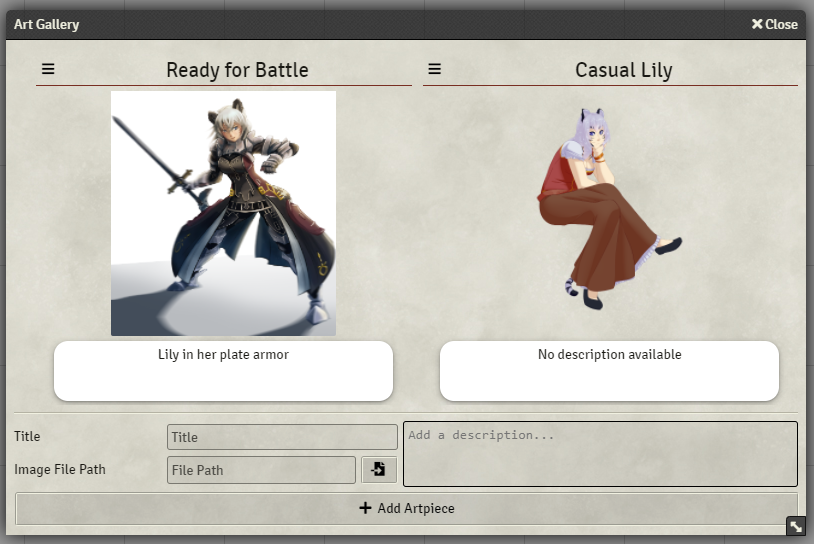
Art Gallery lets you add more than 1 portrait to any actorsheet.
Each art piece has a title and a description it addition to the actual image. It can also be deleted, as well as zoomed and shared.
Subscribe
Login
Please login to comment
0 Comments

