


| Latest version | v1.1.1 |
|---|---|
| Minimum Core | 10 |
| Compatible Core | 11 |
| Last updated | 7 months ago |
| Created | 5 years ago |
| Authors | |
| Languages |
|
| Systems |
Dnd5e |
| Project source | Project URL |
| Report bugs | Bug tracker URL |
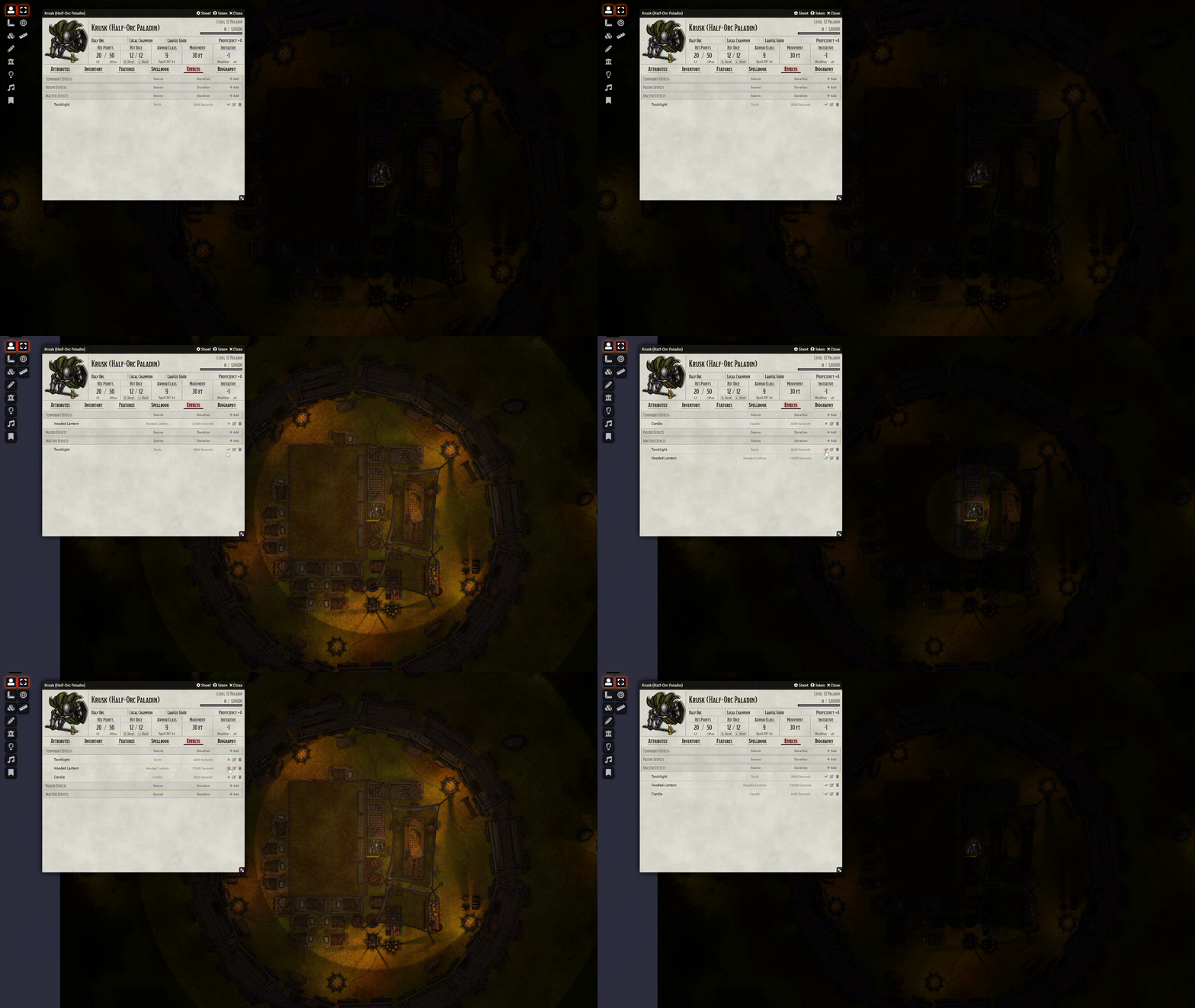
Active Token Effects works as active effects for token data. This means any token data can be controlled through an Active Effect: size, lighting, vision, image etc.
You can use the syntax ATL.X as the attribute key for the active effect. Where X is the data path you wish to change. For example to change dimSight on a token use ATL.sight.dim as the attribute key. The keys are documented here: https://github.com/kandashi/Active-Token-Lighting/wiki/Key-Reference
System Compatibility
Most game systems work out-of-the-box, including those using the new active effect transferral mode introduced in Foundry v11. There is, hoever, some code for specific systems to improve compatibility:
- D&D 5e (dnd5e): Active effects on items only apply when equipped and attuned (if applicable), so there's special handling when those are changed (e.g. unequipping an item with an effect will turn off the effect)
- Warhammer Fantasy Roleplay 4e (wfrp4e): same as above with equipped items
- Savage Worlds Adventure Edition (swade): same as above with equippable items
Subscribe
Login
Please login to comment
0 Comments

