


| Latest version | 0.1.6 |
|---|---|
| Minimum Core | 0.6.0 |
| Compatible Core | 0.6.5 |
| Last updated | 6 years ago |
| Created | 6 years ago |
| Authors | |
| Languages |
English Polski |
| Systems | All systems |
| Project source | Project URL |
| Report bugs | Bug tracker URL |
| Read-me | Readme URL |
| Changelog | Changelog URL |
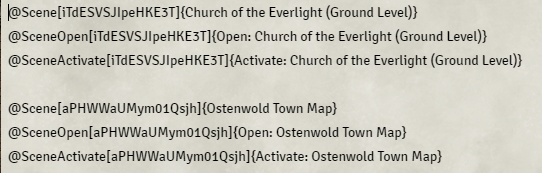
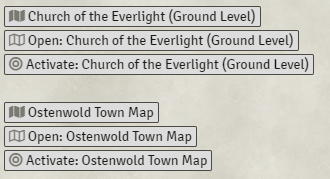
This module provides ability to create Scene Entity Links that when clicked Open or Activate a Scene.
Usage
Simply hold a key before you start dragging Scene from SceneSidebar and drag Scene into Journal (or any rich text editor like Quest Log's description).
Supported Keys:
- Hold Control to create Open Scene link.
- Hold Alt to create Activate Scene link.
Contact
If you wish to contact me for any reason, reach me out on Discord using my tag: Forien#2130
Support
If you wish to support me, please consider becoming Patreon or donating through Paypal.
Subscribe
Login
Please login to comment
0 Comments

