


| Latest version | 1.0.0 |
|---|---|
| Minimum Core | 14 |
| Compatible Core | 14 |
| Last updated | 1 year ago |
| Created | 1 year ago |
| Authors | |
| Languages |
|
| Systems | All systems |
| Project source | Project URL |
| Report bugs | Bug tracker URL |
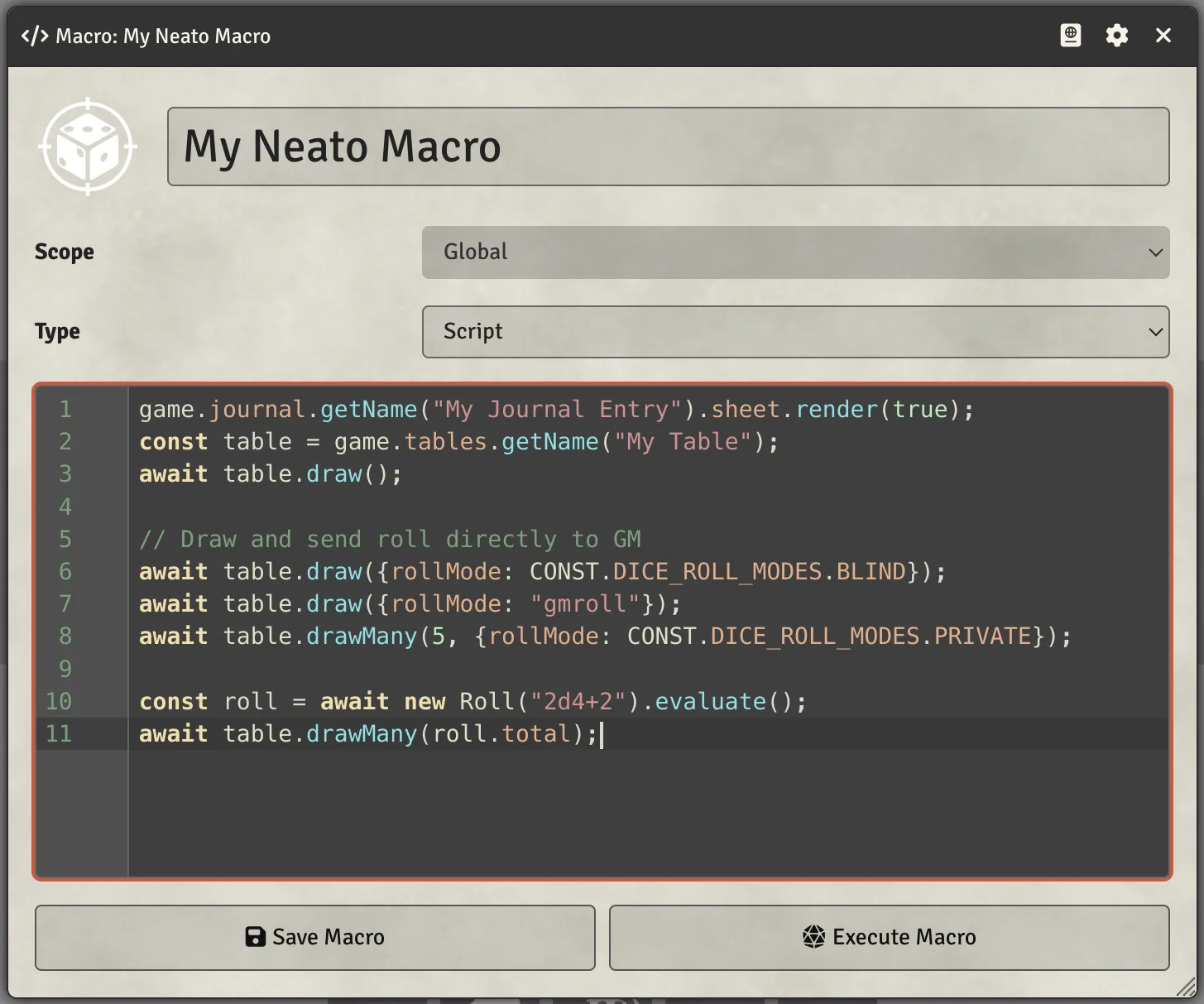
This module provides a code editor syntax highlight theme inspired by the famous color scheme for Vim. The particular flavor is drawn from the port for Emacs and shares its GPL-3.0 license. It is a somewhat dark, low-contrast theme.
Subscribe
Login
Please login to comment
0 Comments

