


| Latest version | 5.0.3 |
|---|---|
| Minimum Core | 13 |
| Compatible Core | 14 |
| Last updated | 7 months ago |
| Created | 6 years ago |
| Authors | |
| Languages |
Deutsch English Italiano Português (Brasil) Spanish 日本語 |
| Systems | All systems |
| Project source | Project URL |
| Changelog | Changelog URL |
Tiny yet capable in-game token editor.
Tokenizer registers itself automatically in the most game systems, and opens up when you click on the avatar image from a character sheet. It enables you to create both a new Avatar image and Token image by using multiple stacked layers and easy to use interface.
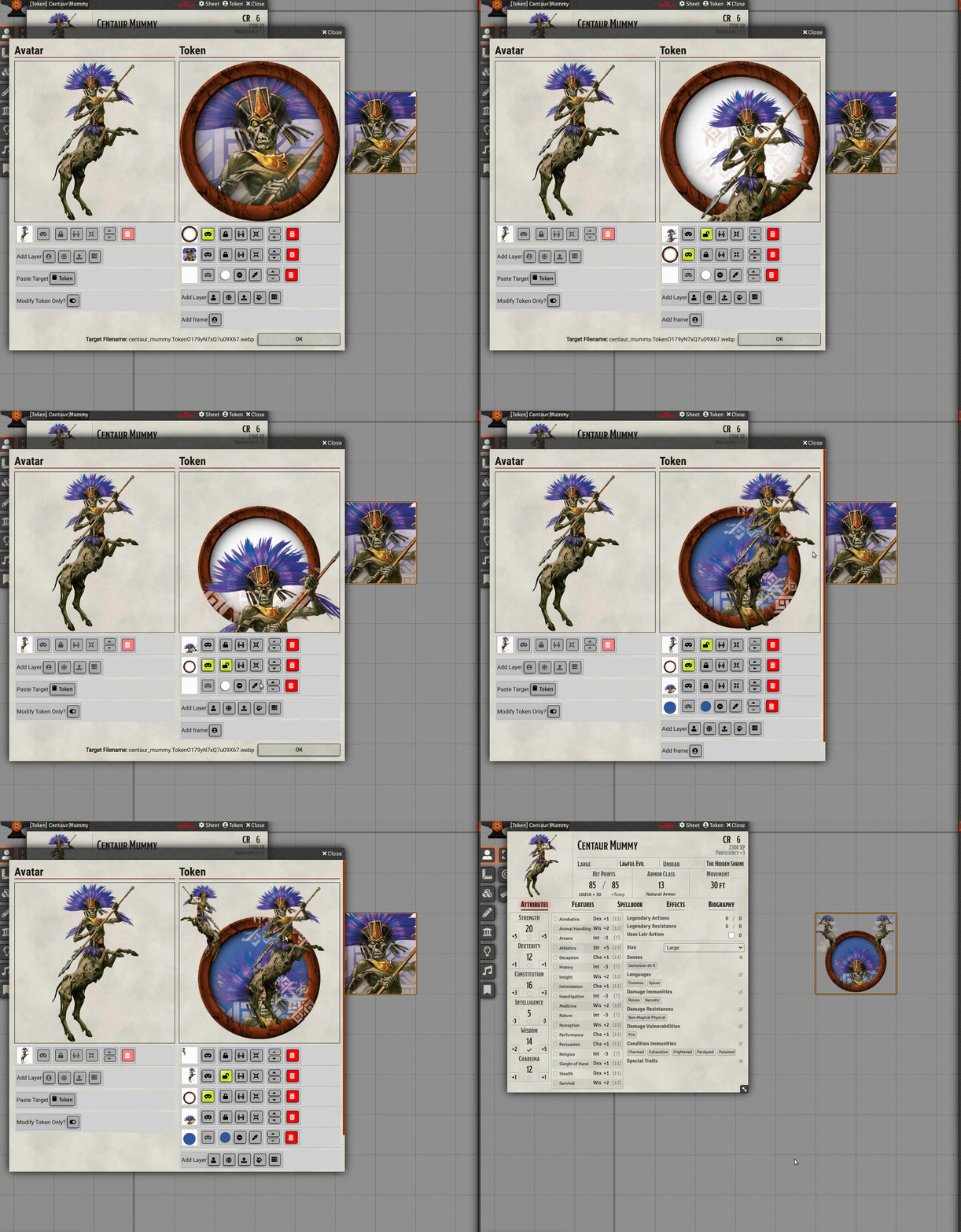
You can find detailed instructions on how to use Tokenizer at the linked website.


Is there a way to change the border?
If you mean the boarder of the token, yes, it is a layer on top of the token image. You can delete that layer and add your own.
This makes token creation so easy. Not sure what I would do without it.
This bugged out on me a while back where it wasn’t saving the images it created, but I found if I pointed it at a directory other than the default Data directory it worked again. Super convenient, and I wouldn’t want to go without it!
This is an absolutely INVALUABLE module, thank you so much! The only thing I can say is while I’m sure it’d be possible to finagle on my end different colorized borders, some extra built-in borders of different colors would be nice to differentiate NPCs of different importance.
Whether it be possible to add extra colored borders or even possible to create a built-in colorizer that can make even added personal tintable borders have extra colors, I think these are the only suggestions I have that’d make this the PERFECT foundry module 😀
Are there any plans to add a text layer?