


| Latest version | 1.3.1 |
|---|---|
| Minimum Core | 14 |
| Compatible Core | 14.367 |
| Last updated | 1 month ago |
| Created | 3 years ago |
| Authors | |
| Languages |
|
| Systems |
Dnd5e Pf2e |
| Project source | Project URL |
| Report bugs | Bug tracker URL |
| Read-me | Readme URL |
| Changelog | Changelog URL |
| License | License URL |
Token Light Condition
Tracks whether each token stands in bright, dim or dark light.
Wiki · Discord · Patreon · Ko-fi
At a Glance
Automatic TrackingLevels update when tokens move or lighting changes. |
Dark and DimTokens get a matching Dark or Dim Lighting effect. |
HUD IndicatorA light-level icon on the token HUD. |
Light HandlingWalls, elevation and darkness sources affect the result. |
System SupportWorks with D&D 5e and Pathfinder 2e. |
Module APIMacros can read a token's light level. |
See It in Action
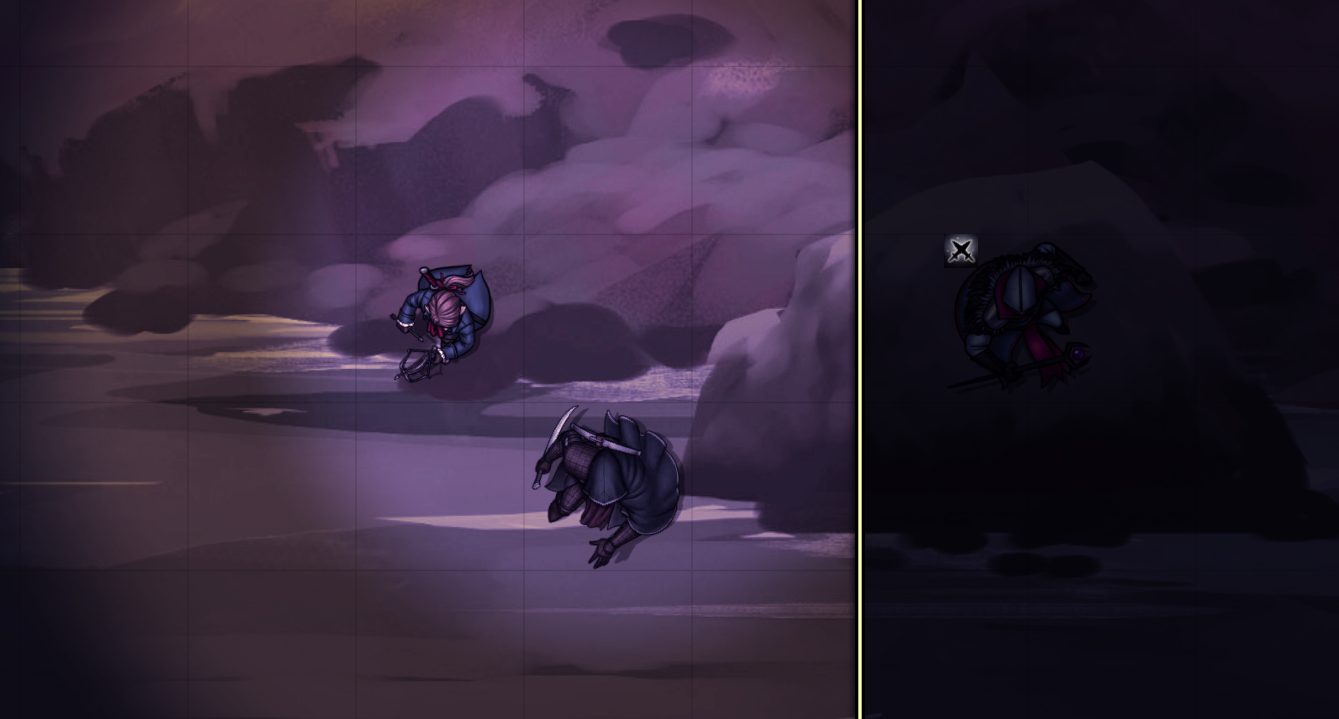
A wall blocking light from reaching a token.
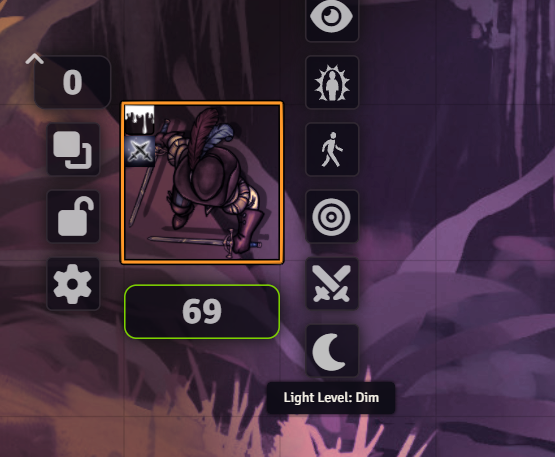
The light-level indicator on the token HUD. |
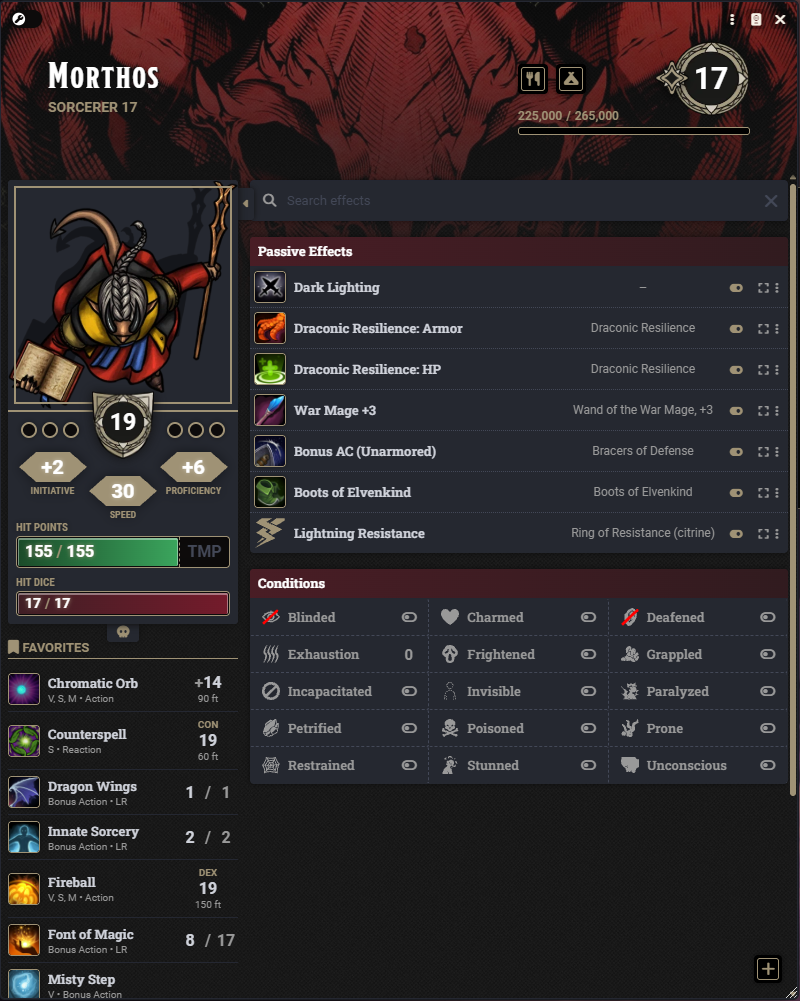
The Dark Lighting effect on a character sheet. |
Subscribe
Login
Please login to comment
0 Comments

