| Latest version | 1.4.0 |
|---|---|
| Minimum Core | |
| Compatible Core | |
| Last updated | 5 months ago |
| Created | 8 months ago |
| Authors | |
| Languages |
|
| Systems | All systems |
| Project source | Project URL |
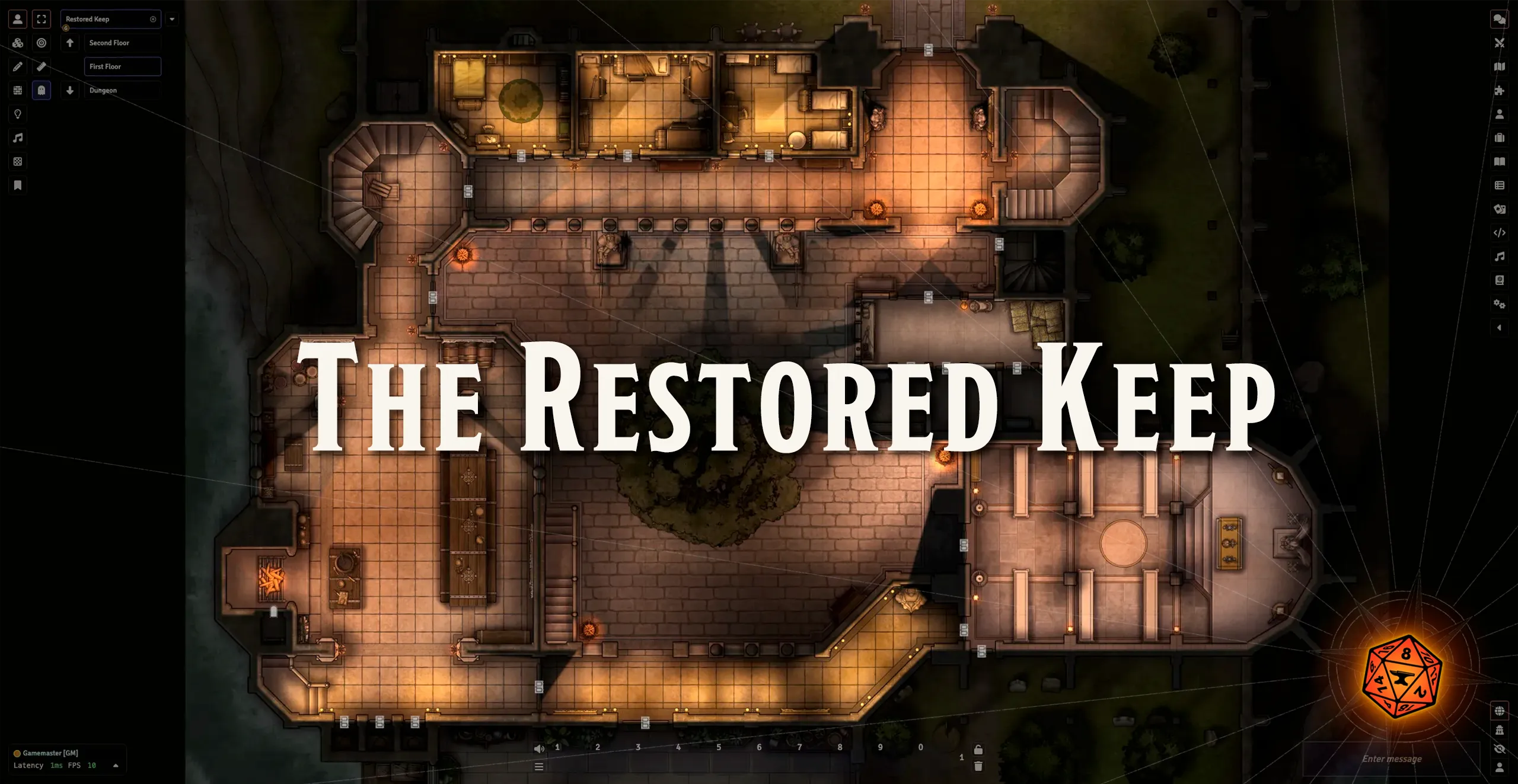
After cleansing the Keep of the Haunting and spending a little time and gold on refurbishment, its ready to move in! New guards have been hired; new staff taken on. The storms seem to have abated, the trees and plants sprung back surprisingly quickly, even the paintings on the walls appear to have more colour and life in them. It would be the perfect home if the nightmares would just stop.
One of V14's exciting new features is Scene Levels support, a brand-new framework for designing and playing interconnected multi-level scenes. We've worked with Tom Cartos to take his Restored Keep map and built it out using Scene Levels as a demonstration of what the feature is capable of and to provide a good model for other creators to follow when putting together multi-level scenes in Foundry.
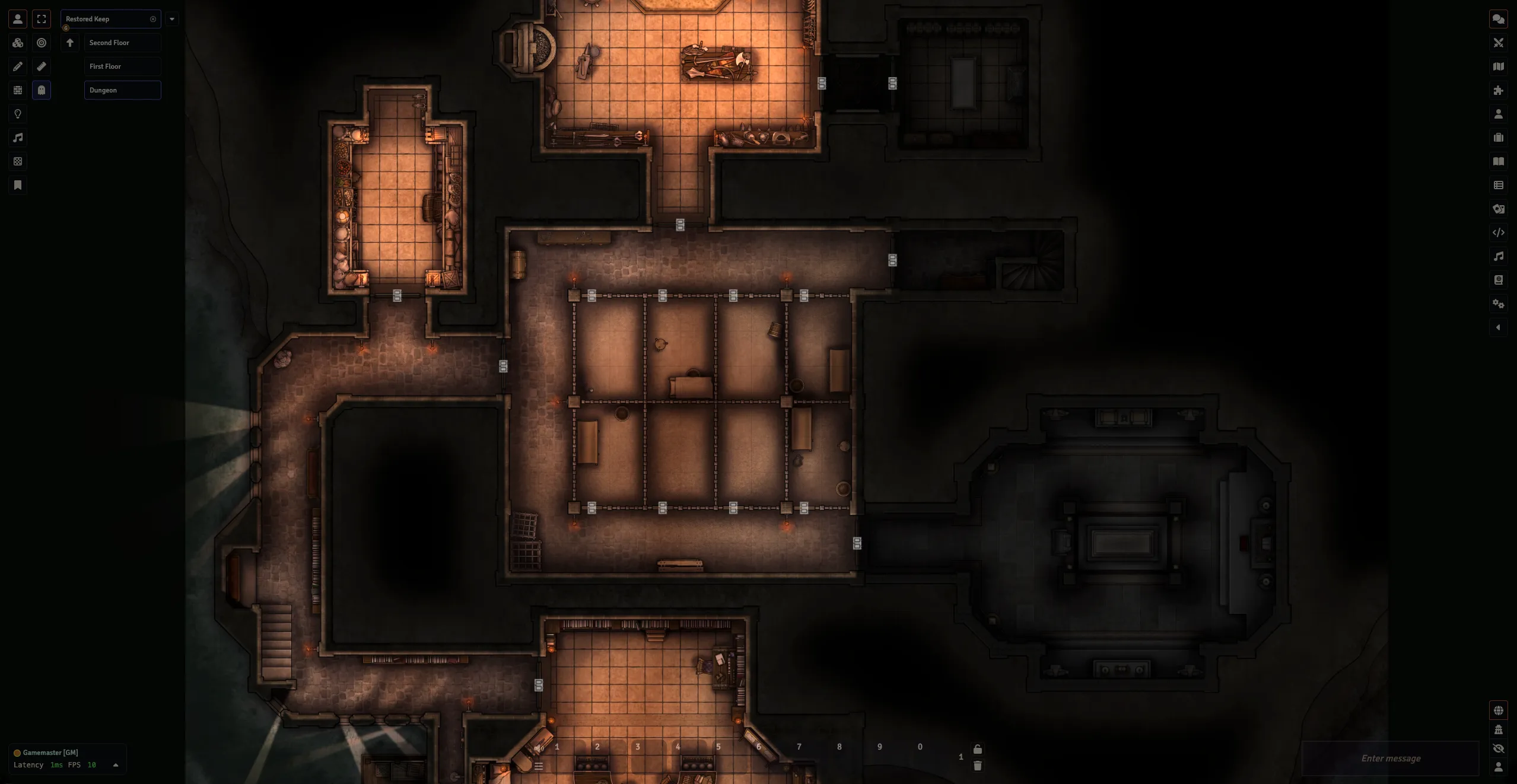
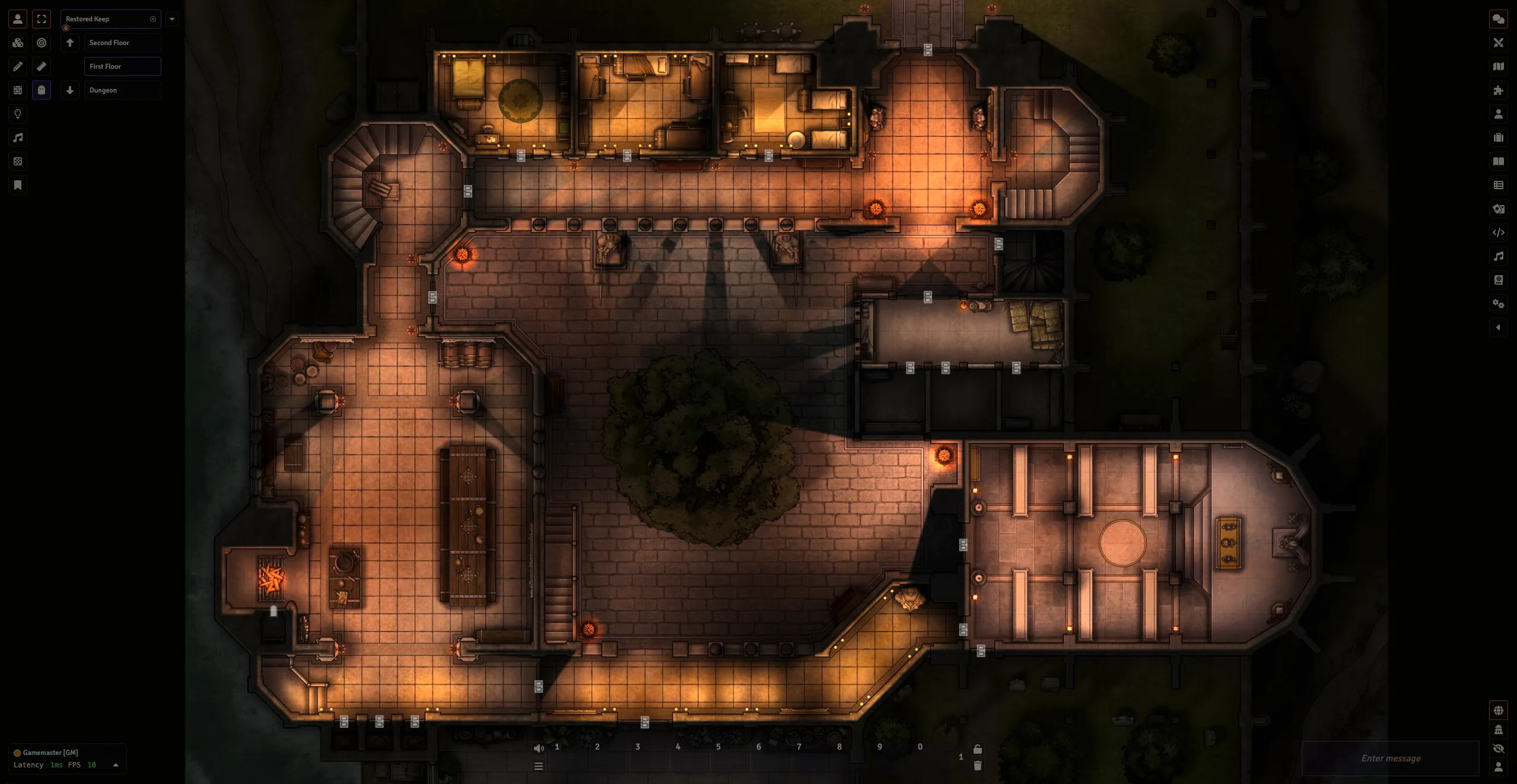
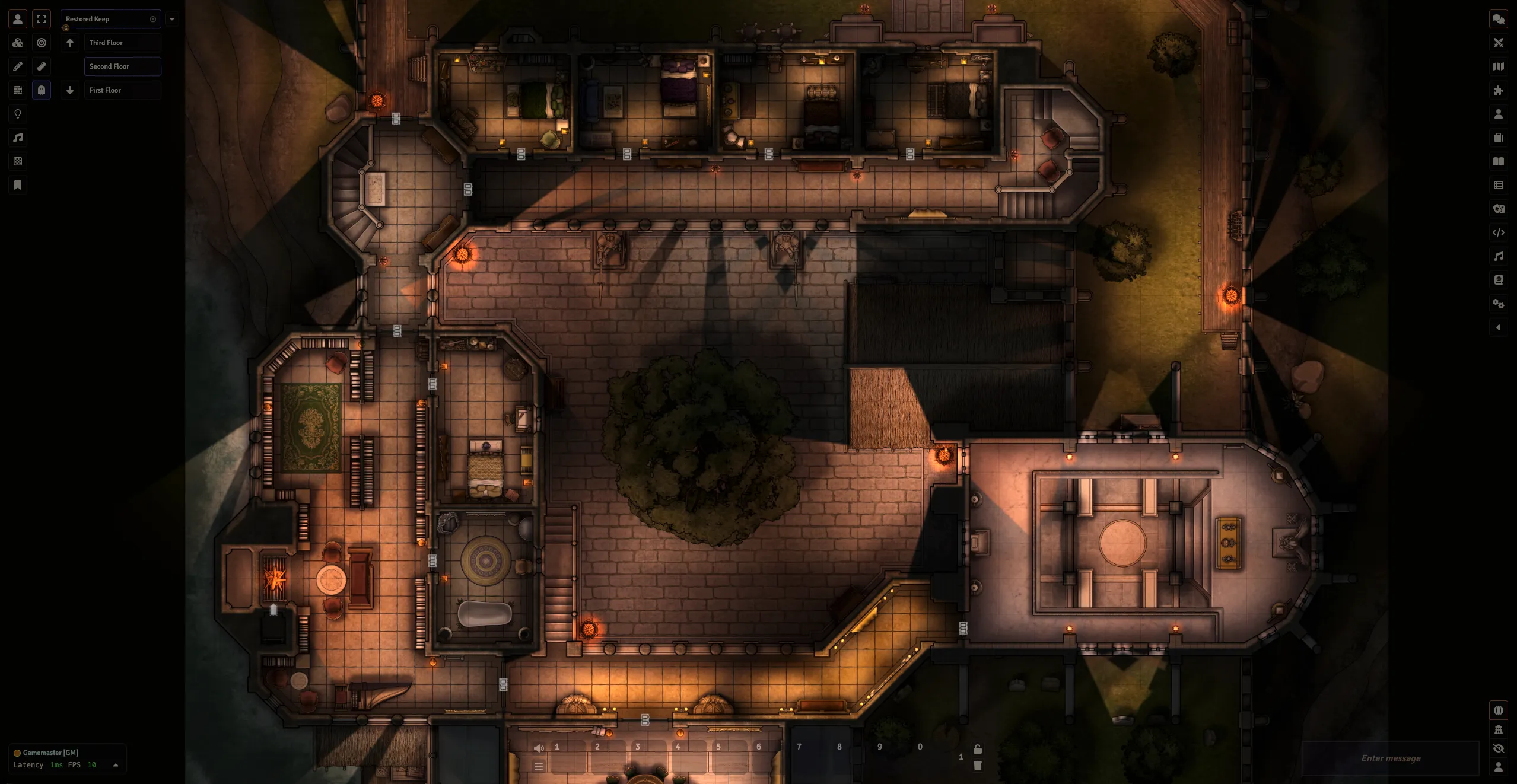
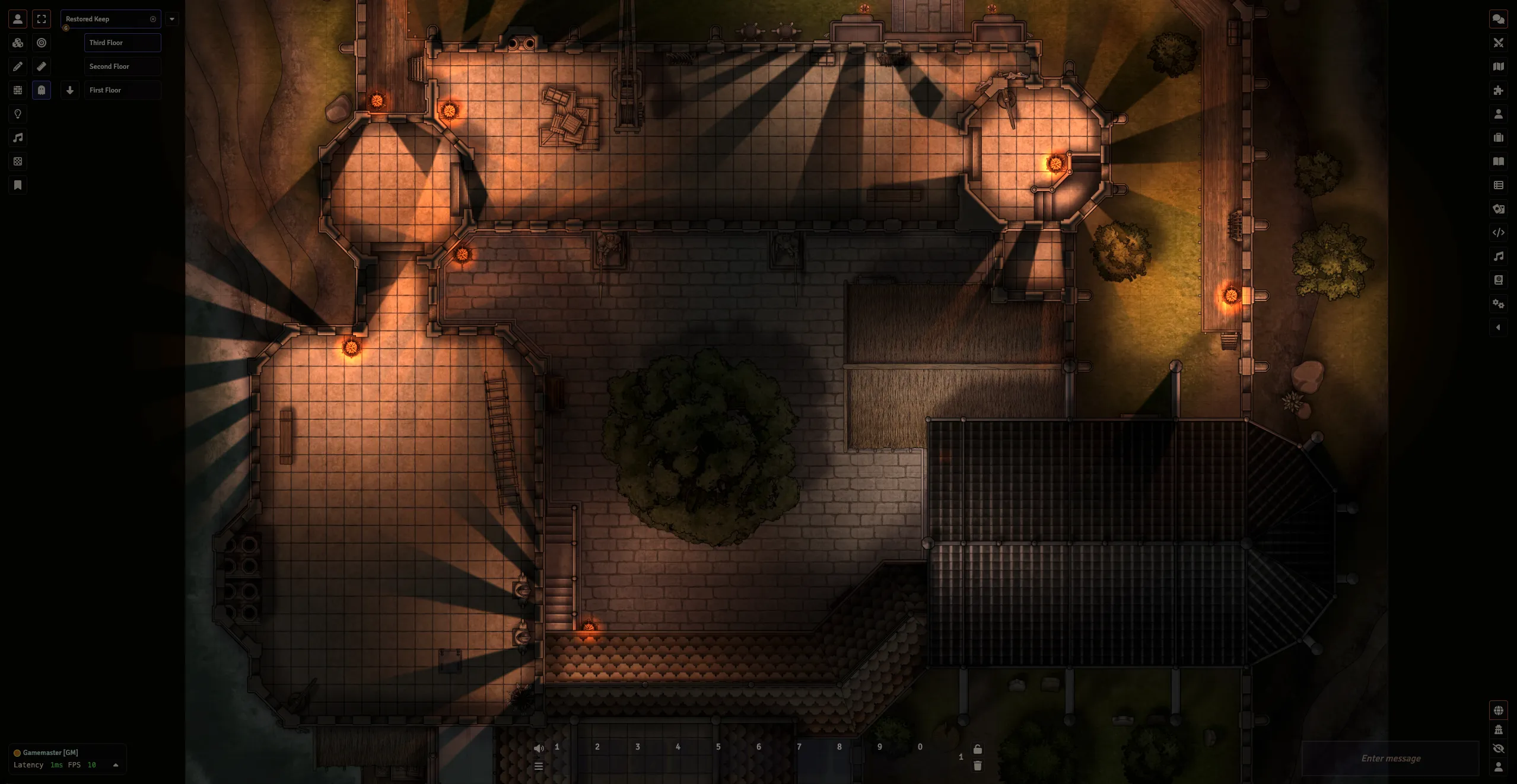
Explore all four levels of the Restored Keep from a dungeon level with access to the water up to the third floor with visibility over the lower levels including tokens, tiles, lights, and walls. The scene is also configured with animated doors, the new Change Level region behavior, and the Define Surface region behavior for defining what areas of the Scene shouldn't be visible from different heights.
Check out Tom Cartos' Patreon for access to more fantastic maps like this one!
How Does Scene Levels Help?
The Scene Levels framework introduced in V14 has made implementing multi-level Scenes a lot more straight forward. Let's consider how this Scene would have been constructed in V13:
- Each level would have been a separate Scene, cluttering the Scenes tab
- Each above ground level would need to include the outer grounds
- This would make each image's file size larger
- Tokens in the outer grounds (and other visible areas) on the first floor wouldn't be visible to users on the second floor
- Assets that are visible across multiple levels like tree canopies, lights, sounds, walls, etc. would have to be placed multiple times
- Teleportation regions would have to be added between the Scenes which requires more configuration
Now let's take a look at how we can implement those same things using V14's Scene Levels:
- The Restored Keep is now a single Scene decluttering the sidebar and making it easier to link to in of journals
- The grounds are only included in the first floor and are visible from the levels above
- Tiles, lights, walls, sound effects and more which are perceivable from multiple levels are placed once and can be tagged as being visible on multiple levels
- The new Change Level Region Behavior allows you to place a Region that Tokens can use to transfer between the same area on different levels when they enter it with no extra configuration necessary
Screenshots