| Latest version | 14.1.0 |
|---|---|
| Minimum Core | 14 |
| Compatible Core | 14 |
| Last updated | 3 months ago |
| Created | 3 years ago |
| Authors | |
| Languages |
|
| Systems |
Pf2e |
| Project source | Project URL |
| Report bugs | Bug tracker URL |
| Changelog | Changelog URL |
Finding a legendary tomb requires tracking an equally legendary cave worm said to dwell there. As the adventurers set out from Highhelm, they must brave the Darklands’ dangers, navigate a treacherous fey city, and recover the relic that retraces the cave worm’s path. Yet in doing so, they learn of nefarious rivals who also seek the tomb—rivals the adventurers might stop by infiltrating an unforgiving underground metropolis.
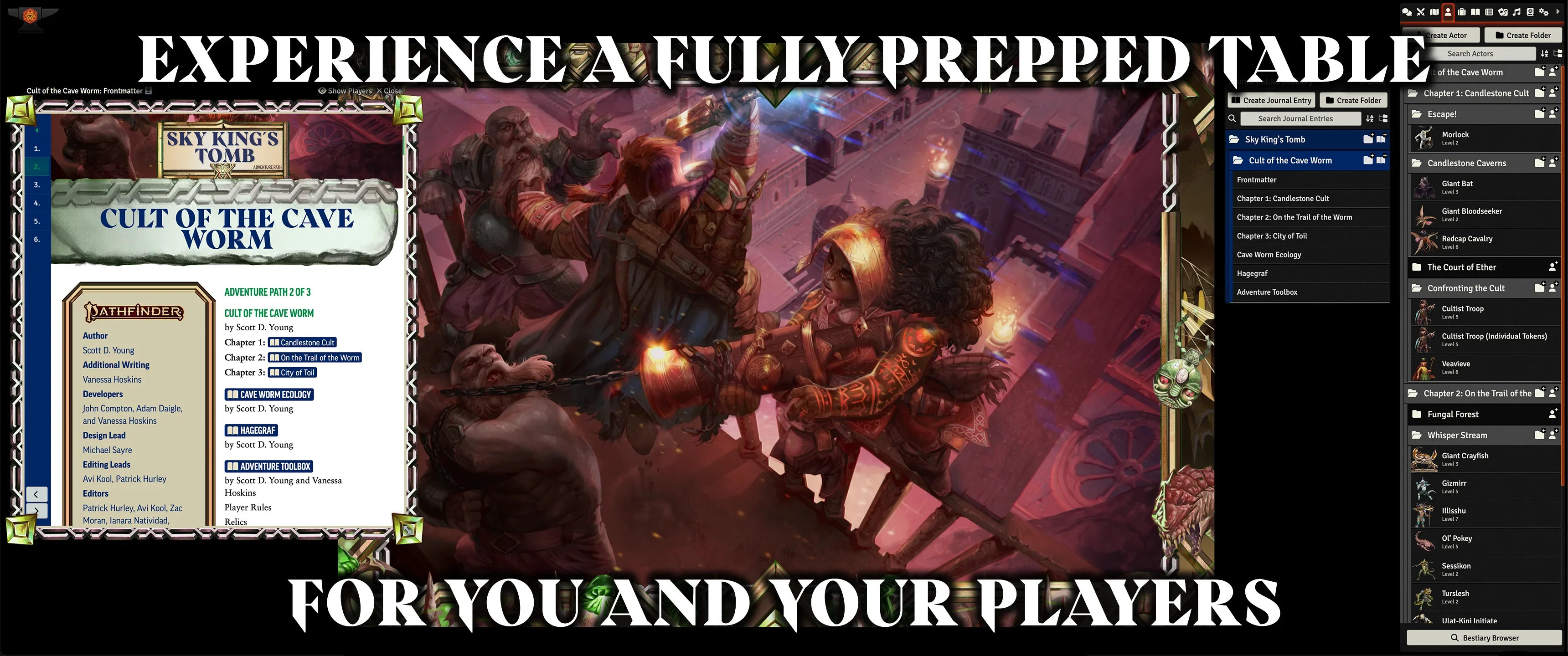
Cult of the Cave Worm is a Pathfinder adventure for four 5th-level characters, continuing the Sky King’s Tomb Adventure Path, a three-part monthly campaign in which a group of adventurers travel deep underground to discover a legendary dwarven king’s tomb, seek subterranean treasures, and heal millennia-old injustices—all while stopping an ambitious villain from weaponizing those same discoveries. This adventure also includes a study of cave worm ecology, a gazetteer of the underground dwarven city of Hagegraf, potent relics, and several monsters to threaten underground explorers. Experience this Adventure Path using the full suite of Foundry VTT features, using maps, tiles, tokens, sounds, and much more to bring you content which truly cannot be experienced in the same way anywhere else.
Purchase Sky King's Tomb 2 of 3: Cult of the Cave Worm
Cult of the Cave Worm for Foundry VTT includes:
- Full compatibility with Foundry Virtual Tabletop version 11.
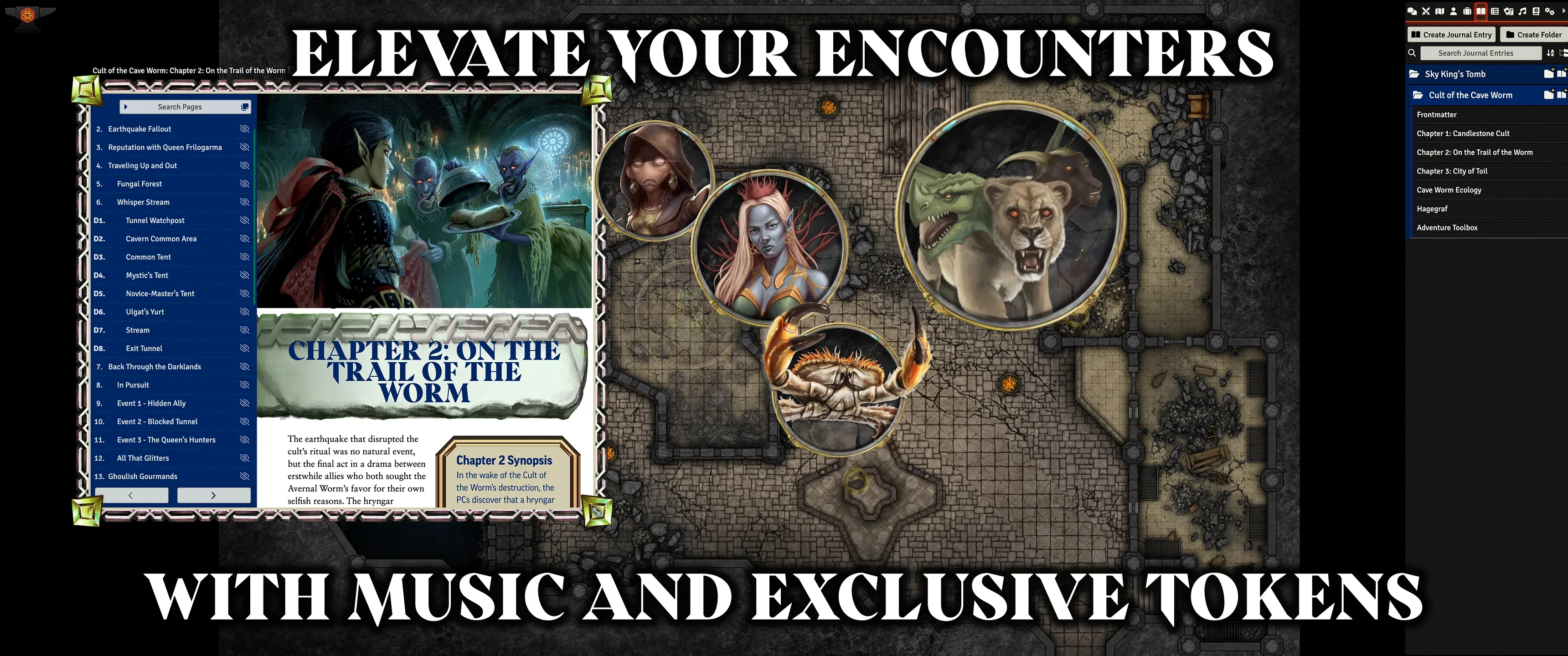
- High-resolution character artwork and tokens for each of the unique monsters and NPCs in this AP.
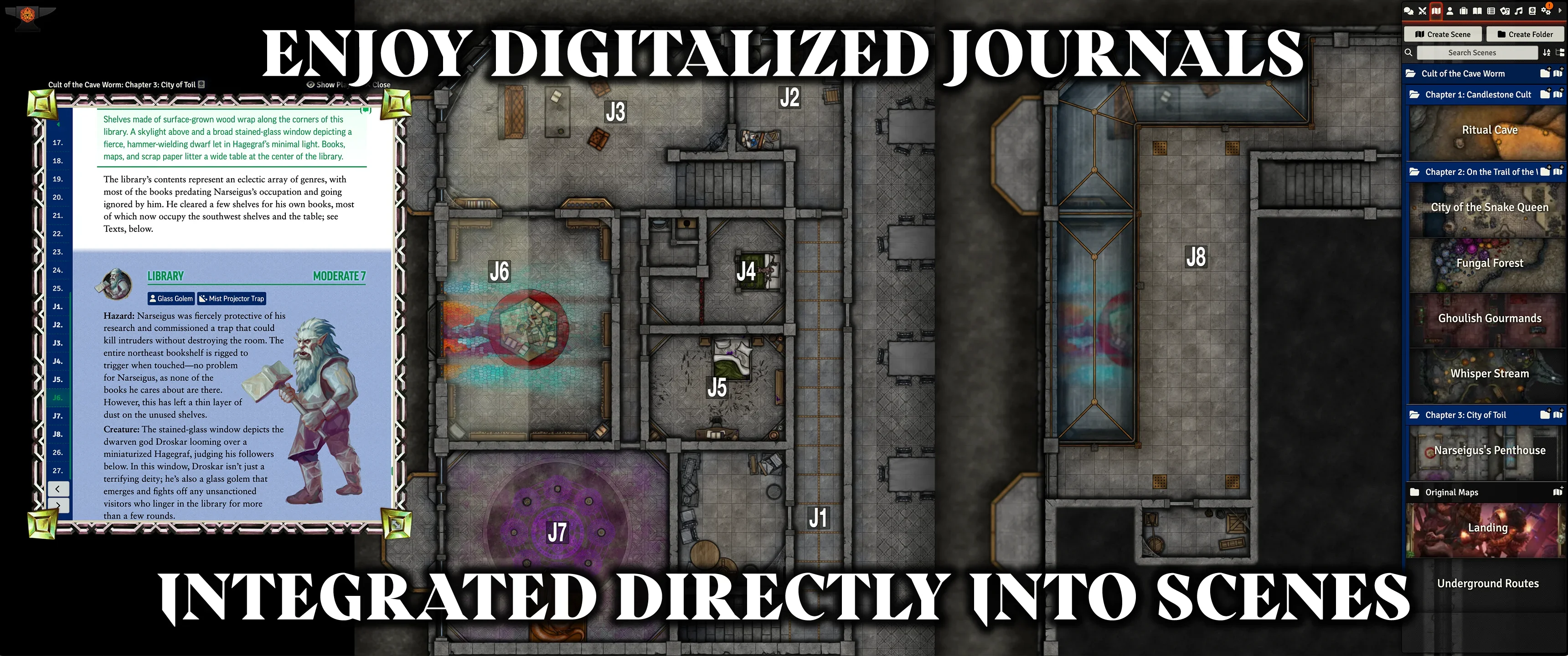
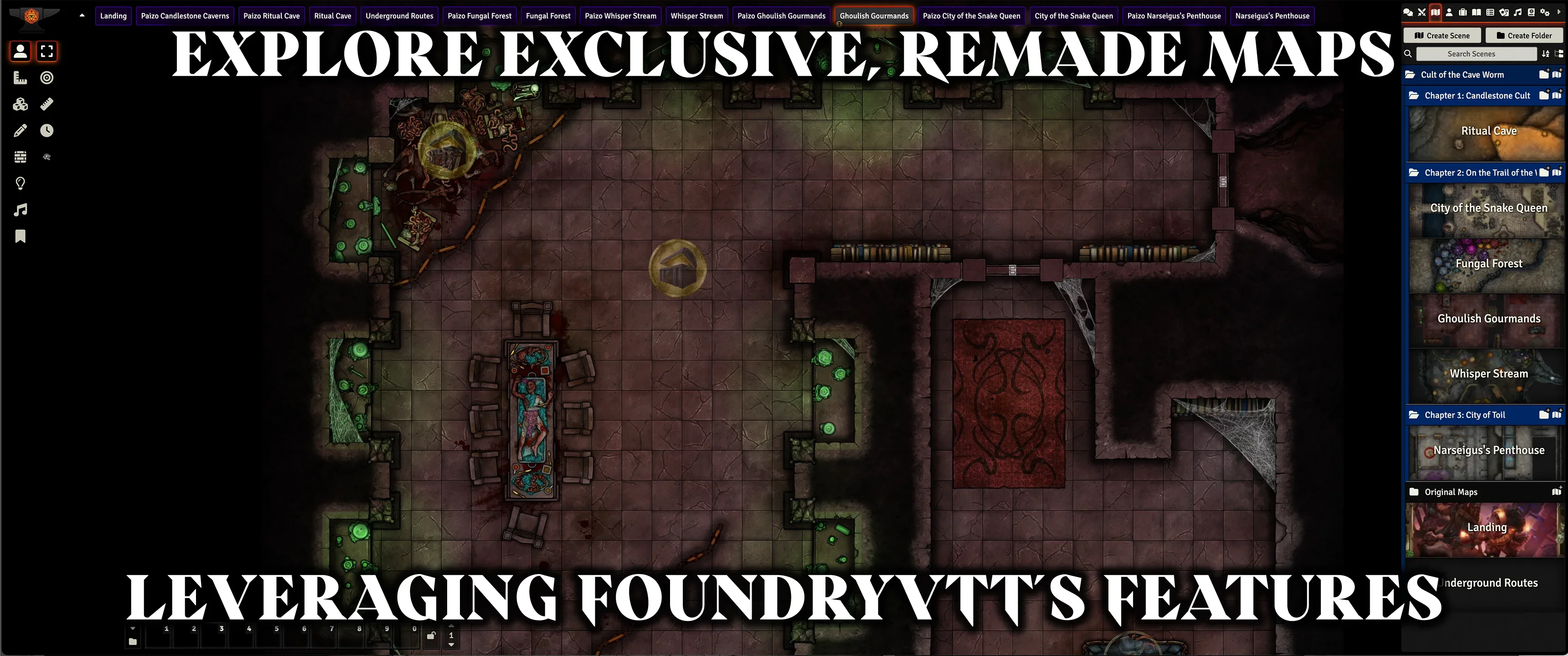
- Completely remade, highly detailed, and immersive adventure maps with support for Foundry Virtual Tabletop's Overhead Tiles and Foreground Layer features, re-created by Sigil Entertainment Group using assets from Forgotten Adventures.
- Journal Entries for the entire contents of the book with additional encounter notes and Foundry VTT tips.
- Scenes pre-configured with walls, lights, sound, tokens, and hazards already placed to provide GMs the most convenient experience running the adventure.
- Soundscapes provided as ambient playlists and local sound sources to immerse your players, created by Michael Ghelfi Studios.
Installation and Activation
Purchasing this product from the Paizo store will grant you an activation code which can be activated through your Foundry VTT account page at https://foundryvtt.com/me/purchases. Afterwards you will be able to install the "Pathfinder Adventure Path #194: Cult of the Cave Worm (Sky King's Tomb 2 of 3) (Foundry VTT)" module on the Foundry Virtual Tabletop setup screen. To learn more about activating and installing premium content in Foundry Virtual Tabletop, visit https://foundryvtt.com/article/premium-content/.
After installing the module, it must be activated within a Game World. To do so:
- Access the Settings Sidebar tab
- Click "Manage Modules"
- Locate the "Sky King's Tomb 2 of 3: Cult of the Cave Worm" Module, enable it, and save module settings.
Screenshots