


| Latest version | 1.2.0 |
|---|---|
| Minimum Core | 0.7.6 |
| Compatible Core | 0.7.6 |
| Last updated | 5 years ago |
| Created | 5 years ago |
| Authors | |
| Languages |
English |
| Systems | All systems |
| Dependencies |
libWrapper |
| Project source | Project URL |
| Report bugs | Bug tracker URL |
| Read-me | Readme URL |
| Changelog | Changelog URL |
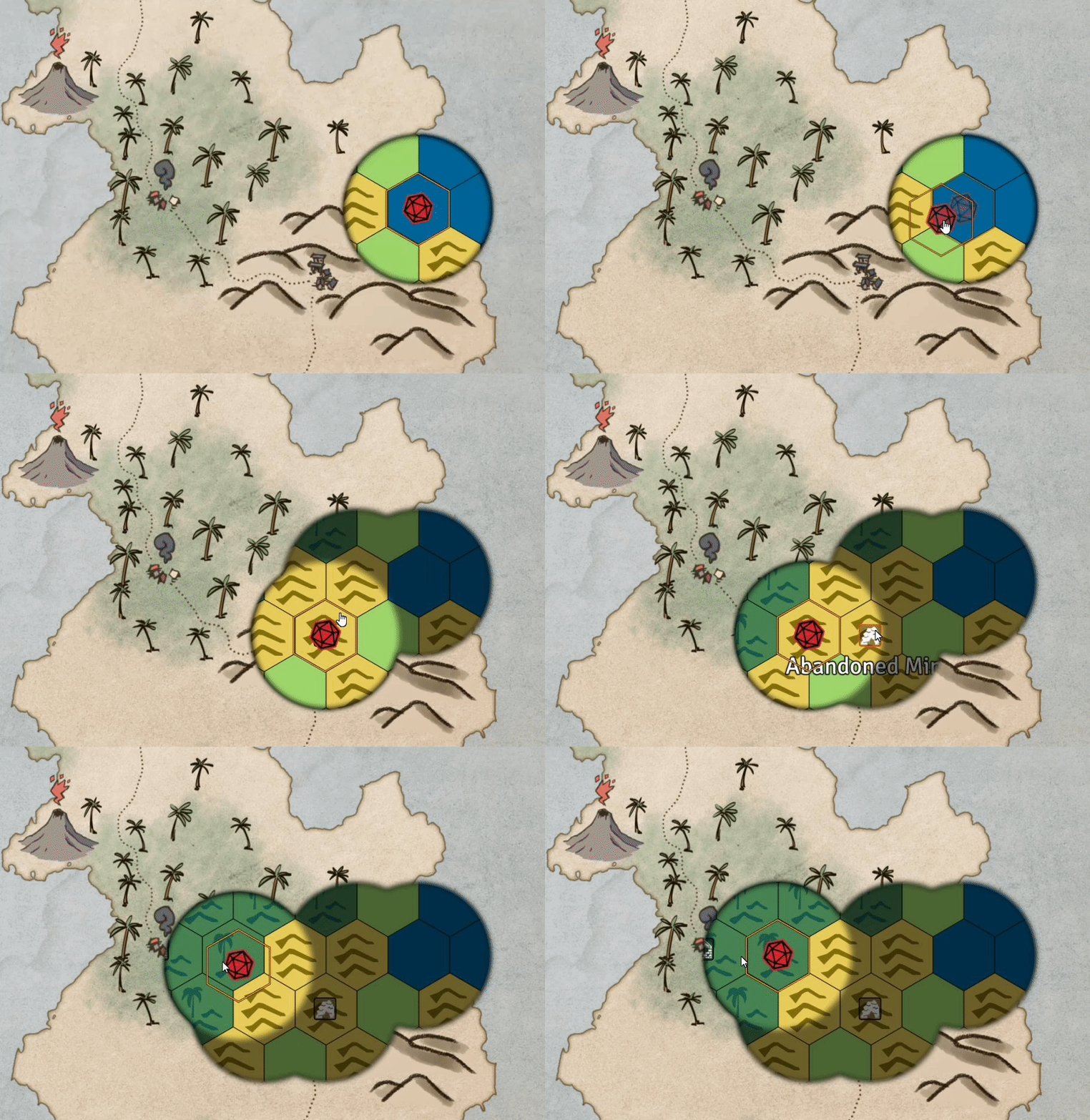
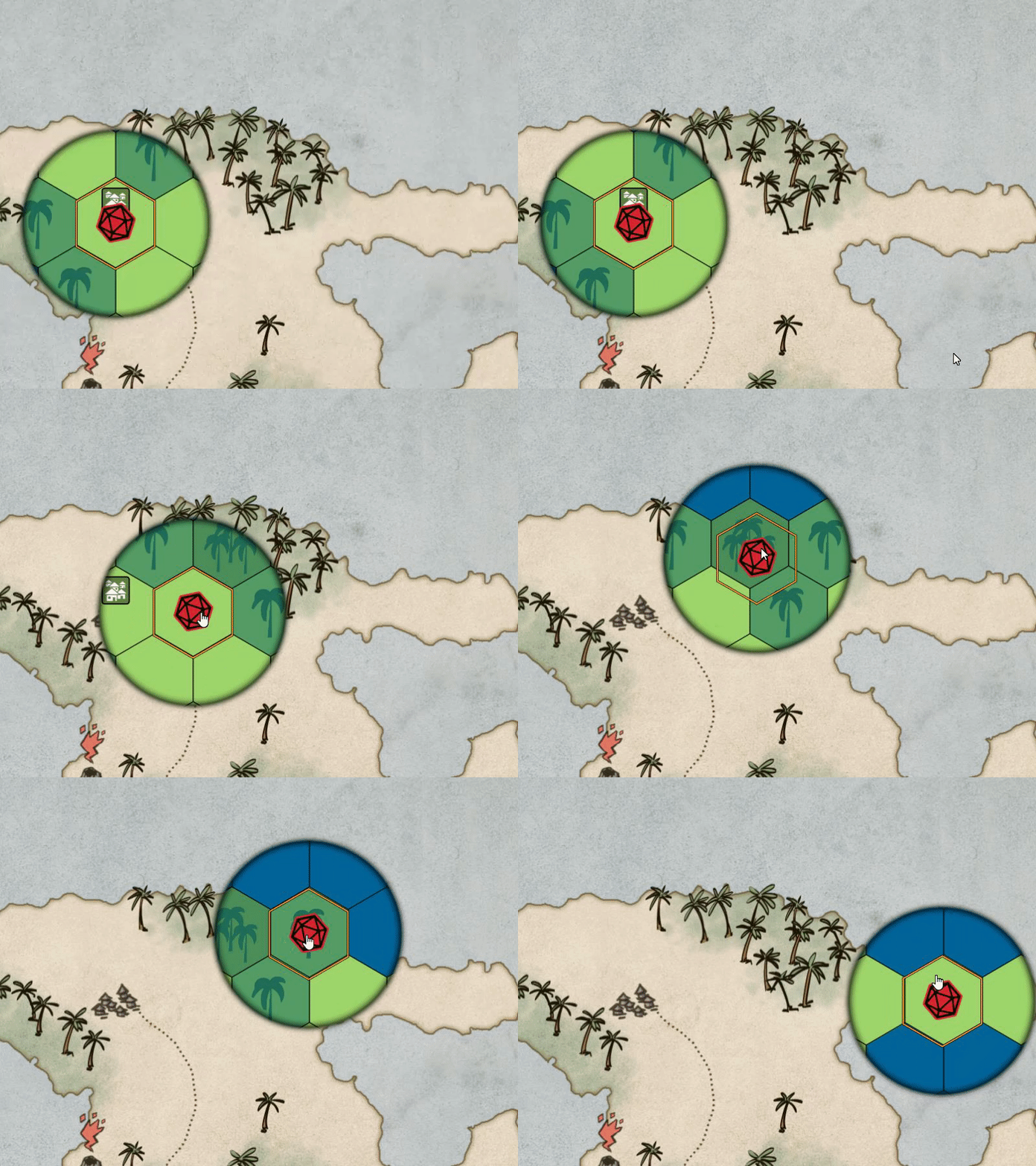
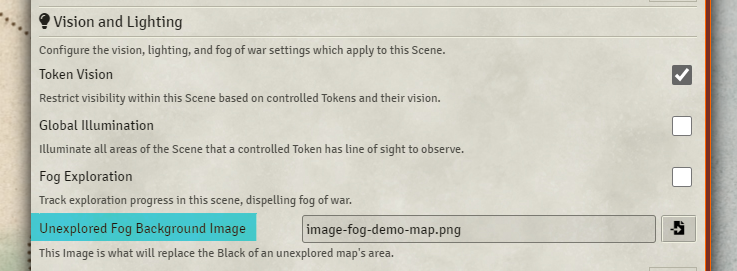
The idea behind this project is to allow GMs to set an image as the fog layer for Foundry maps. This would be useful if say the players are following a rough map for overland travel but you want to show them the hexes they are traveling through within their own vision range.
The module respects all of expected fog vision limitations. On scenes that do not allow fog exploration, the fog is never dispelled, but the currently visible area of the background items are visible.
Example

Compatibility
I'm honestly not sure how well this will play with modules that affect the fog layer, under the hood we take a snapshot of the fog layer on every sightUpdate, reverse it, and use that as a mask for our image, which otherwise sits on top of the usual fog layer.
- Simple Fog: No Known Issues, Simple Fog sits on top of the Fog Image layer and otherwise behaves normally.
- Less Fog: As far as I know the alpha of the fog set in Less Fog affects the Image Fog as you'd expect it to.
Performance Hit
This has a not-insignificant hit on performance for fog clearing on a map. I'm not certain how much I can do to affect that, so I don't recommend using this on every map you use. My tests have indicated that the time it takes to calculate sight updates is multiplied by 1.5 - 2x on a scene with a fog image set. This module should not affect scenes without a fog image set, if you find that it does please raise a Github issue with details.

