


| Latest version | 3.0.079 |
|---|---|
| Minimum Core | 14.359 |
| Compatible Core | 14 |
| Last updated | 5 days ago |
| Created | 3 years ago |
| Authors | |
| Languages |
English |
| Systems | All systems |
| Project source | Project URL |
| Read-me | Readme URL |
| License | License URL |
Black Flag Roleplaying is the 5E-compatible game system powering Kobold Press's new Tales of the Valiant roleplaying game. This free system includes all of the rules and sheets needed to run a Tales of the Valiant game or anything else using the Black Flag rules. Black Flag is intended to be flexible, so it doesn’t assume a standard setting. These rules are compatible with any published setting or unique worlds designed for your table. However, these rules assume the setting you adopt is rooted in the fantasy genre.
The system provides sheets for characters, NPCs, and items, and implements the content of the BFR Reference Doc pre-created to make it easy to start a game.
Official Tales of the Valiant Content
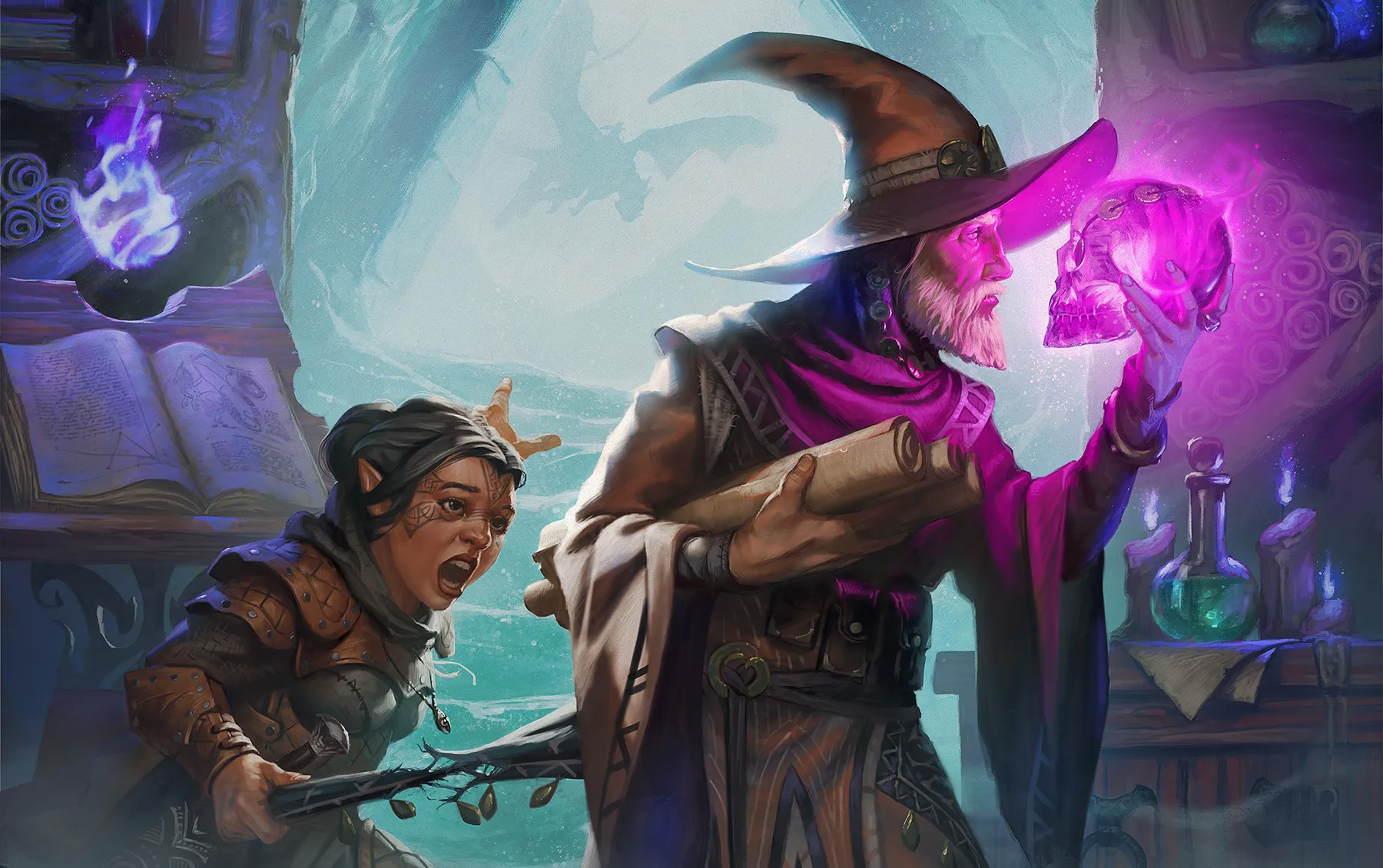
Player’s Guide
Start your own tale in an infinite universe of high fantasy adventure with the Player’s Guide! Within these pages, a trove of knowledge lies waiting for the valiant to claim it!
- Make your own unique, legendary hero with the new Lineage and Heritage system.
- Select Talents and Backgrounds that make your hero stand apart.
- Master improved spellcasting and martial abilities to ensure every hero stands tall in a fight!
- Explore new downtime, exploration, and social encounter rules to expand your game beyond the dungeon.
The Player’s Guide is a streamlined, 5E-compatible ruleset with unique mechanics to increase both risk and reward for adventurous players of all stripes!
Game Master’s Guide
Advance your game beyond the basics with the Game Master’s Guide. It’s got everything game masters need to build deep narratives, exciting combat, and compelling adventures.
- Customize your game to your players’ play styles. Everyone stays engaged and enthusiastic!
- Step up your worldbuilding with checklists, tables, and prompts for fresh, unique setting.
- Hit every pillar of the game: exploration, social, and combat, with tools and techniques for each area.
- Make your own monsters and character options with detailed insight, best practices, and building blocks.
The Game Master’s Guide is a distilled collection of professional, tested advice and tools for running a better, smarter, more fun game. It’s a level-up for your whole table.
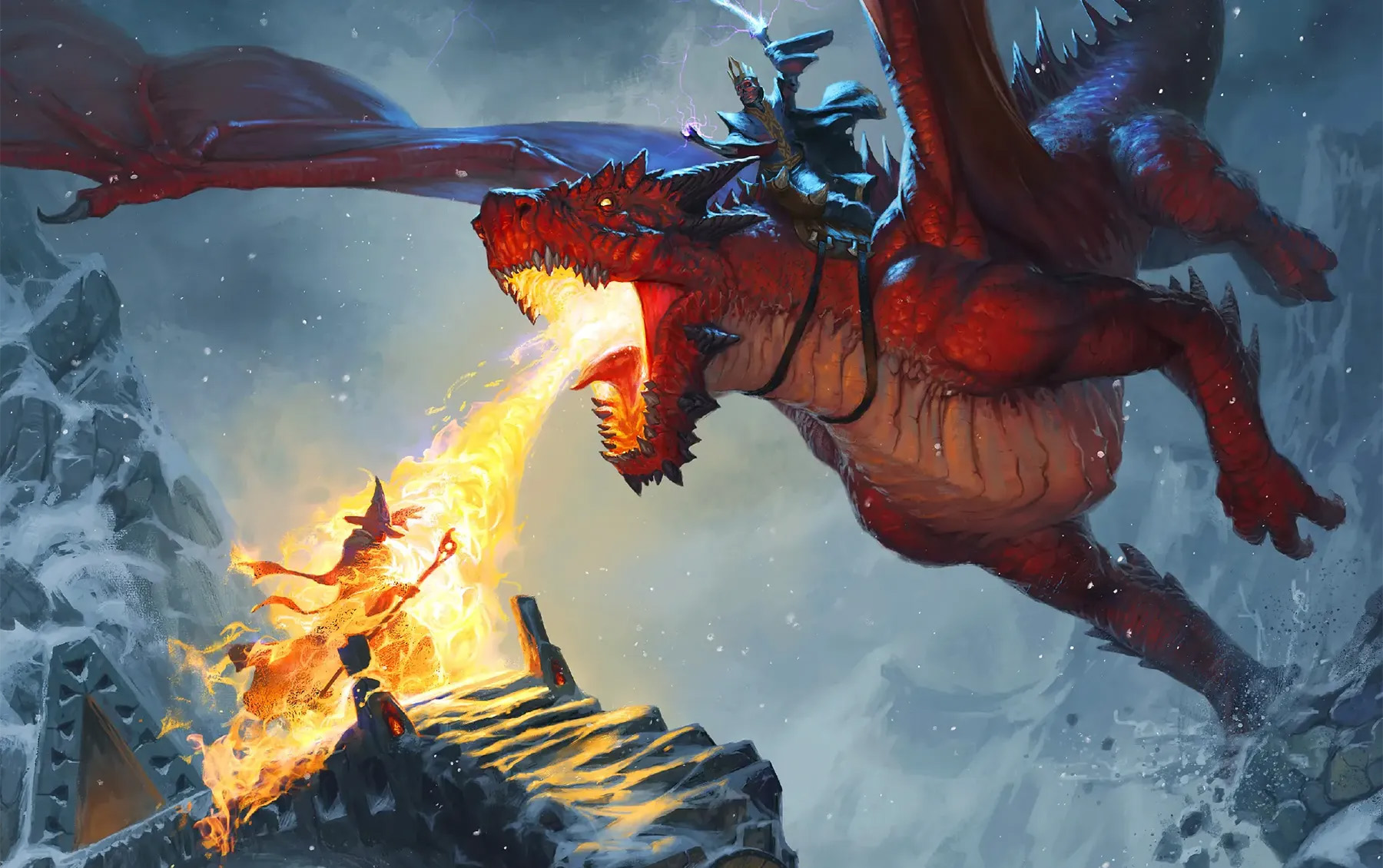
Monster Vault
The Monster Vault contains over 400 monsters and all the guidance you need as a game master to run encounters with those monsters! Inside, you’ll find:
- Classic fantasy monsters, such as ogres, dragons, water elementals, and giants.
- New monsters suitable for any fantasy or science fantasy world, such as ambush hags, virtuoso liches, fey guardians, mechadrons, and robots.
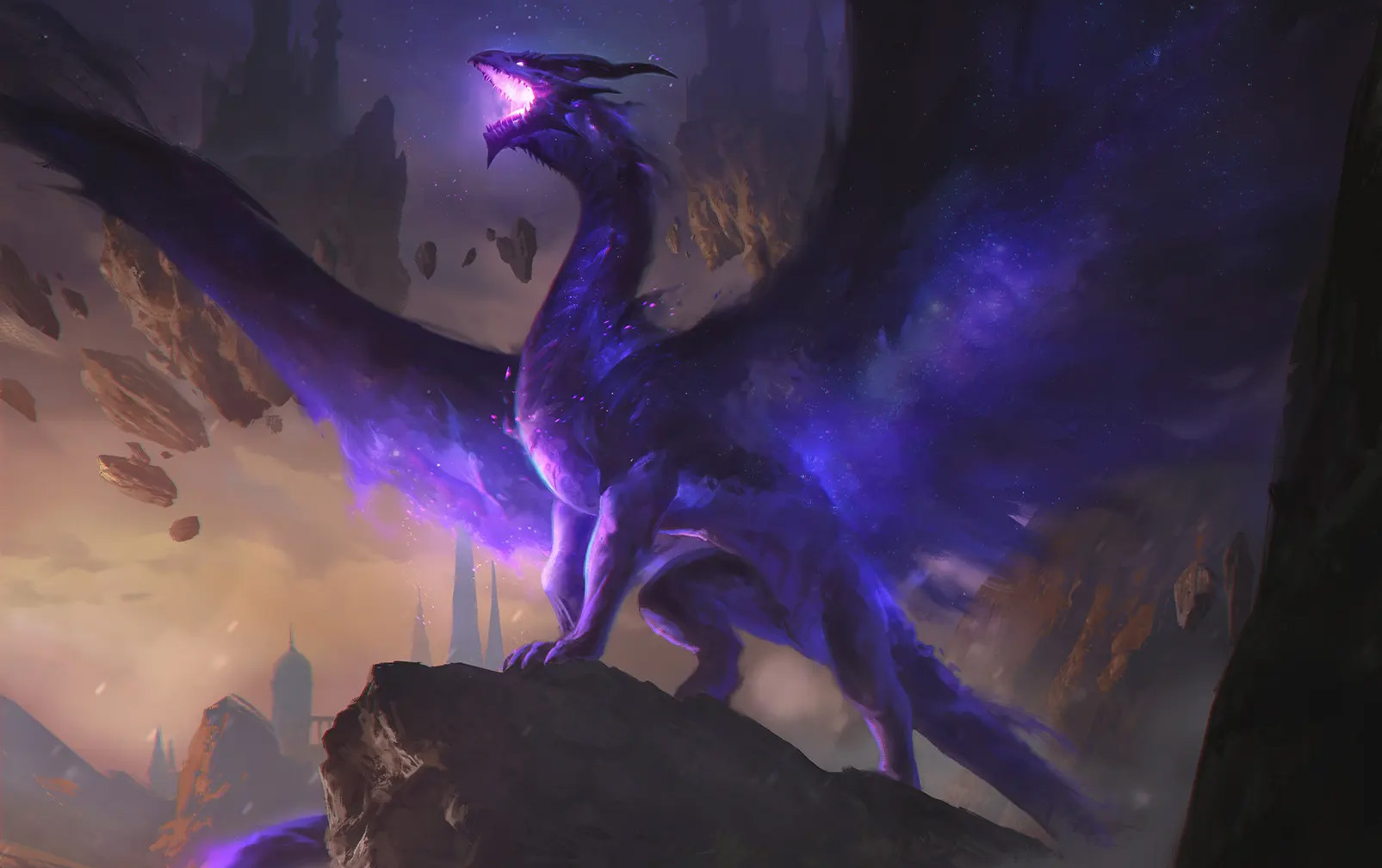
- New terrors from the ever-corrupting Void, such as voidlings, star crows, crimson jellies, and the mighty void dragon.
The Monster Vault contains all the information a GM needs to create encounters with monsters, including monster roles and tactics, guidelines for modifying monsters to fit your campaign, optional rules for Doom points, and rules for characters wanting to harvest monsters for unique crafting and spell components.
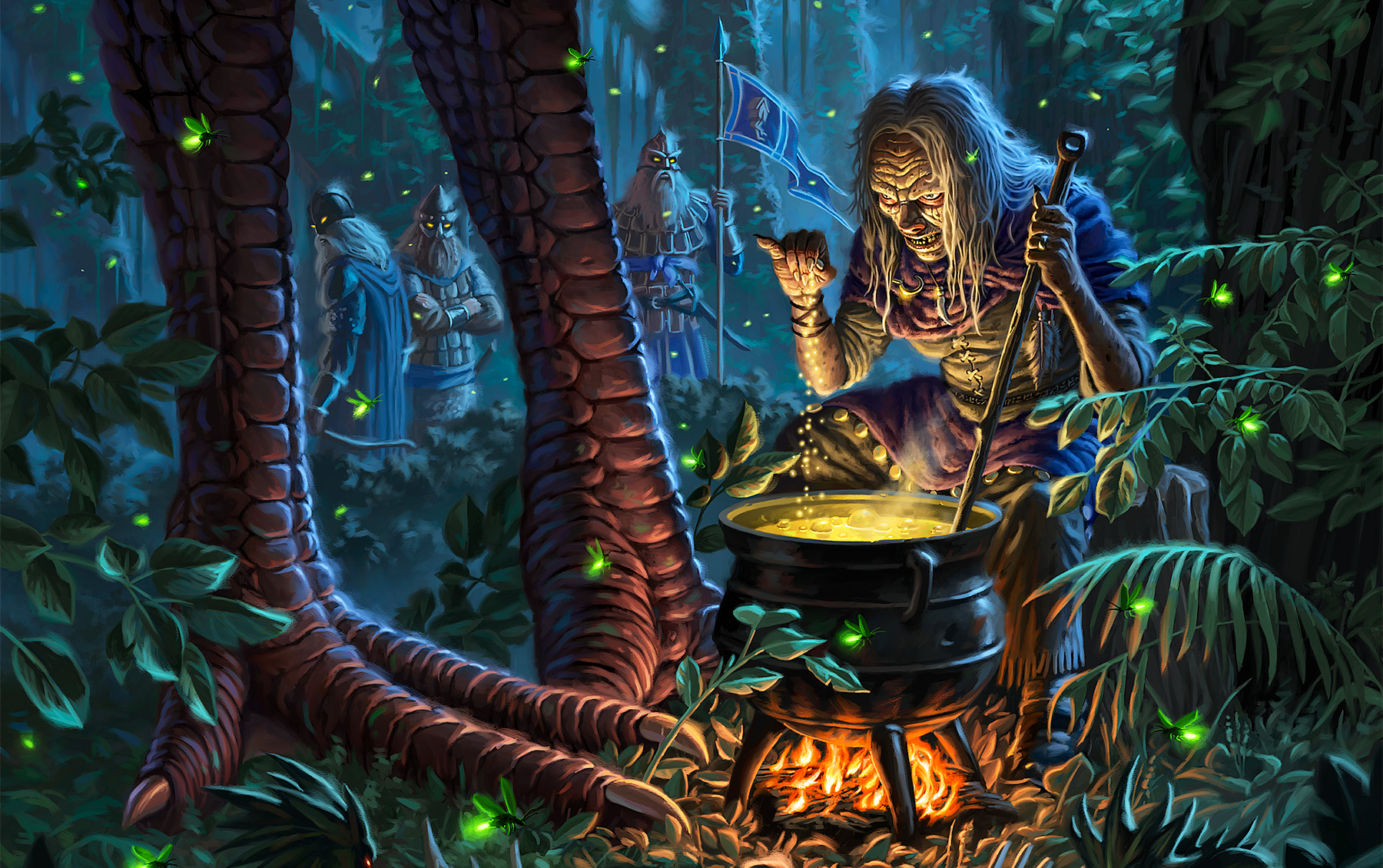
The Old Margreve
For years beyond counting, the roots of the Old Margreve have grown deep and strong. Explore an ancient, magical forest rife with dangers both mundane and fantastic, deep in the shadow of its dark canopy. This deep woodland quickly claims unwary travelers who fail to follow the Old Ways.
Brace yourselves for a journey through The Old Margreve, a legendary forest with a mind for adventure! This setting guide and adventure path revitalizes the Margreve Forest with new adventures, new art, and new maps.
- Four lineages, including the new and powerful bearfolk!
- Five new heritages, including the Delver, Forest Bastion, and Old Ways.
- 16 subclasses, including the new Wildlife bard, Verdant druid, and more!
- Over 60 spells and magic items, including expanded rituals.
- A complete story arc and adventure path guiding players from level 1–10.
Your tale within this ancient wood begins here. But beware! Those who pass through its borders are forever changed, and sometimes the Old Margreve will not let you go easily…
Feature Requests & Bug Reports
The system is still under active development. We encourage everyone playing the system at this point to let us know anything that could be improved with the system by letting us know on the official Kobold Press Discord, the Tales of the Valiant channel on the Foundry VTT discord, or by filing an issue on our GitHub issue tracker.
License
This product is licensed under the ORC License, located at the Library of Congress at TX 9-307-067, and available online at various locations including www.azoralaw.com/orclicense and others. All warranties are disclaimed as set forth therein.
This work includes material taken from the System Reference Document 5.1 (“SRD 5.1”) by Wizards of the Coast LLC and available at https://dnd.wizards.com/resources/systems-reference-document.
The SRD 5.1 is licensed under the Creative Commons Attribution 4.0 International License available at https://creativecommons.org/licenses/by/4.0/legalcode.
Installation Instructions
To install and use the Black Flag Roleplaying system for Foundry Virtual Tabletop, simply launch Foundry VTT, change to the Game Systems tab, press the Install System button, search for "Black Flag Roleplaying", and press the Install button.
Guides
The Documentation & Guides site contains more information on using the system as well as lists of changes for each release.

