


| Latest version | 1.5 |
|---|---|
| Minimum Core | 12 |
| Compatible Core | 13.345 |
| Last updated | 1 year ago |
| Created | 2 years ago |
| Authors | |
| Languages |
English |
| Systems | All systems |
| Project source | Project URL |
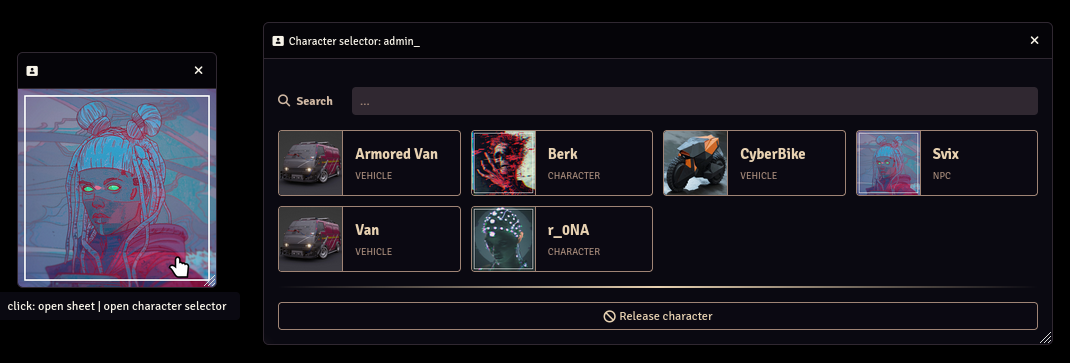
Adds a window that displays the name and portrait of the users current active/selected character from the user configuration menu. Click on the portrait for a quick way to open the user config menu.
Subscribe
Login
Please login to comment
0 Comments

