| Latest version | 1.0.21 |
|---|---|
| Minimum Core | 13 |
| Compatible Core | 14 |
| Last updated | 4 months ago |
| Created | 10 months ago |
| Authors | |
| Languages |
|
| Systems | All systems |
| Project source | Project URL |
Burn your eyes with a classic retro terminal style!
for Cyberpunk 2020 / Starfinder 1st Edition
WH40k Imperium Maledictum / Wrath & Glory
Transform Foundry VTT into a neon-soaked cyberpunk console inspired by classic sci-fi hacking aesthetics. Glowing text and animated cursors immerse you in a full retro-futuristic vibe while letting you customize every visual detail.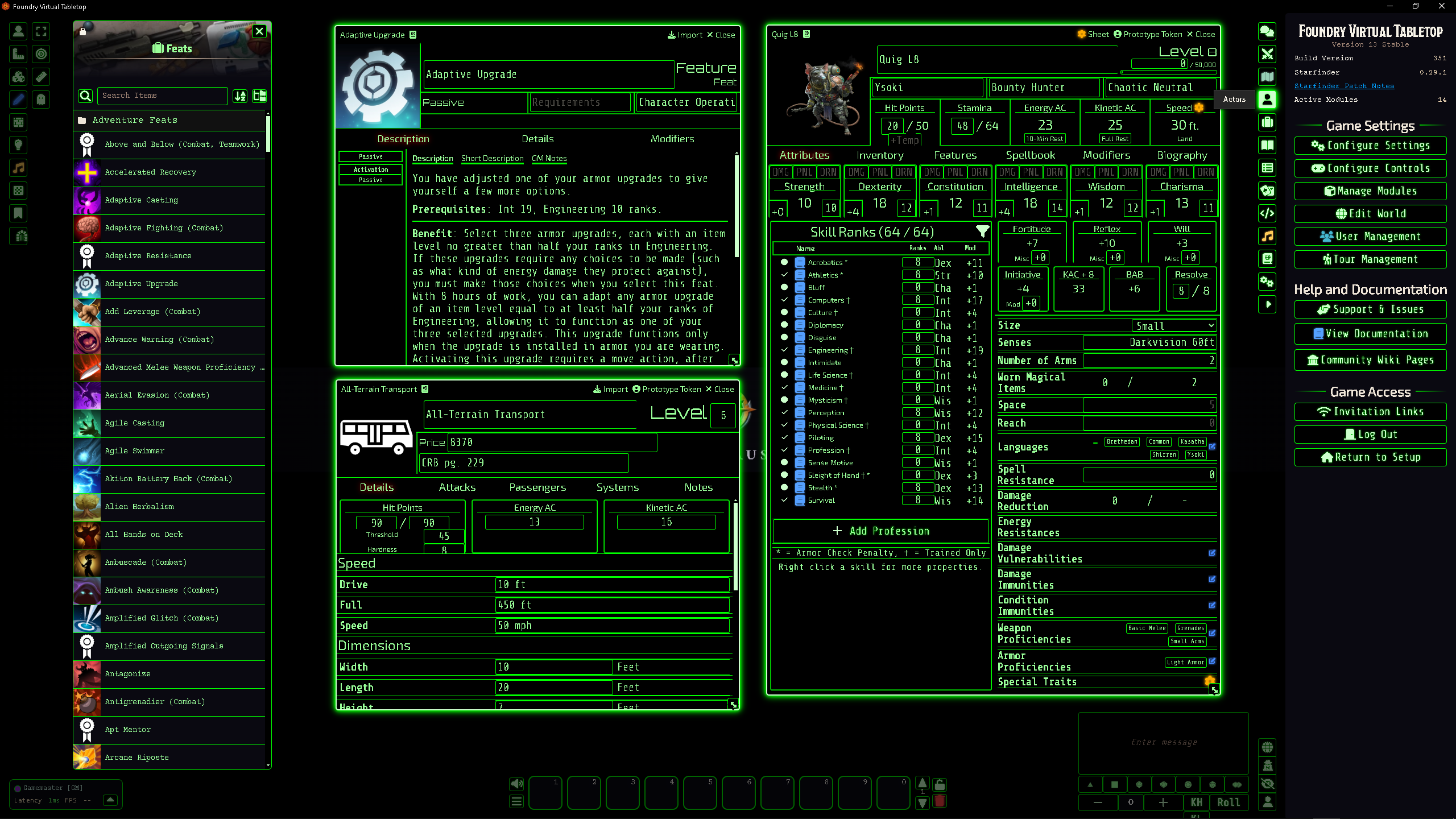
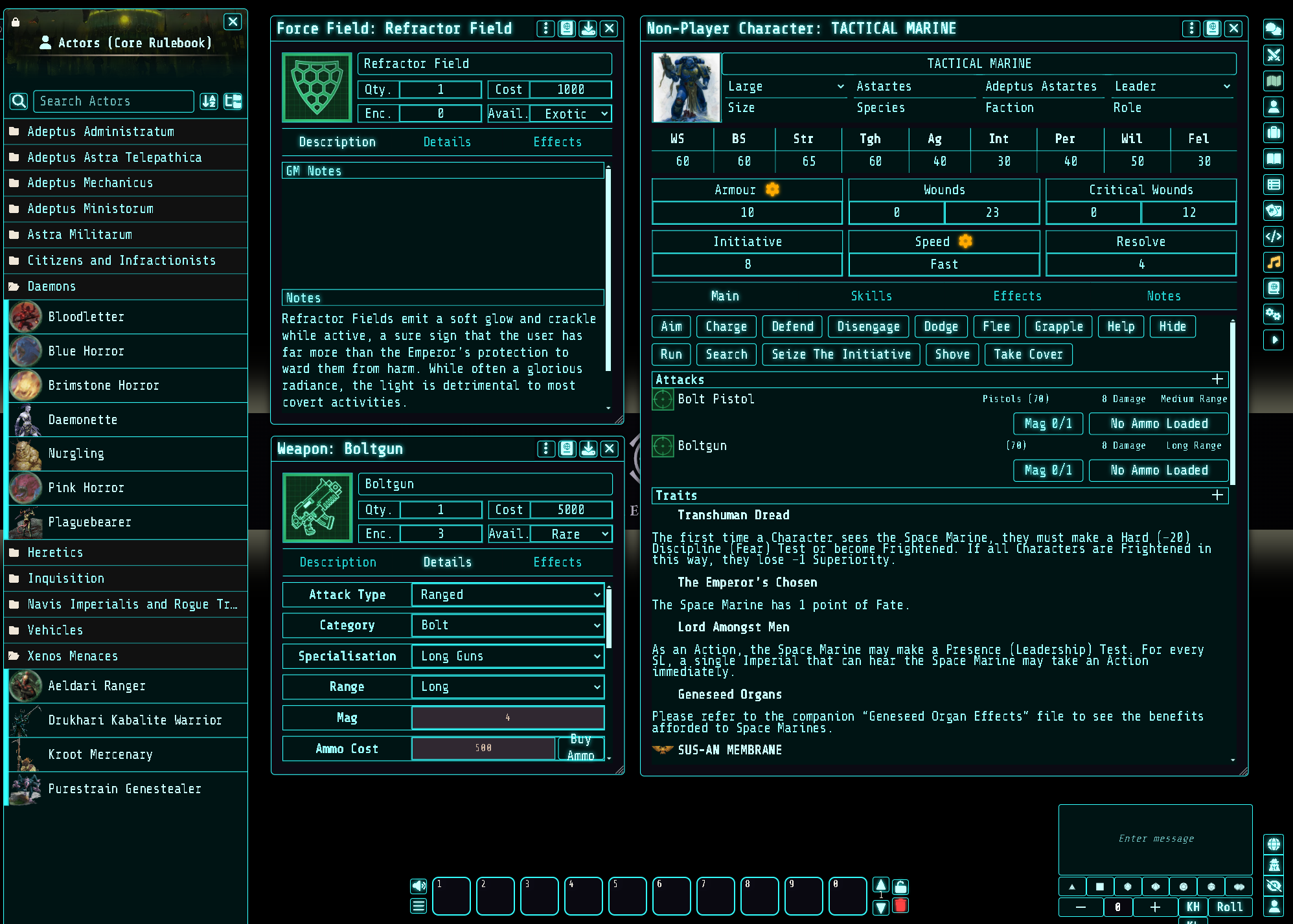
Key Features & Customizations from the Foundry VTT Core Settings Panel – look for the module name :
-
Neon Glow & Colors: Choose from a wide palette of classic terminal colors, including:
- 🟢 Classic Green / Bright Green / Dim Green
- 🟠 Retro Amber
- 🔵 Cyberpunk Blue / Ice Blue / Bright Cyan
- 🔴 Matrix Red / Blood Red
- 🟣 Neon Purple / Neon Violet / Retro Magenta
- 🟡 Phosphor Yellow / Phosphor Orange
- ⚪ Terminal Gray / Teal / Toxic Green
- …etc.
🧪 Or define your own custom color for text, glow, or background.
- 💡 Glow intensity is fully adjustable for buttons, form backgrounds, and other UI elements.
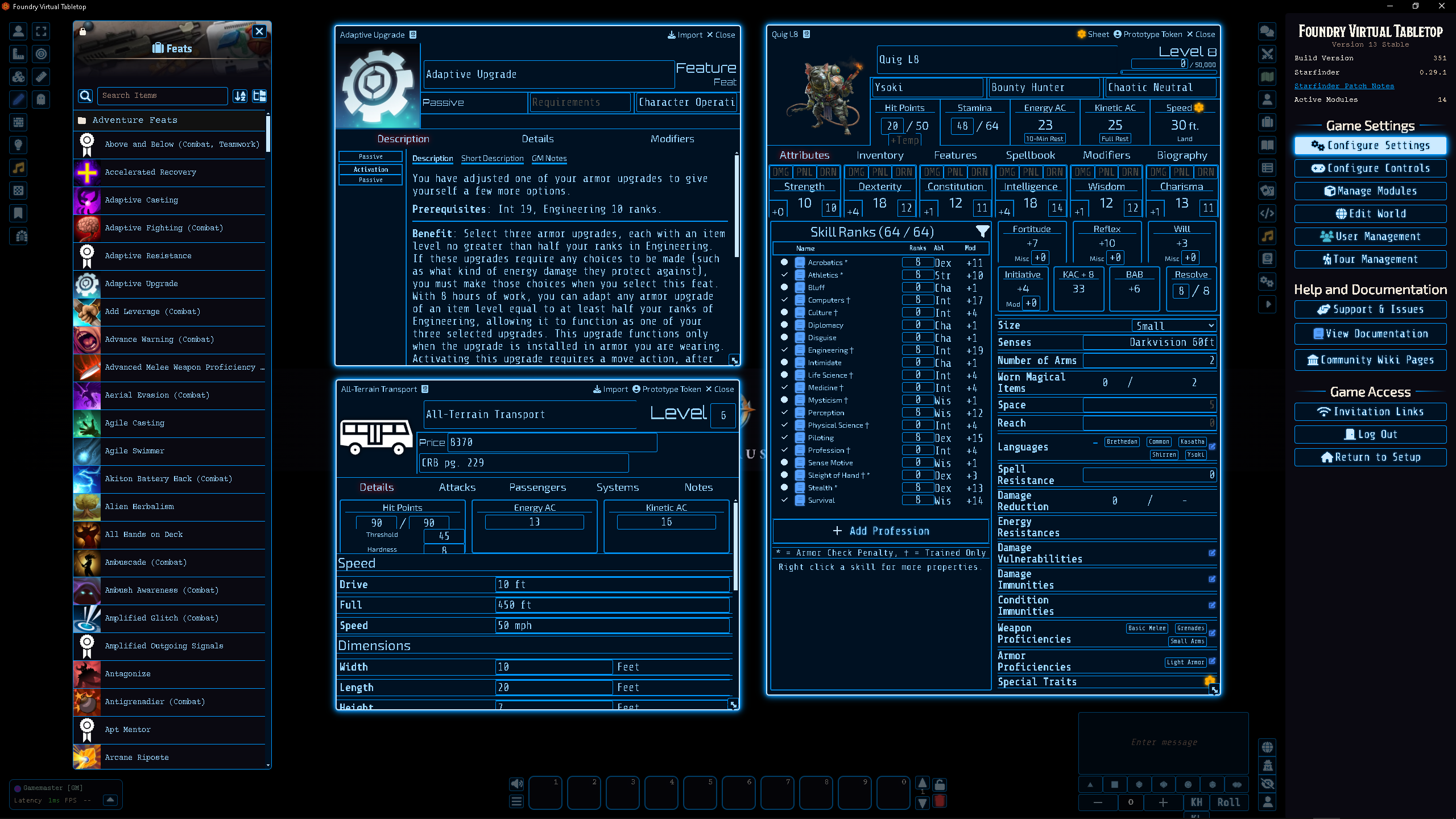
- 👁️ You can relax your eyes also with the Void Black theme:
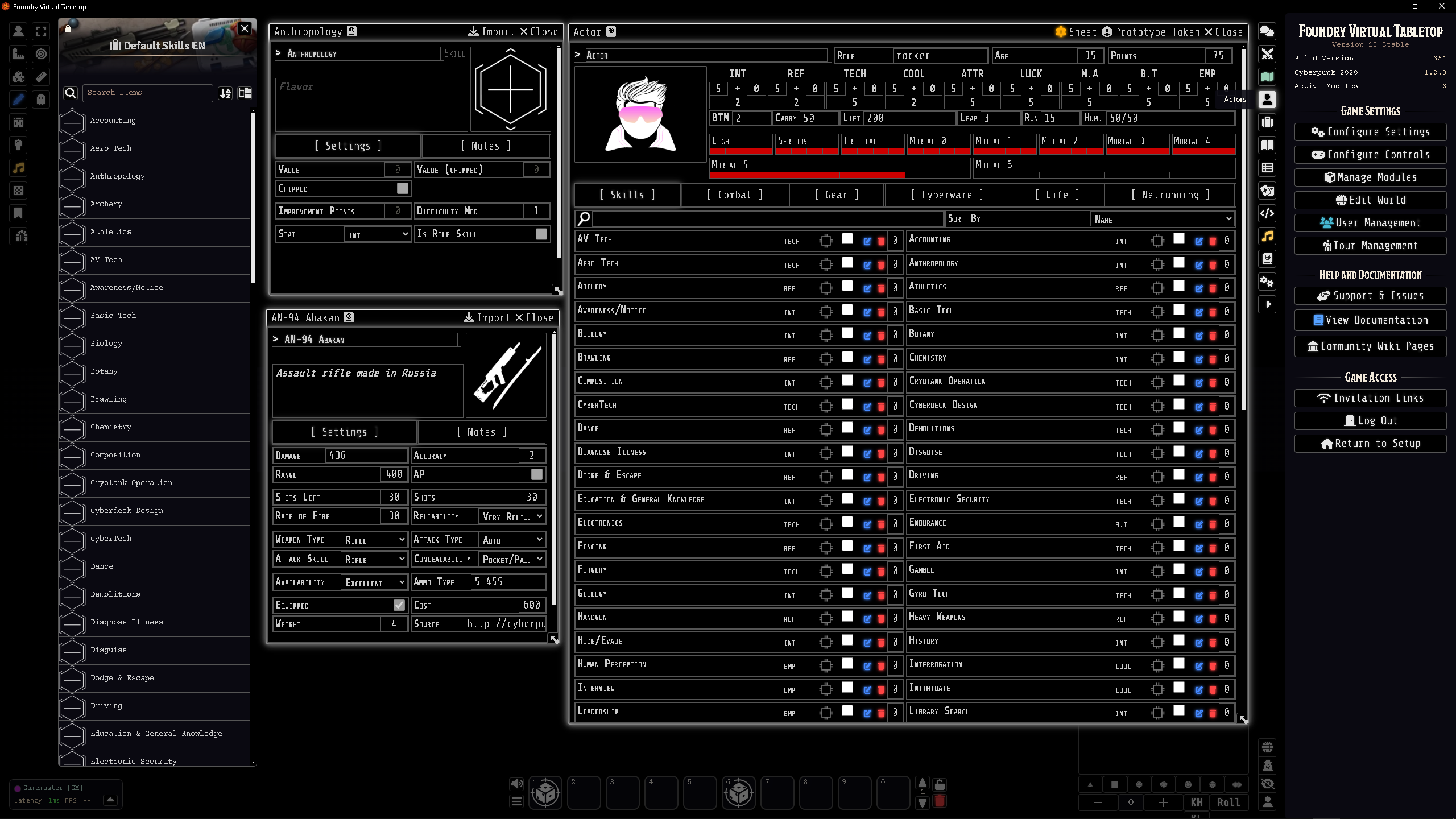
- Fonts & Text: Choose from a variety of retro and modern monospace fonts for that authentic terminal feel:
Available fonts: - Share Tech Mono
- Courier Prime, Consolas, Menlo, Monaco, Ubuntu Mono
- Roboto Mono, PT Mono, Space Mono, IBM Plex Mono, Fira Mono
- JetBrains Mono, Cutive Mono, Overpass Mono
- Press Start 2P, VT323
🔠 Font size is fully adjustable for all terminal text to suit your preferences.
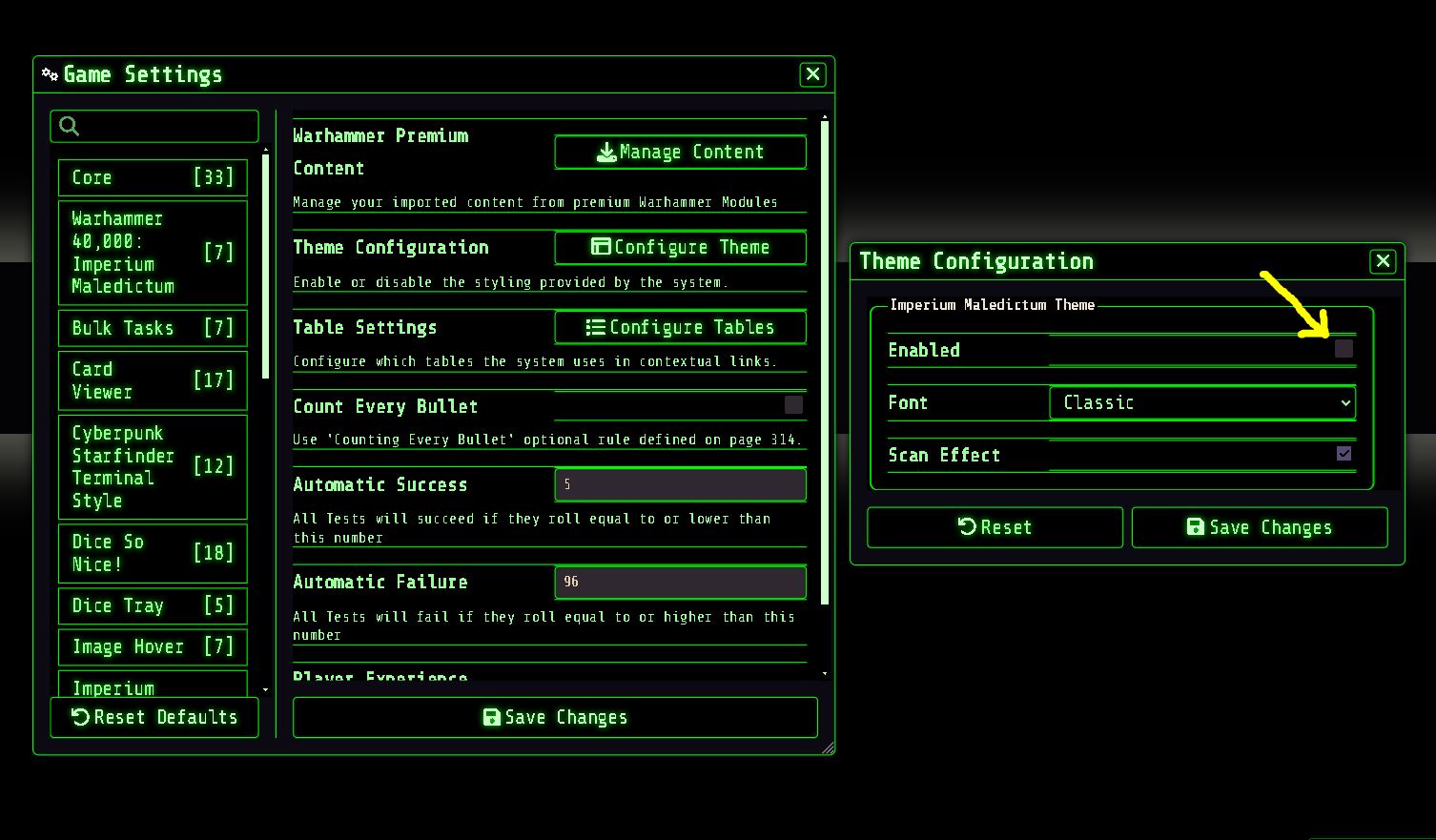
🛑 IMPORTANT:
💀 Imperium Maledictum / Wrath and Glory – Notes
For this terminal-style interface to display correctly ➡ disable the Imperium Maledictum / Wrath and Glory original style in the module settings so that the backgrounds remain transparent.