


| Latest version | 1.3.0 |
|---|---|
| Minimum Core | |
| Compatible Core | |
| Last updated | 3 months ago |
| Created | 1 year ago |
| Authors | |
| Languages |
English |
| Systems | All systems |
| Project source | Project URL |
| Read-me | Readme URL |
| License | License URL |

MicroMap is a straightforward module to add a customizable minimap to your Foundry setup.
Display a static image or a Foundry scene, including one other than the currently active scene
(Displaying a scene does come with some limitations, currently.)
Add a fancy border to the map, make it shaped like something other than a boring ol' rectangle, show your players just where they are in your giant sprawling epic megadungeon or whatever purpose you can find for having an image or scene view on the screen your creative mind can muster.
More specifics about customization and usage can be found on the Wiki
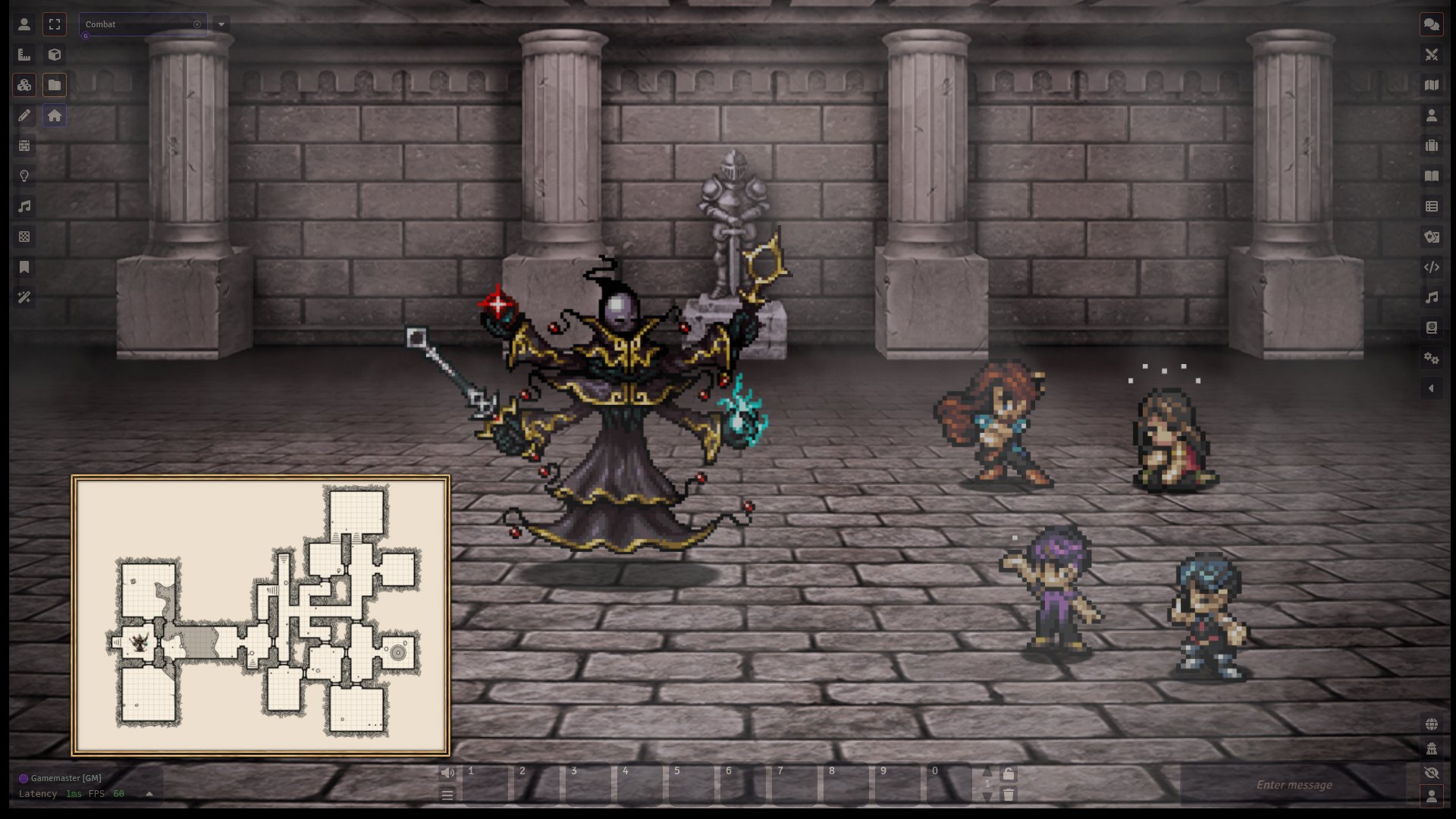
If you want to really embrace the console RPG feel, consider these other modules also by yours truly:
- Battle Transitions - Add animations and special effects to your scene transitions
- Sprite Animations - Easily change displayed images for tokens and tiles, allowing for seamless changes between animations
- Sprite Shadows - Automatically add shadows to your tokens and tiles
- Token Nameplates - Change how names for tokens are displayed, and add additional nameplates



Subscribe
Login
Please login to comment
0 Comments

